Minecraft Skin Editor: Alles wat je nodig hebt in 2026
Wil je één antwoord, gebruik dan een Minecraft skin editor met live 3D preview, layer toggles en schone PNG export. In 2026 ontstaan betere skins uit betere workflow, niet uit opvallende buttons. Goed proces wint nog steeds van een mooie interface.
Hoe kies je een Minecraft skin editor in 2026
De meeste spelers kiezen een skin editor om de verkeerde reden. Ze kiezen degene met de mooiste homepage, maar zitten vijf minuten later vast als ze arcering aan een mouw proberen toe te voegen. Ik heb dit vaker gedaan dan ik toe wil geven, inclusief een late-night build sessie op een SMP waar mijn 'stealth ranger' skin eruitzag als een gesmolten verkeerskegel.
Wat telt werkelijk:
- Real-time 3D preview: Als je je model niet kunt roteren terwijl je schildert, zul je vreemde zijnaadsen missen.
- Layer control: Hat layer, jacket layer, sleeves, pants overlays. Je hebt snelle aan-uit schakelaars nodig.
- Symmetry options: Geweldig voor base blocking, gevaarlijk voor finaal detailleren.
- Betrouwbare export: PNG output moet exacte afmetingen en transparantie behouden.
- Java en Bedrock duidelijkheid: De editor moet je precies vertellen welk formaat je bewerkt.
En ja, browser-gebaseerde editors zijn nog steeds volledig bruikbaar in 2026. Snelle bewerkingen, geen installatie, eenvoudig delen. Maar als je zware detailwerk doet, voelen desktoptools minder beperkend aan en hebben ze meestal beter zoomgedrag.
Één voorbehoud: grotere functielijsten helpen niet altijd. Ik heb eens drie populaire editors achter elkaar getest en maakte mijn schoonste resultaat in de eenvoudigste, vooral omdat ik minder tijd zocht in menu's en meer tijd besteedde aan contrastcorrectie op het bovenlichaam.
Java vs Bedrock skin editor verschillen (nog steeds irritant, nog steeds echt)
Snelle waarheid: veel 'mijn skin is kapot' klachten zijn formaatfouten, geen kunstfouten.
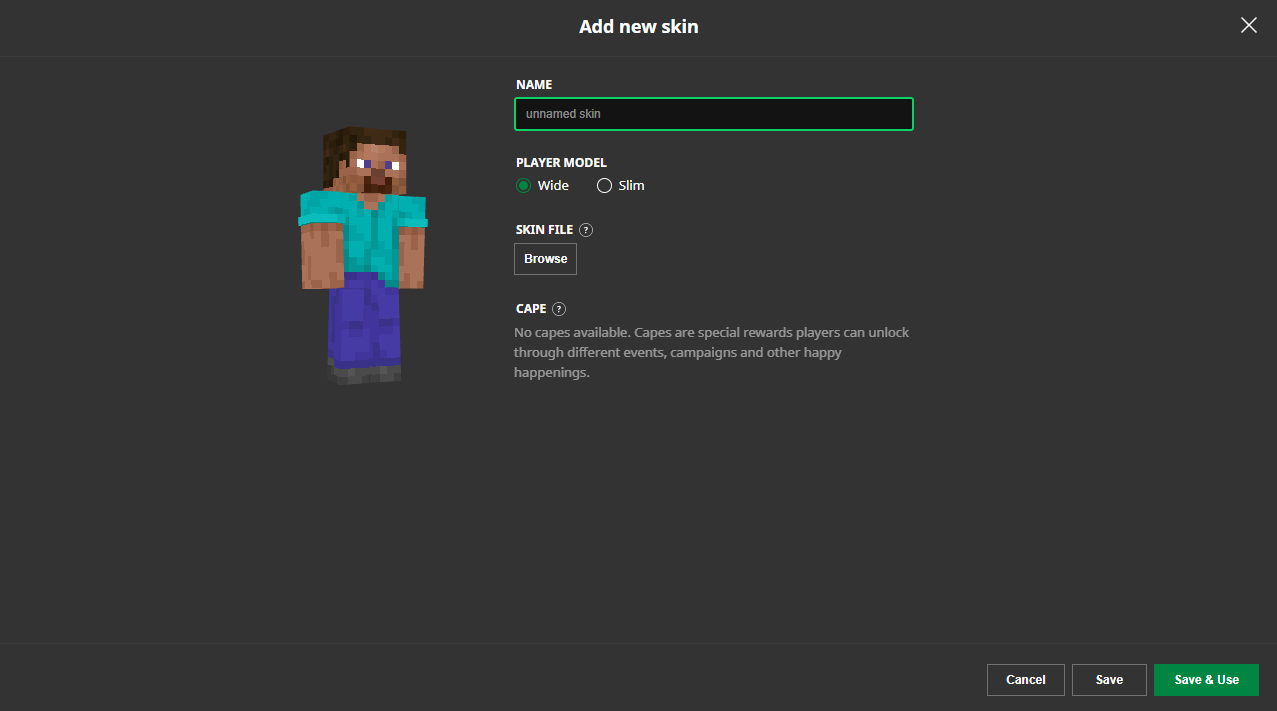
Java en Bedrock gebruiken beide skinbestanden, maar hun verwachtingen kunnen op praktische manieren verschillen, vooral wanneer marketplace-achtige inhoud en platformspecifiek gedrag betrokken zijn. Als je Minecraft skin editor het modeltype niet duidelijk labelt (classic vs slim), kun je eindigen met uitgerekte armen of verkeerd geplaatste schaduw.
Dus wat is het veilige pad? Houd twee versioned bestanden bij terwijl je bewerkt:
- Één master werkbestand met layers en aantekeningen.
- Één exportbestand per doelplatform-model.
Dat klinkt saai. Het is saai. Dat voorkomt ook dat je een geheel hoodie overlay halverwege de nacht opnieuw doet.
Eigenlijk, kleine correctie, Bedrock kan goed functioneren met veel standaard skins, maar edge cases verschijnen sneller op verschillende apparaten. Als je vriend zegt dat het goed op pc en vervloekt op console lijkt, geloof beide mensen.
Mijn praktische workflow voor schonere skins
Wil je sneller beter resultaat? Gebruik een herhaalbare loop. Geen genie-level kleurentheorie, geen magische borstels, gewoon een consistente routine.
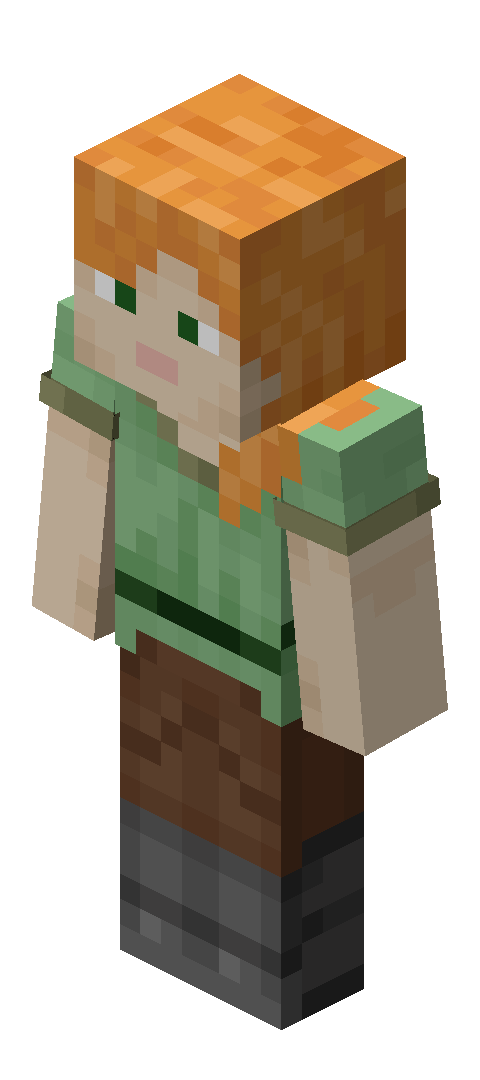
1) Eerst blokvormen, details later
Ik begin met grote kleurzones: haar, jasje, broek, laarzen, accentkleur. Nog geen dithering. Nog geen kleine highlights. Denk silhouet en leesbaarheid van tien blokken afstand.
2) Doe waardepass voor hue pass
De meeste skins zien er plat uit omdat waarden te vergelijkbaar zijn, niet omdat kleuren verkeerd zijn. Ik verdonker eerst onder armen, binnenbenen, halsgebied en lagere torsonavlakken. Dan pas ik de tint warmte en koelheid aan.
Heb je ooit een skin gezien die geweldig in de editor eruitzag maar modderig in-game? Dat is meestal lage waardescheiding plus helle biome verlichting.
3) Test in beweging, niet alleen idle pose
Rotatie preview is mooi, maar sprint, jump, crouch checks vangen meer problemen. Mouwsteken, zijde torso breuken, laarstopjes, al het leuke spul. Ik test dit op een privéwereld en één drukke lobby omdat drukke visuele omgeving verandert hoe je contrast waarneemt.
4) Overlay met terughoudendheid
Tweede layer stukken zijn krachtig, en makkelijk over te doen. Als alles opvalt, valt niets op. Hou één focusgebied, meestal hoofd of borst.
Korte versie: kies één visueel verhaal. Huurling, tovenaar, monteur, bosverkenner, wat dan ook. Willekeurige coole details van vijf thema's tegelijk wordt 'kast ontploft' kern.
5) Exporteer, open opnieuw, inspecteer
Na export open ik de PNG opnieuw in dezelfde Minecraft skin editor en één ander viewer. Waarom? Transparantiefouten en onbedoelde pixelafwijkingen gebeuren vaker dan mensen denken.
Deze stap duurt twee minuten.
Het bespaart uren.
Veelgemaakte Minecraft skin editor fouten en snelle fixes
Hier is de verzameling van problemen die ik blijf zien in Discord screenshots, server chats en mijn eigen genant archief folder.
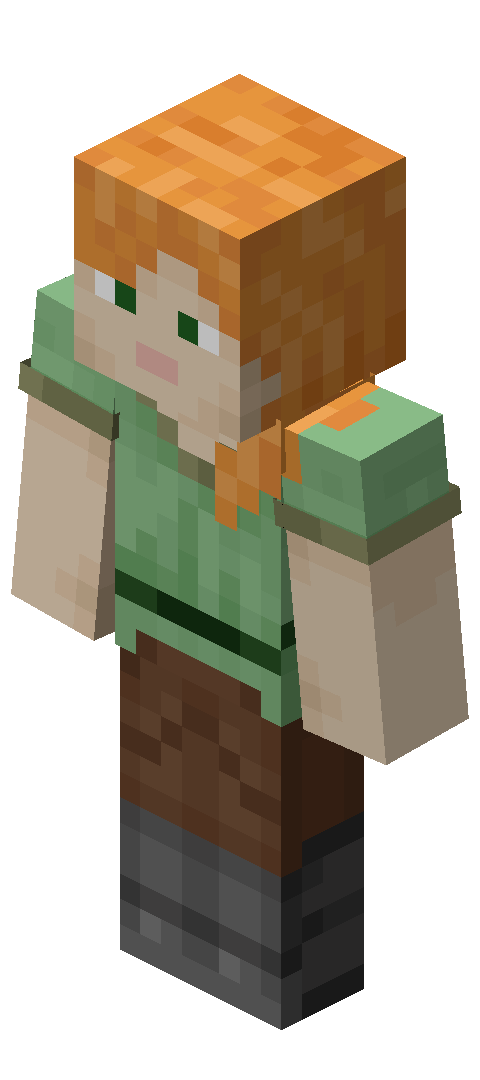
- Te verzadigde paletten: Ziet er cool uit in preview, chaotisch in werkelijk gameplay. Zet de verzadiging 10-20% lager en hou één accentkleur levendig.
- Geen lichtbronconsistentie: Als de highlights van de linkerarm en de schaduwen van het rechterbeen niet overeenkomen, ziet het model er rommelig uit. Kies één denkbeeldige lichtrichting en leg vast.
- Perfecte symmetrie overal: Goed voor blocking, saai voor finaal art. Breek symmetrie met één handschoen manchet, haarstreng, litteken, pleister of riem detail.
- Het negeren van slim-classic arm breedte: Dubbel controleren voor finaal export.
- Onbekende bestanden van willekeurige sites downloaden: Gebruik vertrouwde bronnen en scan bestanden als iets niet klopt. Een skin PNG moet een skin PNG zijn, geen verrassende uitvoerbare (ja, mensen vallen hier nog steeds voor).
Houd ook een mini naamgevingssysteem aan. Voorbeeld: ranger_v03_classic_java.png. Toekomstige jij zal dankbaar zijn wanneer versie 11 erger uitvalt dan versie 4.
Skin inspiratie van minecraft.how (met editor-gerichte keuzes)
Als je referenties wilt voor het openen van een Minecraft skin editor, blader eerst door echte skins. Het bestuderen van bestaande structuur helpt meer dan naar een blanco template staren.
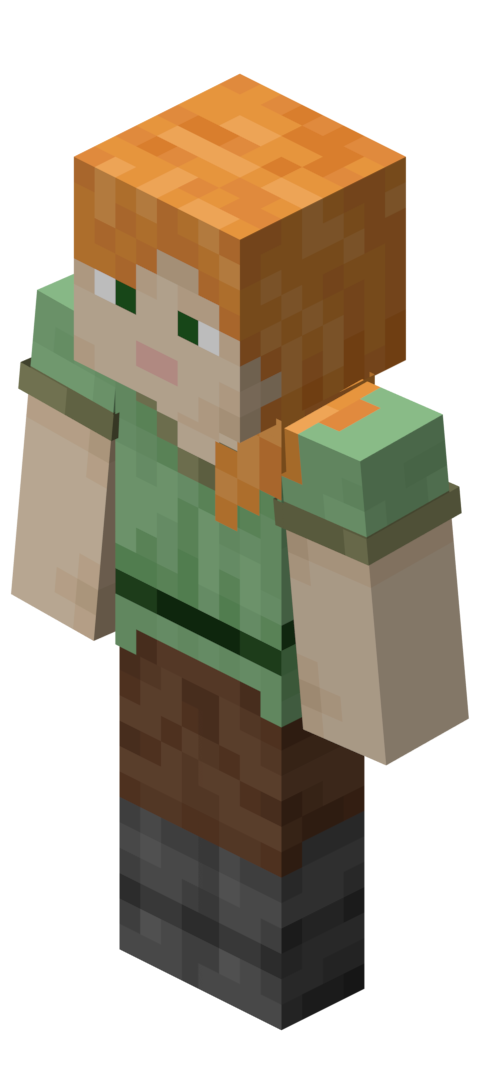
Dit zijn solide editor-gerichte voorbeelden om te analyseren:
- MeggTheEditor Minecraft skin design voor kleurblokering en leesbare outfit contrast.
- EditorDori Minecraft skin concept als je een zachter palet richting wilt.
- Editor Minecraft skin style referentie voor eenvoudige, schone compositie.
- EDITOR_CN Minecraft skin voorbeeld om detail densiteit keuzes te inspecteren.
- EditorialDrop29 Minecraft skin uiterlijk voor gelaagde outfit ideeën.
Spring dan naar Alle Minecraft Skins doorbladeren en vergelijk vijf of zes stijlen naast elkaar. Kopieer niet, ontleed. Vraag jezelf af: waar is contrast het hoogst, waar is textuur rustig, welk onderdeel trekt je oog eerst aan?
Dit is de snelste manier om smaak te trainen, en smaak is belangrijker dan functietellingen.
2026 context: waarom dit nu meer van belang is
Skins zijn altijd identiteit geweest, natuurlijk. Maar platformveranderingen en update cadence maken editor gewoonten in 2026 relevanter.
PCGamesN meldde in begin maart 2026 dat Minecraft's 'Tiny Takeover' 1.26.1 drop rond maart werd verwacht, gebaseerd op het recente driemaandelijkse ritme. Meer regelmatige drops betekenen dat spelers vaker terugkeren, servers vernieuwen thema's sneller en mensen ruilen vaker skins rond evenementen.
En op The Loadout werd Mojang's native PS5 versie testen teruggelicht in 2024, met release gericht dat jaar. Console prestatie en pariteitsverbeteringen verbeteren slecht skinontwerp niet magisch, maar maken visuele verschillen wel duidelijker op grote schermen.
Vertaling: als je schaduw modderig of je overlays rommelig zijn, zullen moderne displays het onmiddellijk blootleggen (onbeleefd, maar eerlijk).
Dus nee, je hebt niet de mooiste Minecraft skin editor ter wereld nodig. Je hebt er een nodig die wrijving verwijdert, plus een workflow die frequent updates, server theme rotaties en schakelen tussen Java, Bedrock en console vrienden overleeft.
Kies je editor. Bouw een herhaalbaar proces. Houd versies georganiseerd. Besteed je tijd dan aan het maken van skins die mensen onthouden, niet aan het worstelen met mouwuitlijning voor de vijftiende keer deze maand.

Lead writer at minecraft.how. Long-time Minecraft player running a small SMP server, testing every build, mod, and seed before writing about it.
Veelgestelde vragen
Waar moet een goede Minecraft skin editor aan voldoen?
Wat is het verschil tussen Java- en Bedrock-skins?
Waarom ziet mijn skin er plat uit in-game?
Zijn browser-gebaseerde skin editors nog bruikbaar in 2026?
Hoe test ik mijn skin goed voor ik hem upload?
Wat zijn veelgemaakte fouten bij het maken van een Minecraft skin?
Have a Question or Tip about this Guide?Community Q&A
Ask a question or help other players below. Join the discussion and share your Minecraft tips!
Reacties
Nog geen reacties. Deel als eerste je gedachten!