Building an Efficient Minecraft Storage System
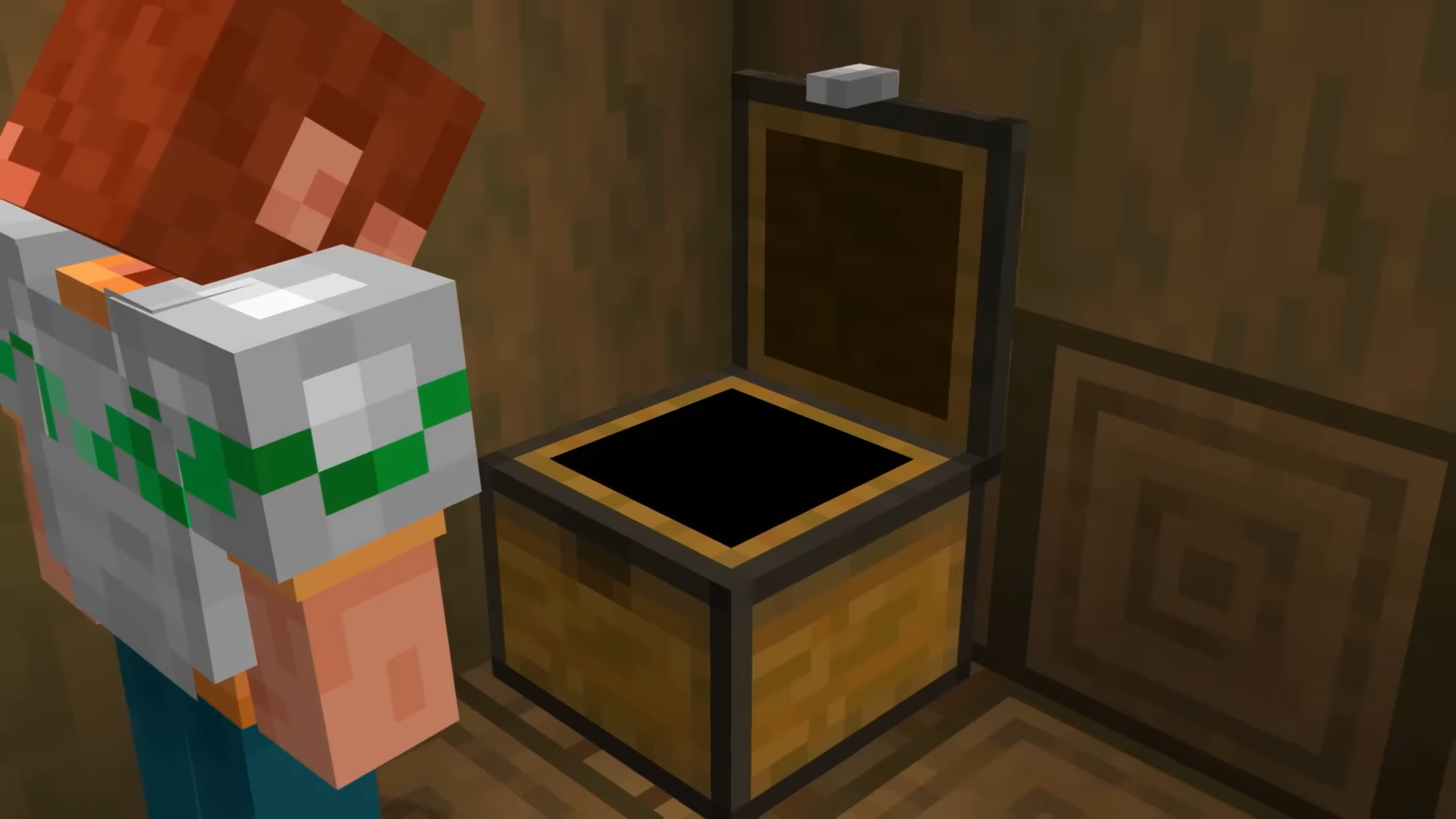
A good Minecraft storage system keeps your world organized and accessible. Whether you're managing basic chests or building a complex itemsorter, the core principle is the same: organize by category, make items easy to find, and keep everything close to where you need it. So this guide covers practical techniques from simple sorting to automated hopper systems that work in vanilla Java Edition 26.1.2.
Why Storage Systems Matter More Than You Think
Minecraft storage isn't just about having somewhere to dump items. A poorly organized base turns into a chaotic mess where you spend thirty minutes searching for one stack of oak wood. I've been there. Multiple times. On the same world.
Good storage saves time, reduces duplicate crafting, and makes building projects flow smoothly. You'll actually know what materials you've before grinding for another hour.
Starting with a plan prevents the "I'll organize it later" problem that never happens.
Sorting by Category: The Foundation
Every storage system needs categories. How you split them depends on your playstyle, but here's a solid template:
- Building blocks (wood, stone variants, dirt, sand)
- Decorative blocks (glass, concrete, terracotta, dyes)
- Redstone components (hoppers, repeaters, comparators, pistons)
- Tools and weapons
- Ores and raw materials
- Combat items (enchanted gear, arrows, potions)
- Food and farming supplies
- Miscellaneous (books, nametags, saddles)
Your own categories might look different. Speedrunners need combat items front and center. Builders care less about mob drops and more about palette blocks. Adjust accordingly.
The Double-Chest Standard
Use double chests as your default storage unit. They hold 54 stacks, which is enough for most item categories without being wasteful. Single chests work for rare items or small categories.
Label everything. Use signs, item frames with the category item inside, or both. Future you'll appreciate it. Also, actually - I should mention this applies to Bedrock too, though the UI is slightly different. But we're focused on Java here.
Designing Physical Layout
How your storage room looks affects how efficiently you use it. The simplest design is a wall of double chests, either facing out toward you or stacked vertically. It's not fancy, but it works.
- Wall layout: Chests in a straight line, organized left to right by category. Easy to navigate, takes minimal space.
- Tower layout: Chests stacked vertically with catwalk access. Great for large systems that need to fit in a smaller footprint.
- Room layout: Full room with multiple walls or island of chests. Better for mega-bases where you want space to move around.
Pick based on how much material you typically store. A solo survival player needs less volume than someone managing a large multiplayer server.
Access Patterns Matter
Position frequently accessed categories at eye level. Put rarely used items up or down. Your building blocks should be easier to grab than that stack of ancient debris you're saving.
Keep a small "quick grab" chest near your crafting area for immediate needs. Don't make yourself walk across the base every time you need wood.
Building an Itemsorter for Automation
An itemsorter automatically sorts items into the correct chests when you dump them into a hopper input. It sounds complicated. Building the first one is tedious. But once you've it, it's incredibly powerful.
Here's the core concept: hoppers feed items onto a line of comparators that detect the item in each hopper. When a specific item is detected, redstone redirects it to the correct chest.
Basic Single-Line Itemsorter
A simple vertical sorter works like this:
- Input hopper at the top feeds items into a row of nine hoppers
- Each hopper contains a specific item in its comparison slot
- A comparator checks if the incoming item matches
- Redstone diverts matching items down to their destination chest
- Non-matching items continue forward to the next hopper
You can scale this vertically to sort dozens of items. Multiple lines handle even more.
The redstone signal routing is where people get stuck. I recommend finding a video tutorial for the specific design you want, because written instructions for redstone layouts are basically unreadable. Trust me. I've tried both directions.
Space-Efficient Sorter Designs
Full itemsorters take significant room. If you're tight on space, partial sorters handle your most common items, with overflow going to a general storage chest.
Sort your top ten items, dump everything else into a catch-all. You're still saving time compared to manual sorting.
Small-Scale Organization (No Itemsorter)
You don't need redstone magic to have good storage. Simple strategies handle 95% of the organization work.
Stick to your categories, use double chests, label everything, and place frequently used items in convenient locations. Done.
If you want a step up without building an itemsorter, try a hopper funnel system. Items funnel down hoppers into separate chests below. It's slow compared to a proper sorter, but requires no redstone knowledge.
Labeling Systems
Signs with category names work fine. Item frames with a sample item look nicer and work across all languages. Using a text generator lets you create fancy formatted labels if you want to get creative.
Color-coded armor stands or dyed glass panes can help too. The visual system matters more than the specific method you choose.
Managing Overflow and Cleanup
Even organized systems accumulate junk. Gravel. Dirt. Real talk, stacks of cobblestone from mining that seemed important at the time.
Dedicate a trash chest or furnace for items you never use. Or set up a small farm that turns excess blocks into something useful. Composters are great for organic waste, furnaces eat wood, and cobblestone can feed into builds.
Once a month, audit your storage. Delete or use items piling up unused. Storage systems only stay efficient if you maintain them.
Scaling Up for Different Playstyles
A casual vanilla survival world needs different storage than a technical redstone playground. A player joining a server runs into completely different constraints.
Single-player hardcore: minimize storage, focus on quick access for immediate survival needs. You're not hoarding materials.
Creative building world: massive material stockpiles, emphasis on organization and quick sorting. You'll spend more time building than grinding.
Multiplayer server: consider shared storage in a central base, individual storage for personal items. Find active servers if you want the full multiplayer experience rather than building solo.
Technical world: itemsorters, mega-storage with automated inputs, complex redstone filters. Performance becomes a concern with huge systems.
Common Mistakes to Avoid
Storing too much. You don't need 64 stacks of every wood type. Keep rotating stock and delete extras.
Forgetting to label things. Seriously. Do it immediately. Your future self will thank you.
Building itemsorters before you actually need them. Small systems are faster to maintain. Add automation only when manual sorting becomes genuinely annoying.
Placing storage in inconvenient locations just because space was available. Proximity matters. A chest three minute's walk away might as well not exist.
Worth It Or Not
A well-organized storage system transforms your Minecraft experience. You'll build faster, waste less time searching, and actually remember what materials you've. Start simple with labeled double chests, expand to itemsorters if you're managing massive material volumes.
The time invested upfront pays back immediately.

Lead writer at minecraft.how. Long-time Minecraft player running a small SMP server, testing every build, mod, and seed before writing about it.