PowerNukkitX: Building Custom Bedrock Servers
PowerNukkitX/PowerNukkitX
Open-source, feature-rich Minecraft: Bedrock Edition server written in Java. Supports custom items, blocks, entities, full vanilla commands, advanced mob AI, and world generation. Not affiliated with Mojang AB.
View on GitHub ↗Running your own Minecraft server doesn't require Mojang's infrastructure anymore. PowerNukkitX is a free, Java-based server platform built specifically for Bedrock Edition, and it's genuinely impressive if you're tired of the limitations that come with vanilla hosting. You get custom items, blocks, mobs, and complete control over world generation - all on an open-source codebase that's actively maintained.
What PowerNukkitX Does
At its core, PowerNukkitX is a third-party server software for Minecraft: Bedrock Edition. Unlike Java Edition's single-player-friendly structure, Bedrock Edition servers work differently, and PowerNukkitX fills that gap. It's not affiliated with Mojang - it's a community project maintained on GitHub with 602 stars and a Discord community of developers and server operators.
So what makes it different from just running a default Bedrock server?
- Custom items and blocks (not just vanilla ones)
- Full vanilla command support - everything Bedrock has, without restrictions
- Advanced mob AI and behavior customization
- Terra world generation (more control over terrain than default)
- Container and inventory systems that work like Java Edition
The project targets Minecraft 26.10 (Bedrock protocol 944), so you're running current-era Bedrock with features you'd normally only get on premium realms or third-party hosting services that cost money. The trade-off is you manage the server yourself.
Why You'd Run This
The obvious reason: cost. Running a Bedrock realm through Mojang costs real money monthly. PowerNukkitX is free, open-source under LGPL-3.0, and you can self-host on any machine running Java.
But there's more. If you're building a custom survival world for friends, you probably want things beyond vanilla. Maybe you're recreating real-world cities and need custom building blocks. Maybe you want mob variations or loot systems that don't exist in standard Bedrock. Maybe you just want to avoid the "realm owner can kick you" problem.
Bedrock Edition also includes mobile players (iOS, Android, Windows), Nintendo Switch, and Xbox users on the same server. PowerNukkitX handles all of them through a single codebase, so if you want a truly cross-platform server, this is simpler than juggling multiple services.
Installing PowerNukkitX (The Simple Part)
The setup process is straightforward, though it requires a bit of Java knowledge.
First, you need JDK 21. If you don't have it, grab GraalVM or any JDK21-compatible distribution. Check your version with java -version. If you're on Java 21+, some startup scripts handle compatibility automatically.
Next, download the server JAR from the GitHub releases page:
curl -L https://github.com/PowerNukkitX/PowerNukkitX/releases/download/snapshot/powernukkitx.jar -o powernukkitx.jarThen start the server. On Java 21, use the basic command:
java -jar --add-opens java.base/java.lang=ALL-UNNAMED --add-opens java.base/java.io=ALL-UNNAMED powernukkitx.jarIf you're on Java 22 or later, grab one of the startup scripts from the PowerNukkitX scripts repository - they handle the JVM flags automatically so you don't have to remember them.
The server will generate a configuration file and start accepting connections. Your Bedrock players can connect using the server IP and port (defaults to 19132). Actual vanilla multiplayer is available immediately.
Features That Matter
Custom Items and Blocks. This is the headliner. You can define items and blocks that don't exist in vanilla Bedrock, assign them custom textures (if your clients have resource packs), and build game mechanics around them. No need to abuse existing blocks or use workarounds.
Vanilla Command Parity. PowerNukkitX supports the full command syntax that Bedrock understands. So that means `/execute`, `/teleport`, `/summon`, `/give` - everything works like you expect. If you've built command chains for a Java Edition server, they're partly portable here (with Bedrock syntax adjustments).
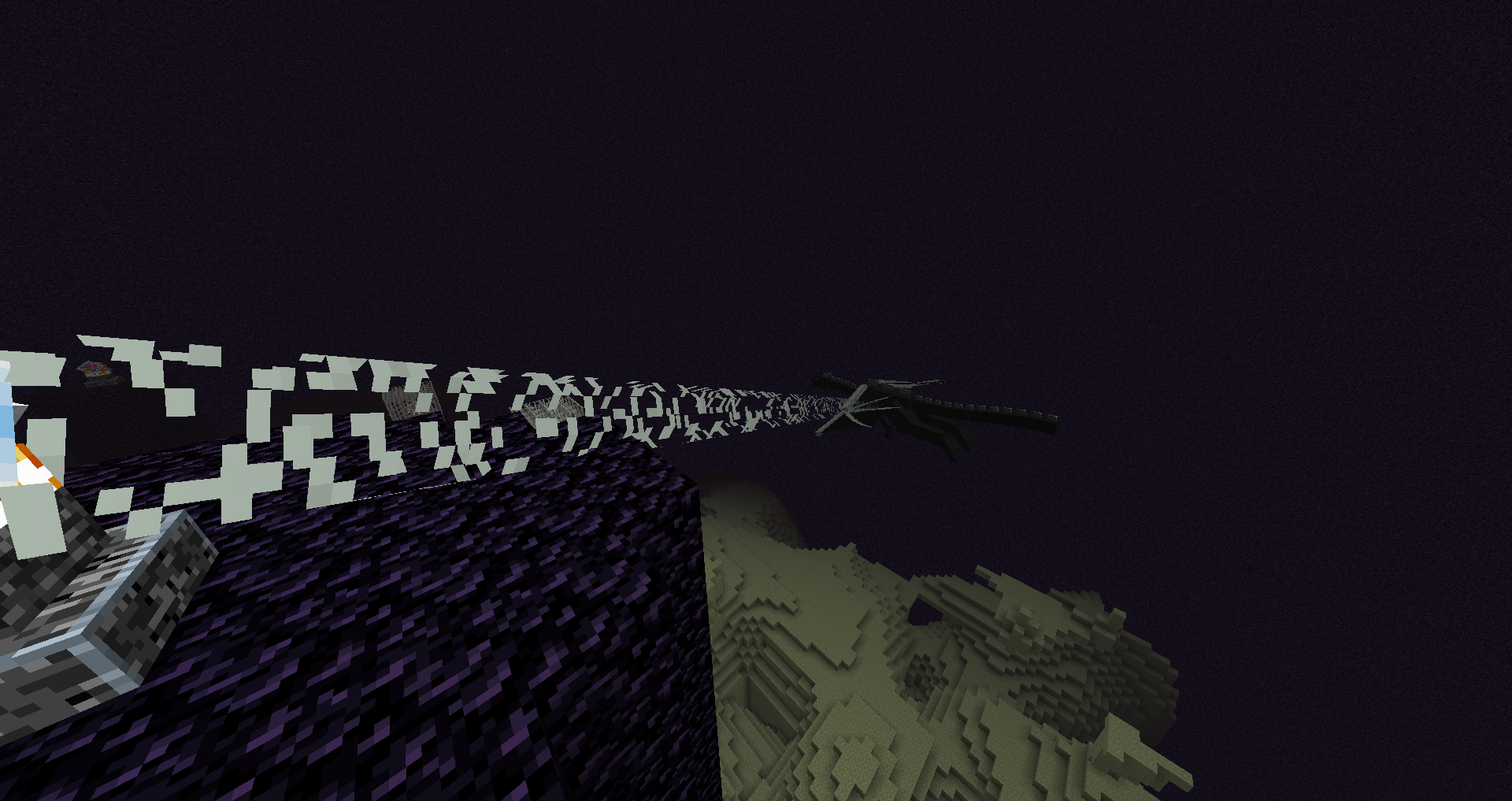
The mob AI is worth mentioning. You're not stuck with default pathfinding and behavior trees. The server lets you customize how mobs interact with the world, so if you want Endermen that don't teleport, or Creepers with different explosion mechanics, that's feasible at the server level.
Terra Generator. World generation is usually the hardest part of custom servers. PowerNukkitX includes Terra, which gives you control over biomes, ore distribution, structure spawning, and terrain shape without needing to manually build everything. It's closer to what you get with datapacks on Java Edition.
If you're running a survival economy server, you can tie custom items to a plugin-based currency system or link them to specific gameplay loops. If you're building an RPG, custom entities and AI open up combat possibilities.
What Trips People Up
Customization requires you to understand Bedrock's format for defining items and blocks. It's not as intuitive as Java Edition mods - you'll be writing JSON or learning the server's plugin API. If you want just a vanilla+ server with zero modifications, PowerNukkitX is overkill. Stick with a standard Bedrock realm instead.
The documentation is active but not full yet. You'll spend time in the Discord asking questions. The community is helpful, but don't expect tutorials at the level of Java Edition's Spigot ecosystem.
Performance scales differently than Java Edition. A 2-year-old laptop can't run a 50-player server anymore. You need decent hardware, particularly RAM and CPU. Test on a staging environment before inviting your full player base.
Also, your players need to be on current Bedrock versions. If someone's running a year-old client, they might not connect properly. This isn't really PowerNukkitX's fault - Bedrock protocol updates frequently - but it's worth knowing.
Testing Your Setup
Once your server is running, you can test connections directly in Bedrock Edition. If you're exposing it publicly, test your network port forwarding. For private servers behind a firewall, make sure the firewall rule allows port 19132 (or your custom port).
If you're setting up multiplayer polls or voting systems, tools like the Minecraft Votifier Tester can validate that external integrations work correctly. And if you're building a server with custom content or skins, the Minecraft Skin Creator is handy for generating test assets.
How This Compares
If you want a Bedrock server, your main options are: official realms (cost money, limited customization), Azure Marketplace (also paid, Mojang-endorsed), or third-party hosters (cheaper, less control). PowerNukkitX is the self-hosted open-source alternative. You trade convenience for control and cost savings.
It's not meant to compete with Spigot or Paper for Java Edition. Those are Java-only tools. PowerNukkitX is the nearest equivalent for Bedrock's cross-platform ecosystem.
If you're comparing it to other Bedrock server projects, PowerNukkitX is actively developed (latest snapshot, protocol 944) and has a growing plugin ecosystem. It's the most feature-complete open-source option right now for Bedrock customization.
Visit PowerNukkitX/PowerNukkitX on GitHub ↗
Lead writer at minecraft.how. Long-time Minecraft player running a small SMP server, testing every build, mod, and seed before writing about it.