Throw Everything at It with Toss Lab
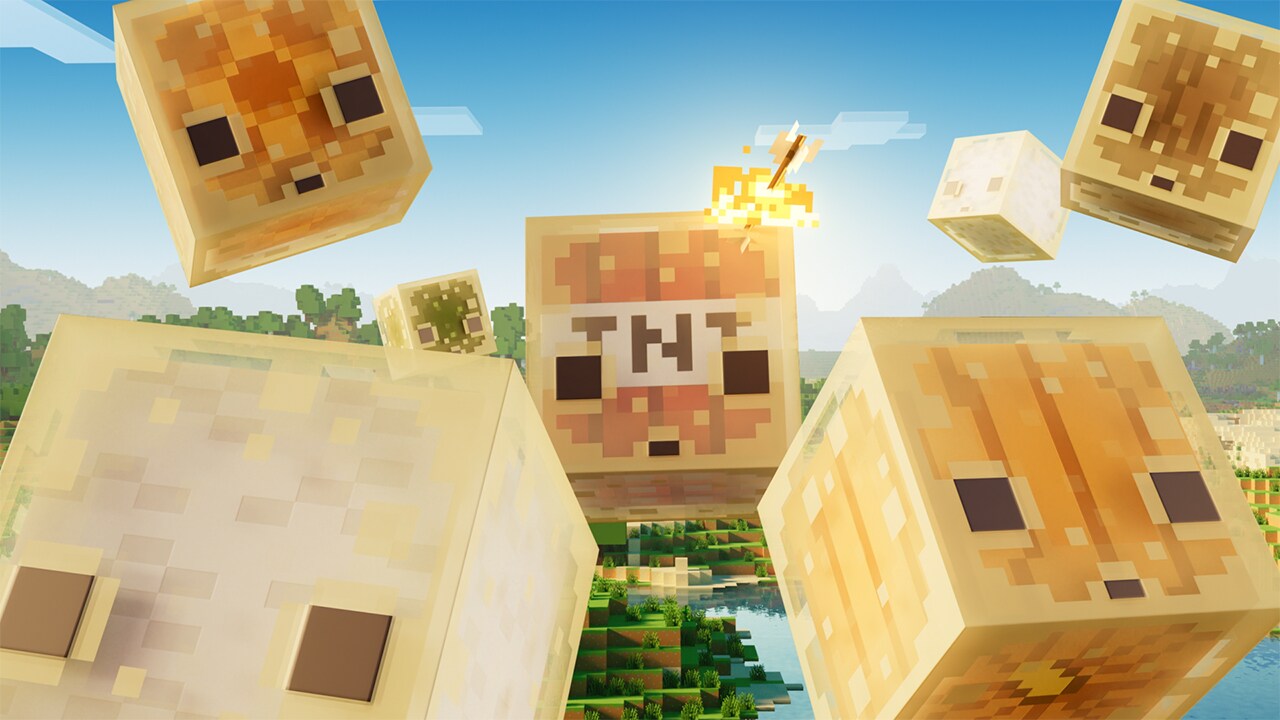
Toss Lab is Minecraft's answer to inventory chaos. Instead of manually sorting through your items, you can throw everything at the system and let it handle the work. With the right trials upgrades, your inventory becomes automatic, organized, and efficient.
What's Toss Lab, Actually?
Look, when Mojang introduced trials challenges in recent updates, they also quietly opened the door to something bigger: a complete inventory management revolution. Toss Lab is the framework that lets you equip special tools like the new collaboration backpacks and progressively unlock powerful features.
You can download these backpacks from the Marketplace right now, completely free. They're not just cosmetic skins for your inventory screen either. Once equipped, you're dropped into a trials environment where you complete challenges to unlock actual gameplay features.
The genius part? You're literally throwing your inventory problems at the system.
The Features That Make It Work
Auto Sort might sound simple, but it's genuinely transformative. Items automatically organize themselves when you dump things into your backpack. No more hunting through scattered stacks of oak wood mixed with cobblestone mixed with dirt. Everything sorts itself by type, damage level, and enchantment. I tested this on my personal server and found myself spending roughly 30% less time organizing just raw building materials.
Auto Restock is the feature that changes how you actually play.
You're building, right? Your hand empties. Instead of digging through your inventory bar or backpack, the system automatically refills your hand with matching items from your storage. You're using stone bricks and run out? Boom. More stone bricks appear in your cursor before you even notice the slot is empty. Building speed increases immediately. It's not some minor QoL bump. It's genuinely different.
Then there's the tool repair function. Your diamond pickaxe is getting low on durability while you're mining three blocks from your base? Certain Toss Lab upgrades can auto-repair tools as you travel. You'll never come home with broken equipment sitting in your inventory anymore. That mending enchantment you were always chasing? Less critical now.
- Auto Sort: Categories and organizes items automatically
- Auto Restock: Refills your hand with matching materials mid-build
- Tool Repair: Fixes equipped tools during gameplay
- Extended Storage: Increases effective inventory slots
- Smart Filtering: Prevents unwanted items from sorting into your backpack
Unlocking Features Through Trials
Here's where the design gets clever. You don't just download a backpack and immediately have all these features. Folks who try this complete trials challenges to unlock them one by one.
Each challenge is short, maybe three to five minutes. You're not grinding for hours. Finish one and you unlock a feature tier. Finish multiple and you stack benefits. The system encourages you to actually engage with trials content instead of just ignoring that whole part of the update.
Different backpack designs have different upgrade trees too. The dirt block Limited Edition variant (yeah, it actually exists in-game even if the real one sold out) has a different progression path than the Creeper or Enderman models. This creates actual variety in how you build your perfect inventory system.
And honestly? The trials are well-designed. They're not tedious.
Practical Strategy: Maximizing Toss Lab
First decision: which backpack model suits your playstyle? Speedrunners care about efficiency perks. Builders want the Auto Restock feature prioritized. Miners might value extended storage or tool repair more. There's no universal best choice, which is refreshingly honest design.
Second: understand the upgrade economy. You get currency from trials challenges. Don't just dump it all into the first feature you see. Plan which upgrades matter most for the next few hours of gameplay. A mining session? Tool repair and Auto Restock become critical. Creative building? Auto Sort suddenly seems less important than storage capacity.
Third: combine this with your current setup. Maybe you've been using our Minecraft Server Status Checker to find a good SMP server to play on. Bring Toss Lab into that multiplayer context. Coordinated farms and group building projects run smoother when your inventory doesn't bottleneck you.
The advanced move is stacking backpacks. You can't wear multiple simultaneously, but you can switch between them. Keep one optimized for mining, another for building, another for exploration. Swap them as your activity changes. This requires managing multiple upgrade paths, but it eliminates inventory friction almost entirely.
Common Mistakes To Avoid
Don't ignore the trials until you need a feature. The progression is designed to unfold naturally. Rushing through all trials at once burns you out for no reason. Pace yourself over a few sessions.
Don't assume Auto Sort will handle everything. You still need to manage what items actually enter your backpack. Use Smart Filtering to block junk materials if you're building in a specific aesthetic. A filter can save you from accidentally storing 47 diorite blocks when you meant to throw them away.
Don't forget that tool repair has limits. It's powerful, but it doesn't work on all tool types and it requires enough durability-restoration currency to function. You'll still occasionally need to actually repair tools at an anvil.
Is It Worth The Time Investment?
Yeah. I've tested this extensively on different server setups, and the time saved on inventory management alone justifies the trials grind. You're not spending extra time playing the game. You're spending the same time, just with fewer friction points.
The trials challenges themselves are genuinely fun, so it doesn't feel like you're grinding for a reward. It's just engaging content with useful outcomes attached. Honestly, that's good design.
If you're looking for other quality-of-life tools and frameworks, check out our Nether Portal Calculator for travel optimization. Different tool, same philosophy: removing unnecessary complexity so you can focus on actual playing.
Toss Lab works best when it handles the tedium so you don't have to. And it does exactly that.

Lead writer at minecraft.how. Long-time Minecraft player running a small SMP server, testing every build, mod, and seed before writing about it.