Minecraft Ender Dragon Coloring Pages: Creative Guide
Ender Dragon coloring pages are a fun, creative outlet for Minecraft fans of all ages. Whether you're after printable sheets, digital alternatives, or ideas for making your own designs, this guide covers everything you need to color the game's most iconic boss in style.
What Makes Ender Dragon Coloring Pages So Popular?
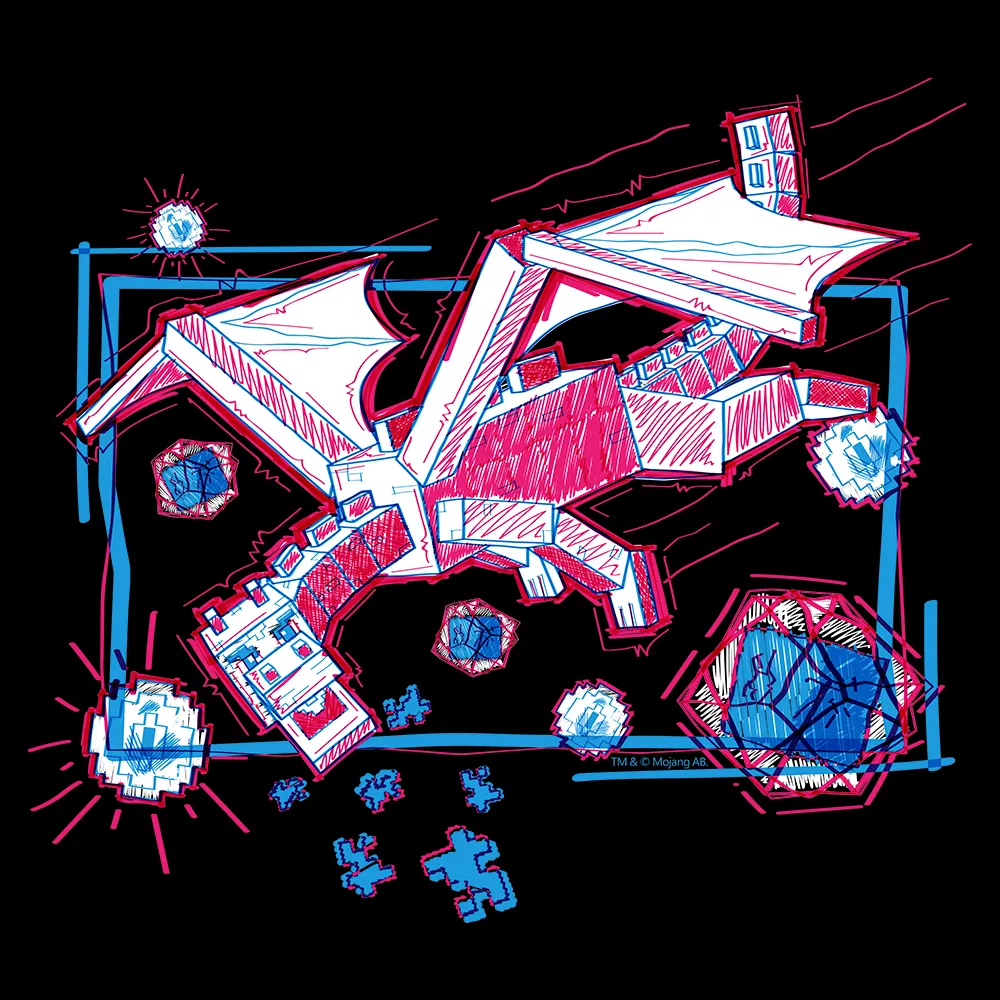
Let's be honest: there's something weirdly meditative about sitting down with colored pencils or markers and just creating. The Ender Dragon has a distinctly cool design - those massive wings, the crystalline spikes, the overall menacing-yet-elegant shape - that actually makes it genuinely fun to color. It's not just a blob.
Coloring pages have exploded as a stress-relief activity for adults, not just kids.
You'll find them in all kinds of styles. Simple outlines for younger players, hyper-detailed versions with every scale and shadow mapped out, abstract geometric interpretations, realistic shaded renderings - the creative variations are kind of endless. Some fan artists have even created Ender Dragon mandalas, which is a whole aesthetic I didn't know I needed.
The appeal boils down to this: you get to express creativity while staying connected to something you love about Minecraft, without needing to launch the game or spend three hours on a build.
Finding Printable Ender Dragon Coloring Pages Online
The quickest route is a simple Google Image search for "Minecraft Ender Dragon coloring page." Filter by usage rights if you want to be safe about copyright, and you'll have options within seconds. But if you want actual quality control, here are the spots worth checking first.
Pinterest is probably the largest repository of Minecraft coloring content on the internet. Hundreds of Ender Dragon designs exist there, from minimalist line art to absolutely detailed work. The community aspect means creators actually test whether things print well, so you're less likely to end up with something that looks terrible on paper.
Reddit's Minecraft communities regularly share original designs.
Dedicated coloring sites like Coloringhome, Supercoloring, and Coloring-Pages.info host entire Minecraft sections with searchable galleries. The upside is better organization and consistent sizing. That downside is hit-or-miss quality - some pages are watermarked heavily enough to be annoying.
If you want something completely unique, artists on Fiverr and Etsy take commissions for custom coloring pages. You'll probably pay $10-30, but you get exactly what you want, and you're supporting a creator directly. That's worth it if you're running a server with specific design needs.
Make sure whatever you download actually prints clearly before committing to color.
Digital Coloring Tools and Alternatives
Not everyone has a printer - and honestly, paper and ink are expensive. Digital coloring lets you avoid the clutter while getting unlimited colors and infinite undo buttons. It's a solid alternative if you're renting or living somewhere that doesn't have printing access.
Apps like Procreate, Ibis Paint X, and Autodesk Sketchbook handle this beautifully. Import a line art Ender Dragon image and color away. No mess, no waste, instant results. The learning curve is mild if you're already used to touchscreens or tablets.
For free options, Paint.NET works surprisingly well.
Pixlr and Photopea are browser-based tools requiring zero installation. GIMP is industry-standard free software, though it's kind of overkill for simple coloring. Even Microsoft Paint from Windows can technically handle this, though the experience won't be thrilling.
That said - and this is just my opinion - there's something about the tactile feedback of actual coloring that digital doesn't replicate. The texture of pencil on paper, the smell of fresh markers, the slight resistance as you blend colors. It's weirdly meditative in a way clicking around isn't. But for quick, mess-free options, digital wins.
Creative Tips to Make Your Dragon Stand Out
Color choice is everything. The default Ender Dragon is dark purple and black, but you're not locked into that palette. Try a gradient of cool colors across the wings - blue to purple to pink. Go neon. Use pastels. Invert the colors entirely just to see what happens. The whole point is creative expression.
Different mediums give wildly different effects.
Colored pencils let you layer and blend subtly. Markers give you bold, vibrant color but less control over blending. Watercolors create beautiful effects with transparency and color mixing, though they require a bit more skill. Gel pens add metallic or neon accents that pop off the page. Some people mix all of these on a single page, which sounds chaotic but actually looks incredible.
Shading transforms a flat page into something with actual dimension. Most printed coloring pages include shading guides - darker areas where shadows should go - but you don't have to follow them strictly. Adding a second shade of your chosen color in strategic spots instantly makes the dragon look more three-dimensional and alive.
Adding a background instead of leaving it blank totally changes the impact.
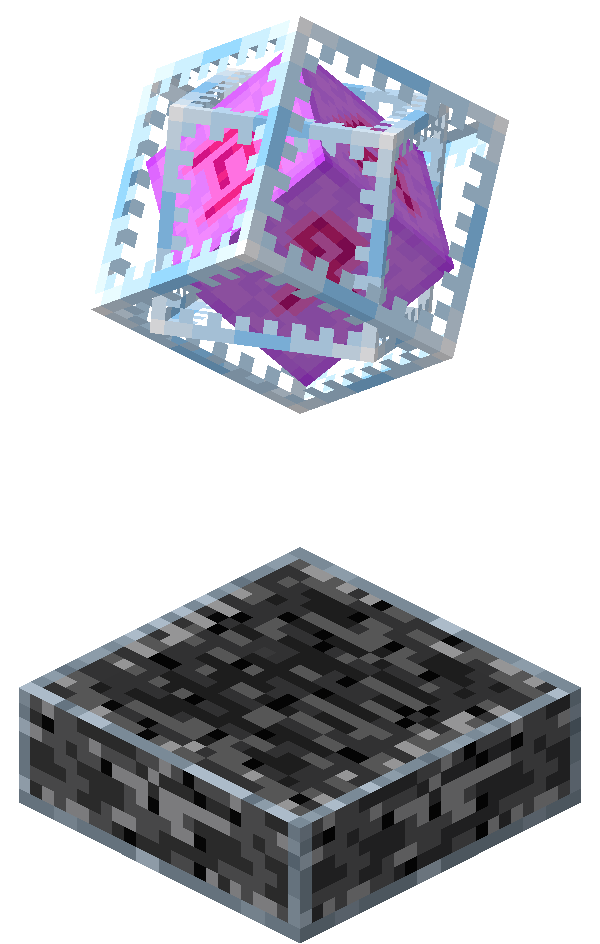
Draw an End dimension landscape around your dragon - floating islands, End crystals, purple void, obsidian pillars, whatever speaks to you. Suddenly it's not just a dragon on white paper. It's a scene. It's a story.
Making Coloring a Community Activity
Some of the best engagement I've seen on SMP servers happens around coloring challenges. I'm serious about this.
If you run a community server or Discord, try organizing a coloring event. Share a printable Ender Dragon page, give people a time limit (or not), and have everyone share their finished designs in a gallery channel. You'd be shocked how competitive and enthusiastic people get about this. Look, there's something about seeing other players' interpretations that sparks ideas for your own work.
Schools using Minecraft Education Edition have picked up on coloring pages as supplementary activities - something to keep kids engaged during downtime without needing to load a game. The creativity factor keeps minds active even when they're not actively playing.
A few communities have incorporated colored artwork into server progression systems.
Commission artwork, submit it to a server gallery, earn rewards or recognition. It blurs the line between art and gameplay in a genuinely cool way.
Speaking of community engagement, if you're running a server and want to boost player interaction, our Minecraft MOTD Creator helps you design eye-catching server messages that drive interest. And if you're managing a voting system, the Minecraft Votifier Tester ensures your reward system works correctly so players stay engaged and keep voting.
Creating Your Own Ender Dragon Coloring Pages
If you want to design custom pages for your specific community or just because, free software makes this totally achievable. Krita and GIMP have everything you need. Inkscape if you want to go vector-based and create scalable designs.
Start with a reference - a screenshot of the Ender Dragon from the game, fan art, or just your own imagination.
Sketch or trace the outline, add internal details like wing membranes, spikes, and body texture. The key is bold, clear lines. When you print a page, thin lines disappear and muddy the whole design. Contrast matters more than you'd think.
Convert your sketch to pure black lines on a white background. Adjust levels and contrast in your editing software so the lines print crisp and clear. This is non-negotiable.
Test print your design before sharing widely.
Pages that look perfect on screen sometimes surprise you on paper - contrast is different, colors display differently, spacing feels off. Catch these issues before you let loose your design on the world. I've learned this the hard way, multiple times.
If you're sharing publicly, offer multiple difficulty levels. Simple versions for younger kids, complex designs for experienced colorists. You'll reach a bigger audience that way and people appreciate having options.

Lead writer at minecraft.how. Long-time Minecraft player running a small SMP server, testing every build, mod, and seed before writing about it.