Dicas do Minecraft para Iniciantes: Seu Guia Essencial 2026
O Minecraft pode parecer opressor quando você está começando. Mas não precisa ser assim. Quer você esteja jogando em Java ou Bedrock, essas dicas essenciais ajudarão você a sobreviver à sua primeira noite, construir suas primeiras estruturas e entender a mecânica central que torna o Minecraft tão viciante.
Fique Confortável com os Controles e Fundamentos
A maioria dos iniciantes passa seus primeiros cinco minutos ajustando os controles. Você precisa conhecer o essencial: quebrar blocos com clique esquerdo, colocá-los com clique direito e usar WASD para se mover (ou seja qual for sua configuração). Seus botões de salto e furtividade também importam, especialmente quando você está tentando não cair de um penhasco.
O jogo varia entre a Edição Java e Bedrock, e os controles do console são completamente diferentes de mouse e teclado. No PC, há definitivamente uma curva de aprendizado, mas em uma hora se torna memória muscular. A parte importante não é memorizar tudo. É entender que cada botão faz algo útil e você aprenderá gradualmente quais botões importam mais.
Uma coisa que pega as pessoas de surpresa: bater em árvores não é instantâneo. Você precisa manter o botão pressionado por cerca de meio segundo por bloco para colher madeira. Parece trivial, mas fazer isso 100+ vezes na sua primeira sessão de jogo ensina paciência. A madeira é a base de tudo que vem a seguir.
Sobreviver à Sua Primeira Noite É Crítico
Seu primeiro ciclo dia-noite determina se você sai ou continua jogando. Você tem aproximadamente dez minutos antes de aparecerem mobs hostis, e a escuridão cai rapidamente. Não há tempo para excessiva reflexão.
Aqui está o processo real:
- Bata em uma árvore para coletar madeira
- Abra seu inventário e transforme madeira em tábuas
- Transforme tábuas em uma mesa de craft
- Coloque a mesa de craft no chão
- Faça uma picareta de madeira usando a mesa
- Encontre e minere pedra com sua picareta de madeira
- Faça uma picareta de pedra com blocos de pedra
- Use a picareta de pedra para minerar minério de ferro
- Construa paredes simples ou cave em uma encosta para se abrigar
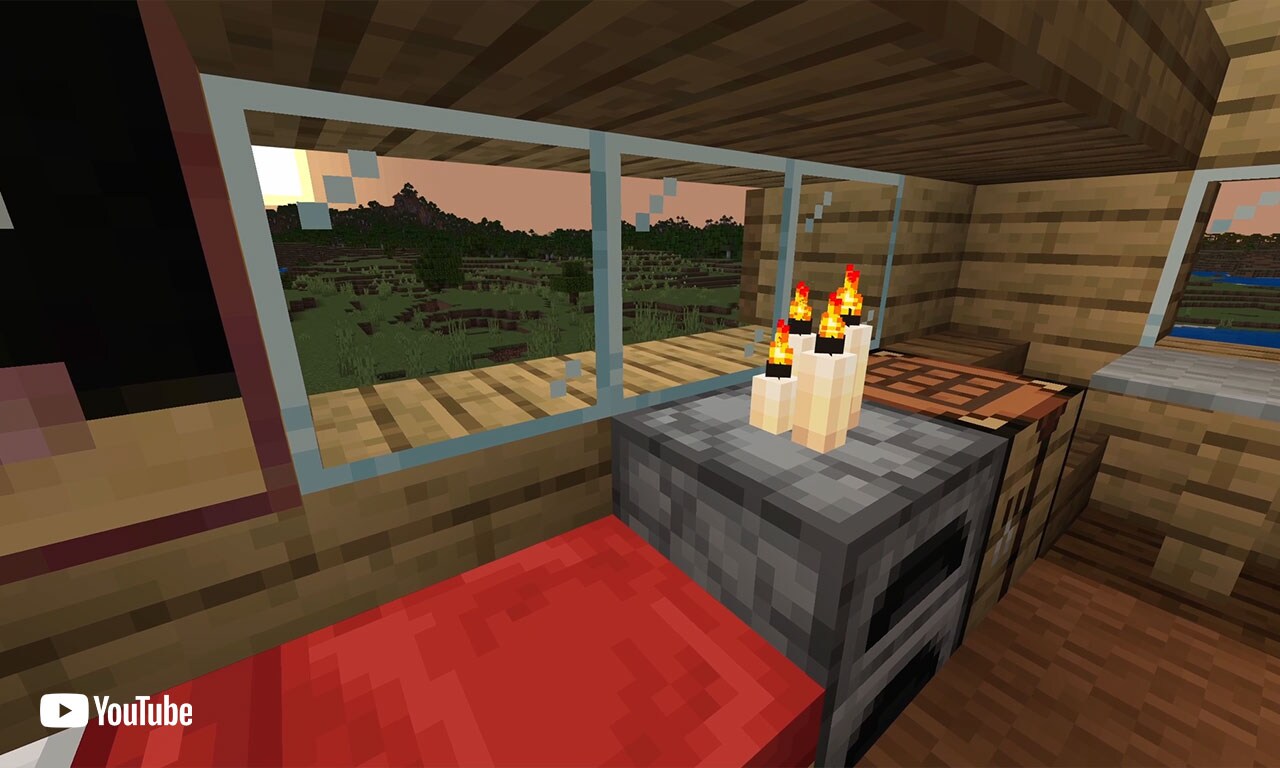
Seu primeiro abrigo não precisa ser bonito. Quatro paredes, um teto e uma porta impedirão que mobs hostis apareçam nas proximidades. Alguns jogadores adicionam tochas para evitar que mobs apareçam completamente, e honestamente, esse é o movimento mais inteligente. As tochas são baratas de fazer e criam uma zona segura. Sua primeira noite não é sobre vencer. É sobre permanecer vivo até o amanhecer.
Mineração e Recursos: O Caminho a Seguir
Depois de sobreviver a algumas noites, a mineração se torna sua atividade principal. Você está procurando ferro, diamantes e materiais raros que desbloqueiam ferramentas e armaduras melhores. A mineração ensina como navegar no subsolo com segurança, enquanto reúne os recursos que o tornam mais forte.
Leve tochas. Sério, leve muito mais tochas do que você acha que precisa. As tochas servem três propósitos: elas impedem que mobs apareçam, mostram de que direção você veio (coloque-as de um lado dos túneis) e tornam tudo visível. Sem tochas, você está minerando às cegas.
O minério de ferro parece cinzento com manchas laranjas embutidas na pedra. Os diamantes são azuis brilhantes e extremamente raros. Você saberá que os encontrou porque se destacam. Crie túneis de mineração metodicamente em vez de cavar aleatoriamente, porque a mineração aleatória desperdiça tempo e recursos.
Construção e Craft: Liberte a Criatividade
Depois que você domina a sobrevivência básica, a construção se torna onde o Minecraft realmente ganha vida. Você vai querer experimentar diferentes tipos de blocos. Madeira, pedra, concreto, terracota, tijolos - todos têm diferentes estéticas e propriedades. Combinar diferentes texturas torna as construções infinitamente melhores do que usar um tipo de bloco em todos os lugares.
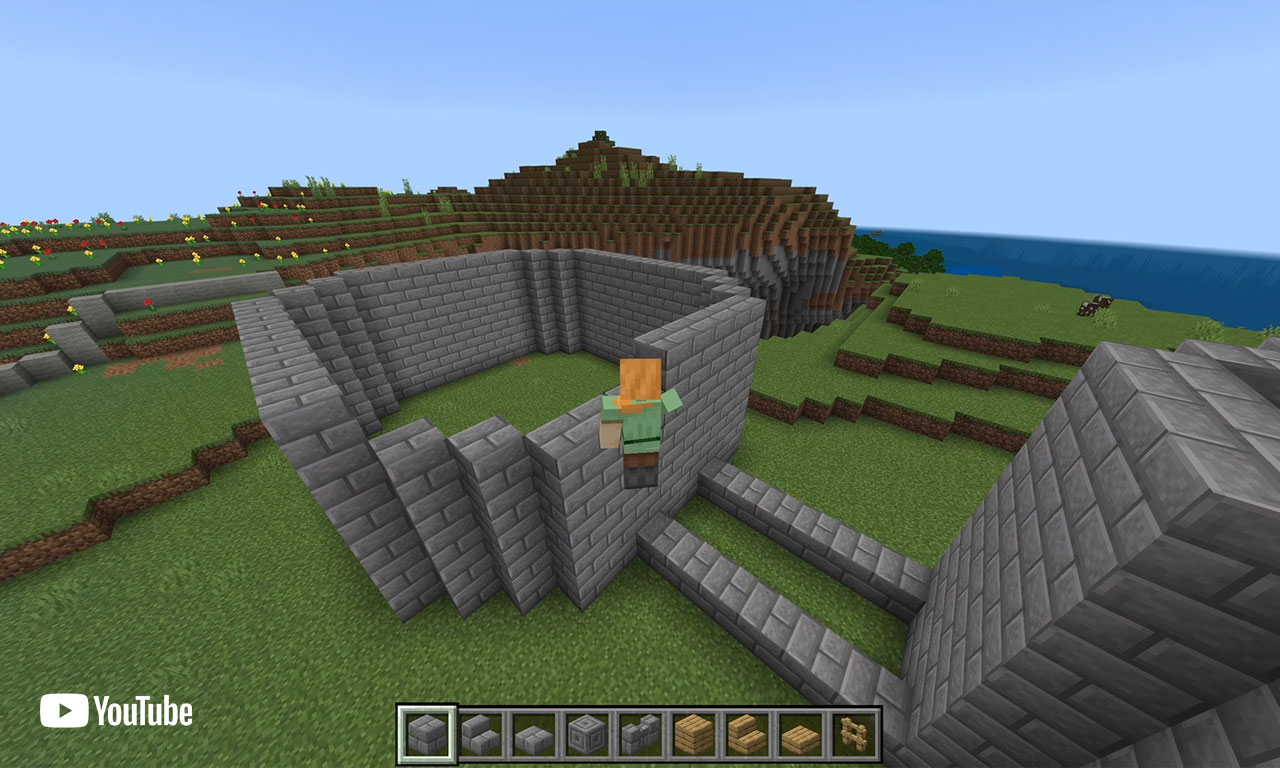
Sua mesa de craft é sua melhor amiga. Mantenha uma perto de sua base e leve uma portátil em seu inventário porque você a usará constantemente. No início, você fará ferramentas e armaduras básicas. Mais tarde, você fará blocos decorativos, móveis e elementos arquitetônicos.
Para inspiração sobre o que é possível, confira skins da comunidade que mostram diferentes estilos de construção e criatividade. Tooltips Minecraft Skin e ___Gyultips___ Minecraft Skin são grandes exemplos da comunidade que te lembram que há um mundo inteiro de jogadores criativos construindo coisas incríveis. Ver o que outros criam ajuda você a entender as possibilidades em seu próprio mundo.
Combate e Defesa Contra Mobs
Mobs hostis são a razão pela qual você precisa de armadura e armas. Esqueletos disparam flechas à distância. Creepers se aproximam silenciosamente. Zumbis são lentos, mas perigosos em grupos.
Sua primeira espada deve ser de pedra ou ferro. Não se lance no combate sem armadura porque até alguns golpes podem matá-lo no início. Na verdade, creepers são a verdadeira ameaça - eles destruirão seu abrigo se você não tomar cuidado, então mantê-los fora é a prioridade número um.
A mecânica de combate é direta. Clique com o botão direito (ou seu botão de ataque) para acertar mobs. Sua barra de fome importa porque quando está baixa, você causa menos dano e não pode se curar. Coma regularmente e mantenha sempre comida em seu inventário.
Aqui está a estratégia secreta do iniciante: evite combate inteiramente se possível. Corra, se esconda e espere pela luz do dia. Mobs hostis não aparecem na luz solar, então a maioria das ameaças desaparece quando o sol aparece. Você sempre pode voltar com equipamento melhor e lutar contra eles mais tarde.
O Que Está Mudando com 1.26.1 Tiny Takeover
As atualizações do Minecraft agora acontecem a cada três meses, afastando-se das reformulações anuais. PCGamesN informou que a atualização 1.26.1 chamada "Tiny Takeover" está programada para 24 de março de 2026. O tema se concentra em mobs de bebê invadindo o Overworld, o que pode parecer divertido, mas mudará significativamente como os mobs se comportam e introduzirá novas criaturas para enfrentar.
As atualizações mantêm o jogo interessante para todos. Você não será forçado a experimentar tudo de uma vez, mas definitivamente notará mudanças quando atualizar seu mundo. O novo conteúdo recompensa exploração e ensina você a adaptar suas estratégias de sobrevivência.
Para jogadores de console, também houve progresso em versões nativas. O PlayStation 5 vem recebendo atualizações para executar o Minecraft de forma mais eficiente com gráficos e desempenho melhores.
Erros Comuns de Iniciantes e Como Evitá-los
Não cave direto para baixo. Você cairá na lava e morrerá. Não cave direto para cima. O cascalho o sufocará. Não durma no Nether (explode). Não construa sua base principal inteiramente de madeira, a menos que goste de ver creepers transformarem sua casa em uma cratera.
Na verdade, experimentar e cometer erros é parte da diversão. Todos morrem no Minecraft. Todos perdem sua base para creepers em algum momento. A parte bonita é que você reaparece, aprende e continua.
Comece pequeno. Construa um abrigo básico, expanda a partir daí. Não tente criar um castelo massivo antes de entender como a construção funciona. Aprenda fazendo, falhe rapidamente e se adapte. É assim que o Minecraft funciona.

Lead writer at minecraft.how. Long-time Minecraft player running a small SMP server, testing every build, mod, and seed before writing about it.
Have a Question or Tip about this Guide?Community Q&A
Ask a question or help other players below. Join the discussion and share your Minecraft tips!
Comentários
Nenhum comentário ainda. Seja o primeiro a compartilhar sua opinião!