JSPrismarine: The Modern Way to Host Minecraft Bedrock
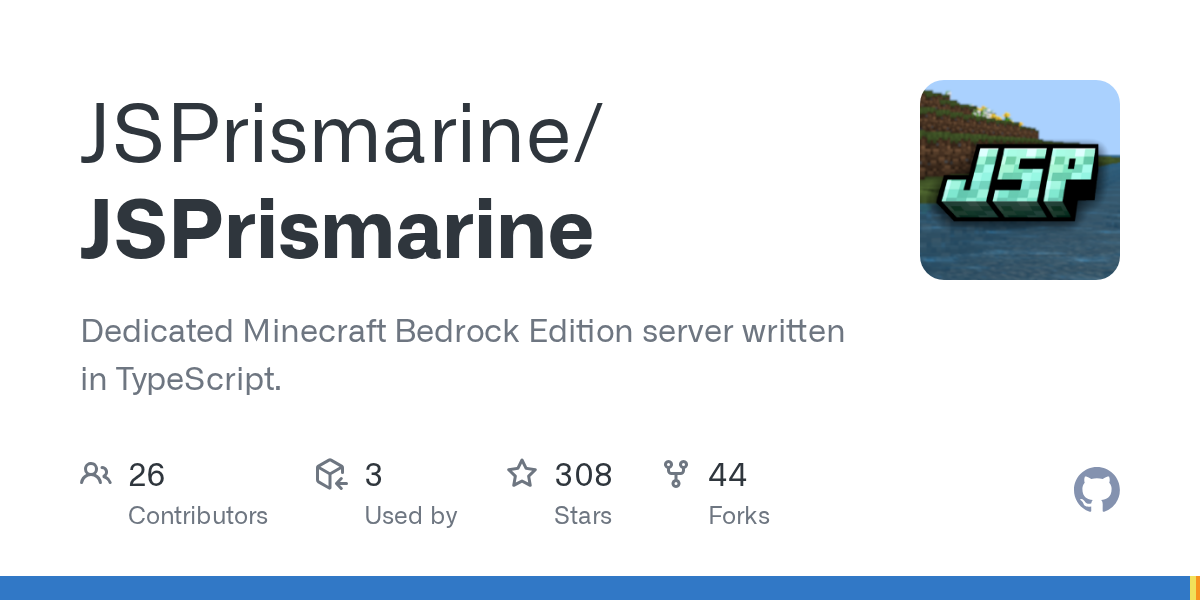
JSPrismarine (JSPrismarine/JSPrismarine)
Dedicated Minecraft Bedrock Edition server written in TypeScript.
Ever wanted to host your own Minecraft Bedrock server without renting from a third party? JSPrismarine gives you exactly that, and it's built with modern tools. No Java. No mods. Just TypeScript, plugins, and full control over your server.
What JSPrismarine Does
JSPrismarine is an open-source server implementation for Minecraft Bedrock Edition, written in TypeScript. It's a complete Bedrock server you can run on your own hardware instead of paying for a hosted server somewhere. The project has 308 stars on GitHub and is actively maintained, which matters because Bedrock updates constantly and the protocol changes frequently.
Here's the thing that makes it different from just renting a server: you own the whole thing. You decide what plugins run, what rules apply, who gets in, and how you want players to interact with your world. It's also built for extensibility, so if you know JavaScript or TypeScript (or something that compiles to it), you can build custom plugins instead of waiting for someone else to build what you need.
The project is licensed under MPL-2.0, which is permissive. You can use it commercially, modify it, redistribute it. No weird restrictions.
Why You'd Want to Run Your Own Bedrock Server
First, there's the cost angle. Paid Bedrock servers aren't cheap if you have a lot of players. You pay per month, and it adds up. If you've got decent hardware sitting around, running JSPrismarine yourself could actually be free after the initial setup.
Then there's control. Want to run a private server for you and friends? Want to build a specific game mode that no one else offers? Want to restrict crossplay or lock down specific features? With JSPrismarine, you just do it. No waiting for feature requests or server provider approvals.
Community hosting is another use case entirely. If you're running a Minecraft community or guild, having your own dedicated Bedrock server with custom plugins means you can create unique experiences that keep players coming back. You could build custom minigames, create progression systems, or implement economy plugins that work exactly how you want them.
Plus, you control the backups and data.
Getting JSPrismarine Running
The installation isn't as simple as clicking a button, but it's straightforward if you're comfortable with a terminal. You need Node.js v21 or newer and pnpm installed (which comes with modern Node setups).
Start here:
git clone --recursive-submodules https://github.com/JSPrismarine/JSPrismarine.git
cd JSPrismarine
corepack enable
pnpm install
pnpm run build
pnpm run start
The key thing: don't forget the ` - recursive-submodules` flag when cloning. This project has submodules, and without that flag you'll end up with incomplete code and a frustrating debugging session.
Building takes a bit of time on first run since it's compiling TypeScript.
Once it's running, your server will be accessible on localhost by default. To make it visible to other players, you'll want to configure networking and probably punch through your firewall, which gets into port forwarding territory. The documentation at jsprismarine.org/docs covers this, but fair warning: firewall configuration varies wildly depending on your setup.
Development mode is also an option with `pnpm run dev` if you're planning to write plugins or contribute to the project itself.
What Sets JSPrismarine Apart
The plugin system is TypeScript-first, which is genuinely interesting. Most Minecraft servers are Java-based, so you write plugins in Java. JSPrismarine lets you write plugins in TypeScript directly, which means better tooling, clearer syntax, and the ability to use npm packages in your plugins. You can also write plugins in Kotlin, CoffeeScript, or anything that compiles to JavaScript. Actually, that last part only works if someone maintains bindings for it, so in practice you're looking at TypeScript or vanilla JavaScript.
Performance is another angle. Since it's not running on the JVM, memory footprint is different, and you get JavaScript's event-driven architecture. For smaller communities, this can be noticeably snappier than Java servers.
The project is under active development.
Consider using the Minecraft Text Generator if you want to create formatted messages for your server's MOTD (message of the day) or broadcast system. Many JSPrismarine setups use custom formatted text to make server announcements stand out.
Configuration and Customization
JSPrismarine stores its configuration in YAML files, which is readable and editable without special tools. You can tweak difficulty, enable/disable features, configure spawn points, and set up basic rules. It's not as granular as some Java servers, but it covers the essentials.
The real power comes from plugins. Since you're writing in TypeScript against documented APIs, you can build custom behavior. Someone running a creative server might write a plugin that limits building to certain zones. Someone running a survival server might build an economy plugin using a database backend. The possibilities depend on how much time you want to invest.
If you're planning to list your server publicly, you'll probably want to integrate with server listing sites. Tools like the Minecraft Votifier Tester can help you verify that your server's voting integration is working properly if you decide to set that up.
Common Pitfalls and Tips
First gotcha: the protocol changes with each Minecraft Bedrock update, sometimes in breaking ways. JSPrismarine has to update to match. If you don't update JSPrismarine itself, your server will eventually fall out of sync with the latest Bedrock clients and players won't be able to join. This is different from Java servers, where a 1.20 client can often still join a 1.20.1 server. Bedrock is stricter.
Second thing: this is pre-1.0 software. Version 0.13.1 is the latest release. That means the API could change between versions. If you write plugins, expect to maintain them as JSPrismarine evolves. It's not necessarily unstable, but it's not locked down yet.
Crossplay complications matter too. Bedrock runs on Windows, Android, iOS, and console versions (with some workarounds). Making sure your server works smoothly across all those platforms requires testing on multiple devices, which takes time.
Performance tuning isn't always obvious.
If you're unfamiliar with Node.js ecosystems, the npm/pnpm dependency management can feel like a lot. JSPrismarine has quite a few dependencies, which is normal for TypeScript projects but worth being aware of for security updates and maintenance.
How JSPrismarine Compares
PocketMine-MP is the most popular alternative for Bedrock servers. It's PHP-based, been around longer, and has a larger plugin ecosystem. The downside? PHP is slower than JavaScript for game logic, and you're locked into PHP for plugin development.
NukkitX is another option, written in Java. If you already know Java and the Java Minecraft ecosystem, it might feel more familiar.
JSPrismarine's advantage is the TypeScript approach and the JavaScript ecosystem. If you already work in JavaScript, or you want something that's less established than PocketMine, JSPrismarine is worth looking at.
But if you just want something that works with a large plugin library, PocketMine-MP is probably the safer choice.
Open the JSPrismarine repo ↗
Lead writer at minecraft.how. Long-time Minecraft player running a small SMP server, testing every build, mod, and seed before writing about it.