Minecraft Enchantment Calculator, a 2026 Player Guide

A Minecraft enchantment calculator tells you the cheapest order to combine books and gear in an anvil, so you don't waste levels or hit "Too Expensive!". In 2026, it's still the fastest way to build endgame tools, armor, and those slightly ridiculous god boots.
What a Minecraft enchantment calculator does
Most players think a calculator somehow predicts what the enchanting table will roll. Some do try to estimate table outcomes, but the useful kind, the one people keep searching for, is really an anvil order calculator. You feed it an item, add the books or enchanted copies you already have, pick Java or Bedrock, and it tells you the cheapest merge path.
That's why these tools matter so much once your gear pile gets messy.
If you're combining four, six, or eight books by hand, the order changes the cost. A lot. The calculator's job is to stop you from slapping Mending, Unbreaking, Fortune, and Efficiency together in the most expensive way possible, which is exactly what tired players do at 1 a.m. after one too many cave runs. I know because I've done it on a small Paper server and then stared at the anvil like it had personally insulted my family.
A good calculator also shows incompatibilities before you waste anything. Protection and Blast Protection on the same armor piece? No. Infinity and Mending on the same bow in vanilla survival? Still no. And for newer gear, mace enchants matter too, since Minecraft.net's 1.21 notes added Breach, Density, and Wind Burst to the pool.
Why a Minecraft anvil calculator saves so many levels
The entire mess comes from the anvil's prior work penalty. A Minecraft Wiki's anvil mechanics page still lists it as 2^n - 1, which means every extra anvil step makes the next one nastier. First use is fine, second is annoying, third is where the anvil turns into a tax auditor.
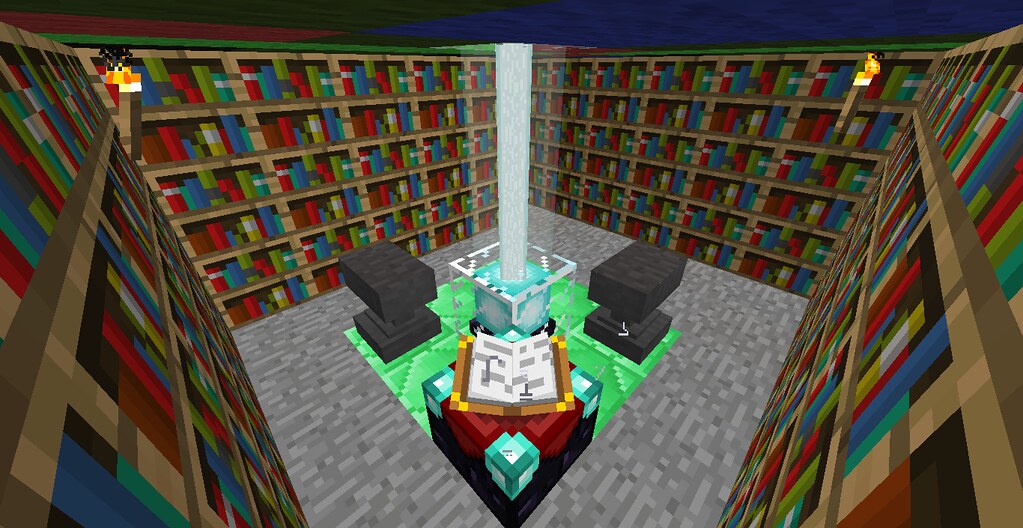
And the table itself isn't the problem. Enchanting an item directly at an enchanting table doesn't add anvil uses, which is why the smartest route is often table first, books later. You get a decent base enchant, then use a calculator to layer on the important stuff in the cheapest order.
In Survival, once the anvil cost goes past 39 levels, the game refuses the operation and throws the famous warning. That's the moment people assume the item is ruined. Sometimes it's. More often, the order was just bad.
As of March 2026, none of the official 26.1 snapshot notes mention an anvil rework, so this old math is still the math you're stuck with. Glamorous? No. Reliable? Annoyingly yes.
How to use a Minecraft enchantment calculator step by step
If you've never used one, don't overcomplicate it. You're basically recreating your anvil session before spending the levels for real.
- Choose the correct edition, Java or Bedrock.
- Select the base item, like a diamond pickaxe, netherite sword, bow, boots, or mace.
- Enter the enchantments already on the item, if any.
- Add every book or enchanted duplicate you plan to use.
- Run the calculation and copy the merge order exactly.
- Only rename the item when the calculator says to, or near the end if you're doing it manually.
The edition choice matters more than people think. Some calculators bury it in a tiny toggle like it's embarrassed to be helpful, but Java and Bedrock don't price merges the same way.
What to enter, and what to leave out
Be honest about your starting item. If your pickaxe already has Efficiency IV from a table, enter that first. If you found a village librarian book, add the book, not the dream version of the tool you wish you had. Bad inputs make a calculator useless fast.
Also, decide early whether you're using books or sacrificial items. Books are usually cleaner because they don't carry durability baggage, and they often let the calculator build balanced pairs. My pick here's simple: save the actual gear piece for the left slot as long as possible, combine books into better books first, then apply the finished bundles.
A quick manual sanity check
Even if the tool gives you a path, glance at it before committing. Cheap books should usually get merged together first, while the most expensive enchantment should appear in the sacrifice slot as few times as possible. If a calculator wants you to keep reworking the base item every single step, I'd be suspicious.
One more thing, rename costs can quietly push a borderline merge over the line. So if the plan already lands near 39, don't spend a level calling your sword "Tax Evasion" until the hard part is finished.
Best uses for a Minecraft enchantment calculator
You don't need a calculator for every wooden shovel. You need it when an item has enough good enchantments that one bad merge order can brick the whole project.
These are the gear sets where calculators save the most pain:
- Pickaxe: Efficiency V, Unbreaking III, Fortune III or Silk Touch, and Mending.
- Sword: Sharpness V, Looting III, Sweeping Edge III, Fire Aspect II, Unbreaking III, and Mending.
- Bow: Power V, Flame, Punch II, Unbreaking III, plus either Infinity or Mending.
- Boots: Protection IV, Feather Falling IV, Unbreaking III, Mending, and then Depth Strider III or Frost Walker II. Add Soul Speed III if you can get it.
- Mace: newer mace builds mixing current mace enchants with the usual durability books.
Armor is where people get punished hardest. Chestplates look simple until you remember you're probably juggling Protection, Unbreaking, Mending, maybe Thorns, and maybe a name because apparently every serious survival world needs at least one dramatic chestplate. Boots are even worse. Boots always have ideas.
And yes, calculators are great for villager trading sessions. If you've just bought twelve books from two librarians and a wandering pile of emerald debt, paste the whole mess into the tool before you touch the anvil. That five-minute detour can save twenty or thirty levels, sometimes more.
Java vs Bedrock enchantment calculator differences in 2026
This part trips people up all the time. Java and Bedrock can produce the same final item, but the level cost on the way there can be different.
You'll sometimes hear that order only matters in Java. That's wrong, actually that's not quite right. It matters in Bedrock too, just through different cost rules when enchantment levels change, stay the same, or conflict.
For practical use, here's the rule: if a calculator doesn't let you choose your edition, don't trust the exact level totals. The path might still be decent, but the numbers can be off, especially when you're merging partially enchanted tools instead of clean books.
If you play on console, this still applies. The native PS5 Bedrock version officially launched on October 22, 2024, and the prettier frame rate didn't magically make anvils kinder. Same block, same attitude.
Bedrock players do get one small mercy in some cases, because unchanged enchant levels may add less cost than they do in Java. But "less punishing" isn't the same as "free". You can still wreck an otherwise perfect netherite tool if you freestyle the order.
Common Minecraft enchantment calculator mistakes
The funniest mistake is using a calculator after you've already done the expensive merges. At that point you're not planning, you're asking a website to confirm the crime scene.
These are the errors I see most often:
- Picking the wrong edition.
- Forgetting existing enchants already on the base item.
- Combining the main tool with books one by one instead of building book pairs first.
- Adding incompatible enchants and wondering why the result looks weird.
- Renaming too early.
- Ignoring the chance that a grindstone reset is cheaper than saving a bad item.
But you don't always need a calculator. If you're just putting Mending on a fresh pickaxe, or combining two simple books, do it by hand and move on. The tool becomes worth it once the setup has enough moving parts that you can no longer eyeball the cheapest path in ten seconds.
My rule is boring but effective: three enchants or fewer, manual is fine. Four or more, especially on armor or boots, use the calculator. Past that point you're basically doing spreadsheet work in chainmail.
If the tool you found hides the merge order and only spits out a final number, skip it. The best Minecraft enchantment calculator is the one that shows every step, lets you swap editions, and explains why the route works. Anything less is just a fancy coin flip wearing a clean UI.
So if your goal in 2026 is simple, build maxed gear without burning half your XP farm, use a calculator before the first anvil click. It's faster, cheaper, and far less likely to leave you muttering at a gray block that looks like it was designed by an accountant.