Minecraft Hardcore World Download: Safe Setup in 2026

If you want a minecraft hardcore world download in 2026, the best route is still a clean Java save from a trusted creator page, installed in your local saves folder and opened on the matching version first. Do that, and you skip most of the pain immediately.
Where to find a safe minecraft hardcore world download
Start with the boring answer, because it's the right one: download from the creator's own page, a well-known map hub, or a community archive that shows version, screenshots, and install notes. If the page hides the Minecraft version or wraps the file in three ad-shorteners, move on. There are too many worlds around now to gamble on the sketchiest tab in your browser.
And if the file asks for an.exe, close it. That's not a world save, that's a trap wearing a diamond helmet.
A proper hardcore world download usually arrives as a zipped save folder. Inside, Java saves should include level.dat, a region folder, and sometimes datapacks. Bedrock packages often use .mcworld. If all you've got is a seed number, that's useful, but it isn't the same thing. A seed recreates terrain. It won't recreate the panic chest you buried under spawn at two hearts.
- Look for version notes: exact versions beat "works on latest" every time.
- Check the file type: .zip and .mcworld are normal, installers aren't.
- Read the comments: players usually report broken spawns and missing files very quickly.
- Keep a backup: test in a copy first, especially if the save uses datapacks or custom commands.
Ever downloaded a map that looked perfect in screenshots and then dumped you into an ocean with no notes? Yeah, same. That's why I trust boring file pages with proper version numbers far more than flashy thumbnails.
How to install a minecraft hardcore world download on Java
Java is still the easy mode for world installs, even if hardcore itself isn't.
Quick install steps
- Download the world and unzip it.
- Open the extracted folder and make sure level.dat is inside the world folder you plan to move.
- Place that folder in your saves directory: %AppData%\.minecraft\saves on Windows, ~/Library/Application Support/minecraft/saves on macOS, or ~/.minecraft/saves on Linux.
- Create or select a launcher profile that matches the world's version.
- Start Minecraft, open Singleplayer, and load a copied version of the save first.
This trips people up constantly. If Minecraft can't see the world, nine times out of ten the zip unpacked into one folder too many, so level.dat is buried where the game can't find it.
I tested older hardcore practice maps in both the vanilla launcher and a Prism Launcher instance, and the install logic is the same, but the folder location might not be. For Prism, MultiMC, and similar launchers, drop the save inside that specific instance's minecraft/saves directory, not the global launcher folder.
Don't load it straight into a live server first. Open it offline, make sure spawn works, and check whether the creator expects a bundled resource pack or datapack. Saves are patient. Players aren't.
Minecraft hardcore world download version problems in 2026
This is the part people skip because it sounds boring, then they lose an hour and pretend the map was cursed. Match the version. Not "close enough", not "latest should be fine", the actual version the creator used.
PCGamesN reported on March 4, 2026 that Mojang's next drop, Tiny Takeover, was expected in March 2026 because the game has settled into a roughly quarterly update rhythm. That's useful if you're downloading worlds right now: more frequent drops mean more tiny compatibility headaches. A map built for one small branch can still open on another, but command blocks, datapacks, loot tables, mob farms, and challenge timing can drift just enough to ruin the intended run.
Actually, total save corruption is rarer than the internet makes it sound. The usual pain is pettier. Redstone desyncs. Armor stands vanish. A custom boss room breaks because an entity tag changed and suddenly the dramatic reveal is a very confused baby zombie.
I've seen this on a private Paper test server and on a local singleplayer backup of the same world. Same download, different profile, different behaviour. So my rule is simple: keep a clean copy untouched, launch the world once on the matching version, then duplicate it for actual play. It looks fussy until you need it, then it looks like wisdom.
Seed, save, and challenge map aren't the same thing
A seed only recreates terrain generation. A world download preserves builds, chest loot, mob placements, signs, command setups, scoreboard data, and all the weird little decisions that make a hardcore map feel deliberate. If a page mixes those terms casually, slow down and check what you're really getting.
Can Bedrock, PS5, and Xbox use hardcore world downloads?
Sort of, but this is where the clean answer gets muddy. Most hardcore world downloads are still made with Java in mind, and Bedrock wants Bedrock-native files like .mcworld. Some creators also label a map "hardcore" when they really mean "play this with one life and trust yourself not to cheat." Fair enough, but that's a ruleset, not always a true hardcore save.
For Windows Bedrock and mobile, imports are usually manageable if the creator packaged the file correctly. Consoles are the awkward relatives at the family LAN. The Loadout reported on June 14, 2024 that Mojang had started testing a native PS5 version, which mattered for performance talk, but native console support doesn't magically turn Java save files into plug-and-play downloads. If you're on PS5 or Xbox, check the exact file format and import route for your device before you spend time on a world page with a lot of promises and very few instructions.
And no, a Java zip won't become a Bedrock map because the filename feels optimistic.
If you really want a one-life experience outside Java, look for Bedrock-specific packages, or use a creator who explicitly says the map was built and tested for Bedrock. That's the wording you want. Anything vaguer than that usually turns into an afternoon of tutorials, workarounds, and mild resentment.
Skins, rules, and small tweaks that make the world yours
Half the fun of a downloaded hardcore world is taking someone else's setup and making it feel like your disaster, not theirs. I do this straight away: rename the backup folders properly, read the creator notes, and pick a skin that fits the run. Hardcore is theatre, just with more gravel-related regret.
- If you want the most on-brand option possible, the villagerHARDCORE Minecraft skin matches a grim permadeath run almost too well.
- For a rougher survival look, the finklesworld Minecraft skin has strong "slept in a cave, still alive somehow" energy.
- The gnatsworld Minecraft skin fits exploration-heavy worlds that are a bit scrappy and a bit strange.
- If you prefer confidence bordering on recklessness, the WorldCupMbappe Minecraft skin makes a hardcore spawn feel oddly competitive.
- And the eddsworld Minecraft skin works surprisingly well in challenge maps with a lighter, cartoonish tone.
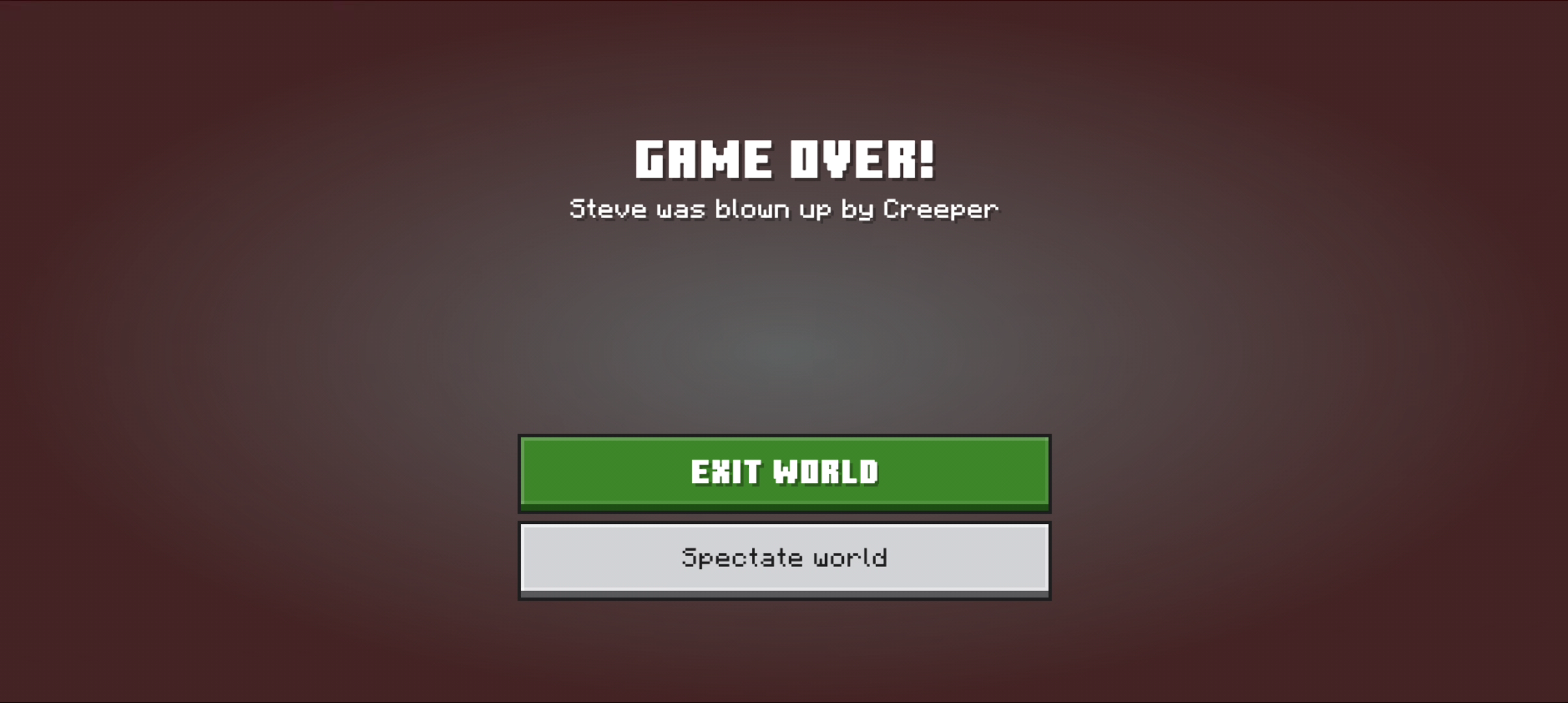
Skins don't make the world safer. They just make your final death screen feel a bit more curated.
While you're there, check if the world expects extra rules. Some creators want no sleeping, no villager trading, no coordinates, or no starter loot after your first death. Ignore that stuff and you might still be "playing" the map, but you won't really be playing the map they built.
Quick checklist before you load in
Before I trust any hardcore save, I run through a short checklist. Boring, yes. Boring keeps your weekend intact.
- Scan the file. Your operating system's built-in security tools are enough for a first pass.
- Confirm the edition. Java save folders and Bedrock .mcworld packages aren't interchangeable.
- Check the structure. You want level.dat inside the world folder, not buried in an extra nesting layer.
- Match the version. Open the world on the creator's stated build before trying newer updates.
- Test in a copy. Keep one untouched backup and one play copy.
- Read the notes. Datapacks, resource packs, and custom rules matter more than people think.
That's really it. Safe source, right folder, right version, backup before bravery.
Do those boring things and the hard part becomes surviving the world, which is exactly how hardcore should work.