PolyMC Launcher: Managing Multiple Minecraft Setups in 2026
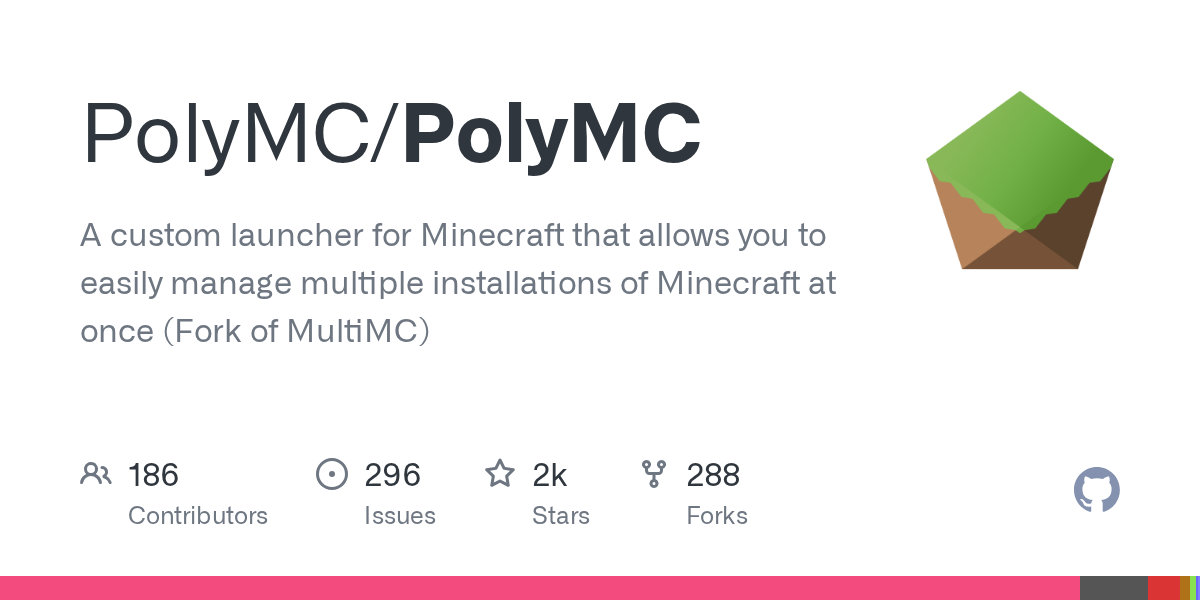
PolyMC/PolyMC
A custom launcher for Minecraft that allows you to easily manage multiple installations of Minecraft at once (Fork of MultiMC)
View on GitHub ↗If you're juggling multiple Minecraft setups - vanilla survival, modded servers, snapshots, texture packs you're testing - managing them separately is painful. PolyMC is a custom launcher that organizes all of them in one place, letting you switch between completely different game configurations instantly.
What PolyMC Does
PolyMC is a custom launcher for Minecraft, built as a fork of MultiMC with a focus on stability and predictability. Instead of having a single Minecraft installation that you'd need to mess with to switch between vanilla and modded, or different Java versions, PolyMC lets you create isolated "instances" for each setup you want to maintain.
Think of instances like separate game folders that don't interfere with each other. You've one for your Survival world, another for testing mods, one with Fabric, one with Forge, whatever. Launch whichever you want without touching anything else.
The launcher itself is written in C++ and runs on Windows, macOS, and Linux. It's open source under the GPL-3.0 license, with around 2,000 GitHub stars and active development.
Why You'd Need This
The default Minecraft launcher works fine if you're only playing vanilla. But most people want more. You might want to test mods without nuking your main world. Or run the same world on different Java versions to see if one performs better. Or jump between modded servers that require completely different mod lists.
Each instance in PolyMC can have its own Java version, memory allocation, mods folder, resource packs, and game version. This matters more than it sounds - some older mods break on newer Java versions, and manually juggling all that gets tedious fast.
If you're building a modpack for friends, PolyMC makes testing way easier. If you're a server admin who needs to match your client setup to the server config, you've got precise control per instance.
Installation and First Launch
Installation depends on your OS. The project provides downloads on their website, with multiple options for each platform.
On Linux with AppImage (simplest for most):
wget https://github.com/PolyMC/PolyMC/releases/download/7.0/PolyMC-Linux-7.0-x86_64.AppImage
chmod +x PolyMC-Linux-7.0-x86_64.AppImage./PolyMC-Linux-7.0-x86_64.AppImage
If you're on Arch, there's an AUR package (polymc-git for development builds). Debian users can grab polymc-git from the MPR. The project also publishes Qt6 builds if you're particular about your libraries.
Windows and macOS get standard installers. One note for macOS - if you use AppImageLauncher, make sure it's version 3.0 alpha-4 or newer, otherwise it'll break PolyMC's AppImage.
Creating Instances and Managing Versions
When you create a new instance, PolyMC asks which game version you want. Pick anything from old releases to the latest (26.1.2 as of April 2026) or even snapshots. You select your mod loader - Vanilla, Forge, Fabric, NeoForge (new in v7.0) - and that's mostly it.
From there, each instance has its own folder structure. Mods go in the mods folder, resource packs in resourcepacks, etc. You can launch from PolyMC with custom Java arguments if you need them. Want to allocate 8GB of RAM to one instance and 4GB to another? Set it per instance.
Version 7.0 switched the Minecraft page to use tabs, which is cleaner. There's also a detail that saves headaches - you can set a default mod download platform so PolyMC knows whether to pull from Modrinth or CurseForge by default.
Features That Matter
Java management is legitimately useful here. PolyMC can auto-download Java versions for you, including newer builds like JDK 21. Each instance can use a different Java version independently. This solves a huge category of "my mods don't work" problems because some mods break on newer Java versions and need older releases.
Mod loader support is full. Fabric and Forge obviously work. Recent versions added full NeoForge support (the Forge fork that's gaining traction). You can also run vanilla instances if you just want to organize without modding.
The launcher includes built-in tools for managing versions. You can install resource packs directly from the instance settings rather than hunting through folders. If you're setting up a server, PolyMC can help you sync your client instance to match your server's modlist and avoid painful troubleshooting later.
And if you're using the Server Properties Generator to configure your server, you can apply those same settings to your PolyMC instance. The Minecraft Whitelist Creator also pairs well if you're managing player access.
Common Gotchas New Users Hit
Storage is the big one. Each instance is a full copy of the game, so 10 instances with 100+ mods each means serious disk space.
Java detection sometimes needs babying. If PolyMC can't find your Java installation automatically, you'll need to point it manually. The logs are explicit about what went wrong, which helps.
Modpack importing works, but it's got limits. Not every modpack launcher format is fully supported, and some built for other launchers might need tweaks. The project keeps improving this, but it's not 100% transparent.
And here's something that catches people: account migration. If you're switching from the default launcher, you keep your Microsoft account login (assuming you've migrated from your old Mojang account). But you need to log in first - PolyMC won't pull credentials from the old launcher.
How It Stacks Against Other Launchers
The official Minecraft Launcher is fine. It launches the game. The result doesn't give you instance management or version control, which PolyMC does. If you're only playing vanilla, it's probably fine. If you're touching mods, PolyMC is objectively better.
MultiMC is PolyMC's ancestor - stable, well-established, but PolyMC's specifically designed to be its more predictable successor. The fork exists because the original MultiMC maintainer wasn't accepting certain changes the community wanted.
CurseForge Launcher and GDLauncher are fine if you only install modpacks and don't care about fine-grained control. Both are more "point and click modpack installer" than "precise control over every game setting."
Building From Source (If You Want)
Most people won't need to. But if you're on an unsupported OS or want the absolute latest development build, the project provides build instructions. It's C++, so you'll need CMake and a compiler. The Nix package was recently updated if you're already in that ecosystem.
If you fork it for a custom build, the project's policy is straightforward: change the API keys in CMakeLists.txt to your own (or empty string to disable them), and make it clear it's not the official PolyMC. That's it.
The Takeaway
PolyMC solves a real problem for anyone managing multiple Minecraft setups. It's stable, well-maintained, cross-platform, and genuinely free. If you're tired of manually swapping mods or Java versions, it's worth an afternoon to set up. The community's active on Discord and Reddit if you hit issues.
It's not flashy. It just works, which is exactly what you want from a launcher.
PolyMC/PolyMC - GPL-3.0, ★2012
Lead writer at minecraft.how. Long-time Minecraft player running a small SMP server, testing every build, mod, and seed before writing about it.