Minecraft Skin Editor: 2026'de İhtiyacınız Olan Her Şey
Tek bir cevap istiyorsanız, canlı 3D önizleme, katman değiştiricileri ve temiz PNG dışa aktarımı olan bir Minecraft skin editörü kullanın. 2026'da daha iyi skinler, göz alıcı butonlardan değil daha iyi iş akışından gelir. İyi bir süreç, fantezi bir arayüzü her zaman yener.
2026'da Minecraft skin editörü nasıl seçilir
Çoğu oyuncu bir skin editörü yanlış nedenden dolayı seçer. En güzel ana sayfaya sahip olanı seçer, sonra beş dakika sonra bir kolun gölgelendirilmesi konusunda takılıp kalır. Bunu istediğimden fazla yaptım, geç saatlerde bir SMP oturumunda yapılan bir gizli avcı skininin eritilmiş bir trafik konisine benzemesiyle sonuçlanan durumlarda da bunu yaptım.
Aslında önemli olan şeyler:
- Gerçek zamanlı 3D önizleme: Modelinizi boyarken döndüremiyorsanız, garip yan dikiş kısmını kaçırırsınız.
- Katman kontrolü: Şapka katmanı, ceket katmanı, kollar, pantolon overlay'leri. Hızlı açma/kapama düğmelerine ihtiyacınız var.
- Simetri seçenekleri: Temel blok oluşturma için harika, son detaylandırma için tehlikeli.
- Güvenilir dışa aktarım: PNG çıkışı tam boyutları ve saydamlığı korumalıdır.
- Java ve Bedrock netliği: Editör, tam olarak hangi formatı düzenlediklerini söylemelidir.
Evet, tarayıcı tabanlı editörler 2026'da da tamamen uygulanabilir. Hızlı düzenlemeler, kurulum yok, kolay paylaşım. Ancak ağır detay çalışması yapıyorsanız, masaüstü araçları daha az sıkışık hissettiriyor ve genellikle daha iyi yakınlaştırma davranışına sahip.
Bir uyarı: daha büyük özellik listeleri her zaman yardımcı olmaz. Üç popüler editörü arka arkaya test ettim ve menüleri aramaya daha az zaman harcadığım, gövdedeki kontrastı düzeltmeye daha fazla zaman harcadığım için en temiz sonucu en basit olanda yaptım.
Java ile Bedrock skin editörü farkları (yine rahatsız edici, yine gerçek)
Hızlı gerçek: birçok "benim skin bozuk" şikayeti sanat hataları değil, format hataları.
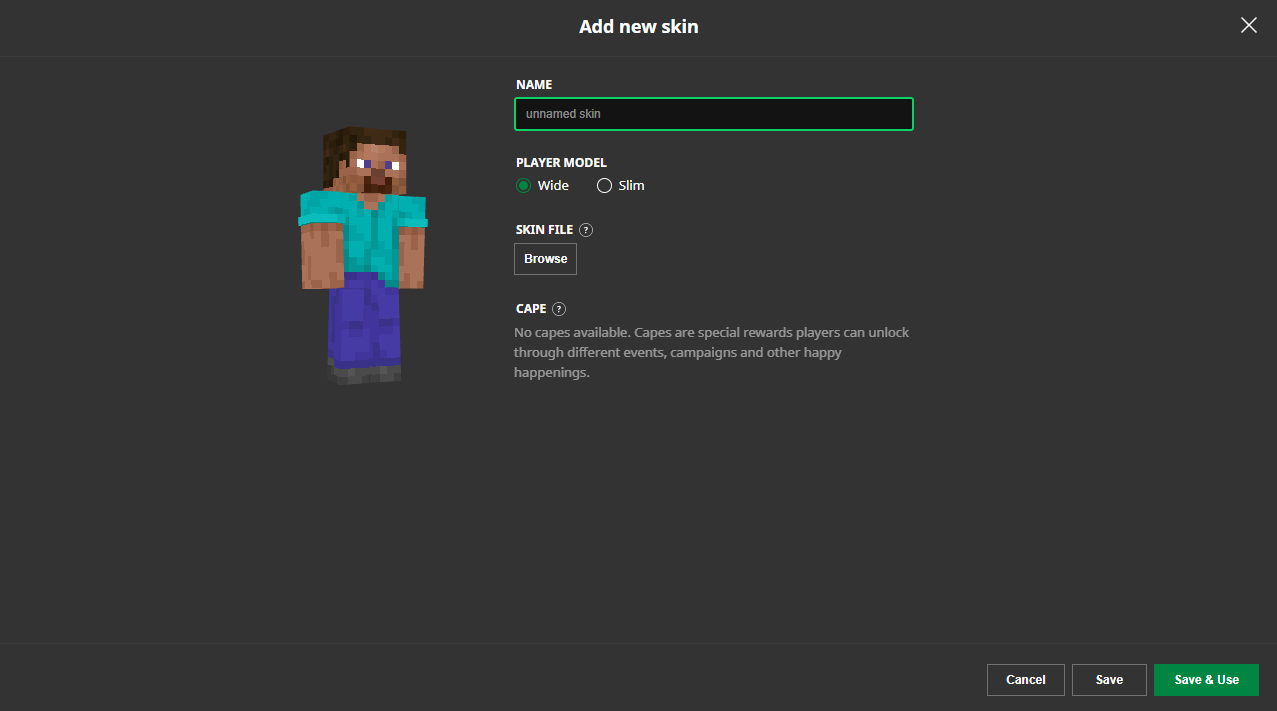
Java ve Bedrock her ikisi de skin dosyaları kullanır, ancak beklentileri özellikle pazaryeri tarzı içerik ve platforma özgü davranış devreye girdiğinde pratik yollarla farklılık gösterebilir. Minecraft skin editörünüz model türünü açıkça etiketlemiyorsa (klasik ya da ince), gerilmiş kollarla veya yanlış yerleştirilmiş gölgelendirmeyle karşılaşabilirsiniz.
Peki güvenli yol nedir? Düzenlerken iki dosyayı versiyonlandırın:
- Katmanlar ve notlarla birlikte ana çalışma dosyası.
- Hedef platform/model başına bir dışa aktarım dosyası.
Bu sıkıcı gelse de öyle. Aynı zamanda gece yarısında tüm bir hoodie overlay'ini yeniden yapmaktan sizi kurtarır.
Aslında küçük bir düzeltme, Bedrock birçok standart skin'le iyi davranabilir, ancak uç durumlar cihazlar arasında daha hızlı ortaya çıkar. Arkadaşınız PC'de iyi görünüyor, konsolda berbat derse, her iki insana da inanın.
Daha temiz skinler için pratik iş akışım
Hızlı daha iyi çıktı istiyorsanız? Tekrarlanabilir bir döngü kullanın. Dahi seviyesi renk teorisi değil, sihirli fırçalar değil, sadece tutarlı bir rutindir.
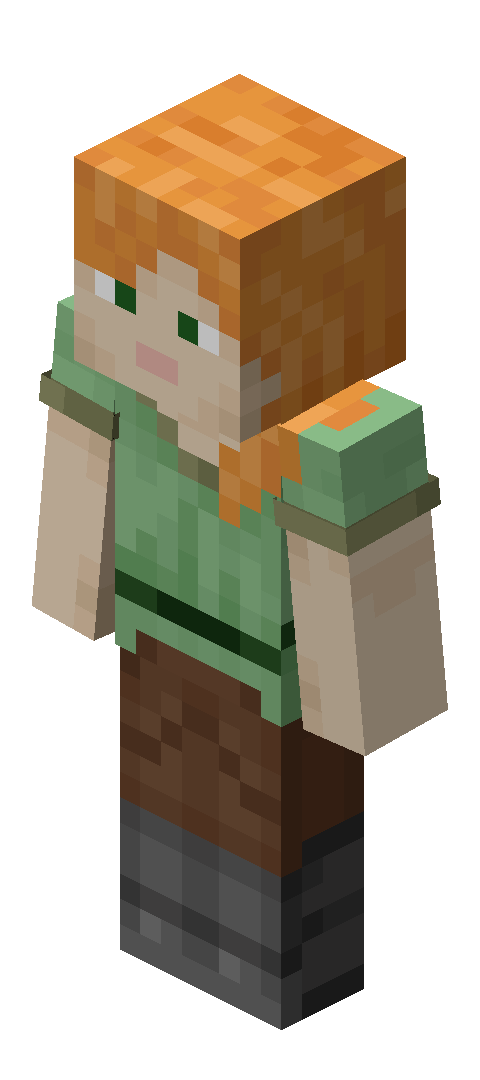
1) Önce şekilleri blokla, sonra detaylar
Büyük renk alanlarıyla başlarım: saç, ceket, pantolon, çizmeler, vurgu rengi. Henüz dithering yok. Henüz küçük parlamalar yok. On blok uzaktan silueti ve okunabilirliği düşünün.
2) Ton geçişini renk geçişinden önce yapın
Çoğu skin düz görünür, çünkü renkler yanlış değil, tonlar çok benzer. Kolların altını, bacakların içini, boyun alanını ve alt gövde düzlemlerini ilk koyulaştırırım. Sonra ton sıcaklığını ve soğukluğunu ayarlarım.
Editöründe harika görünen ama oyunda çamurlu görünen bir skin gördünüz mü? Bu genellikle düşük ton ayrımı artı parlak biyom aydınlatması.
3) Harekette test edin, sadece boş duruşta değil
Döndürme önizlemesi güzel, ancak koşu, atlama, eğilme kontrolleri daha fazla sorun yakalar. Kol dikiş kısmı, yan gövde kırılımları, çizme üstleri, tüm eğlenceli şeyler. Bunu özel düz bir dünyada ve bir kalabalık lobide test ederim, çünkü görsel gürültü kontrastın nasıl okunduğunu değiştirir.
4) Overlay ile itidal
İkinci katman parçaları güçlüdür ve aşırı yapmak kolaydır. Her şey parlıyorsa, hiçbir şey parlak değildir. Bir odak alanı tutun, genellikle baş veya göğüs.
Kısa versiyon: bir görsel hikaye seçin. Kirli, büyücü, mekanik, orman izcilik, ne olursa. Beş temadan rastgele harika detaylar "dolap patladı" çekirdeği olur.
5) Dışa aktar, tekrar aç, incele
Dışa aktardıktan sonra PNG'yi aynı Minecraft skin editöründe ve bir başka görüntüleyicide tekrar açarım. Neden? Saydamlık hatası ve yanlışlıkla kaymış vuruşlar insanların düşündüğünden daha sık olur.
Bu adım iki dakika sürer.
Saatleri tasarruf eder.
Yaygın Minecraft skin editörü hataları ve hızlı düzeltmeler
Discord ekran görüntüleri, sunucu sohbetleri ve kendi utanç verici arşiv klasörümde gördüğüm sorunların torbası burada.
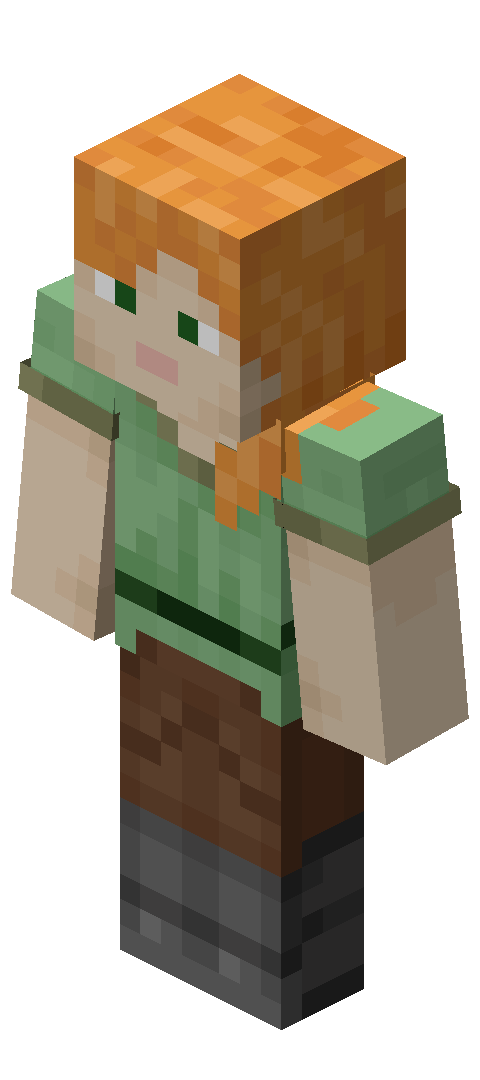
- Aşırı doymuş paletler: Önizlemede harika görünür, gerçek oyunda kaotik. Doygunluğu yüzde 10-20 aşağı çekin ve bir vurgu rengini canlı tutun.
- Işık kaynağı tutarlılığı yok: Sol kol ışıkları ve sağ bacak gölgeleri uyuşmazsa, model gürültülü görünür. Bir hayali ışık yönü seçin ve buna bağlı kalın.
- Her yerde mükemmel simetri: Blok oluşturma için iyi, son sanat için sıkıcı. Simetriyi bir eldiven manşet, saç teli, yara, yama veya kemer detayıyla kırın.
- İnce/klasik kol genişliğini görmezden gelmek: Son dışa aktarımdan önce çift kontrol edin.
- Rastgele sitelerden bilinmeyen dosya indirmek: Güvenilir kaynaklar kullanın ve herhangi bir şey tuhaf hissettirse dosyaları tarayın. Bir skin PNG, skin PNG olmalı, sürpriz yürütülebilir değil (evet, insanlar hala kandırılıyor).
Ayrıca küçük bir adlandırma sistemi tutun. Örnek: ranger_v03_classic_java.png. Gelecekteki sen, sürüm 11 sürüm 4'ten daha kötü çıktığında minnettar olacak.
Minecraft.how'dan skin ilhası (editör temalı seçimlerle)
Bir Minecraft skin editörü açmadan önce gerçek skinleri incelemek istiyorsanız. Var olan yapıyı incelemek, boş bir şablona bakmaktan daha fazla yardımcı olur.
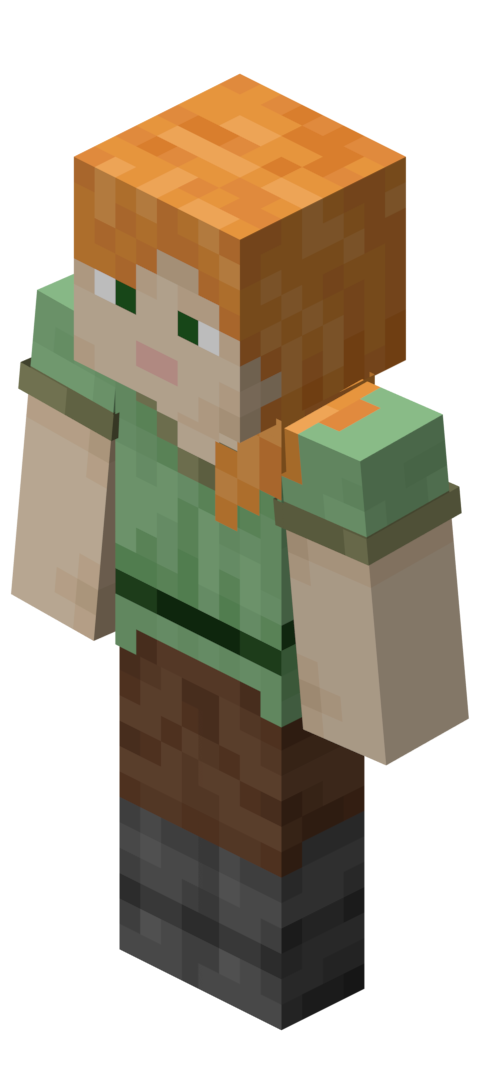
Bunlar analiz edilecek sağlam editör temalı örneklerdir:
- MeggTheEditor Minecraft skin tasarımı renk bloklaması ve okunabilir kıyafet kontrastı için.
- EditorDori Minecraft skin konsepti daha yumuşak palet yönü istiyorsanız.
- Editör Minecraft skin stil referansı basit, temiz kompozisyon için.
- EDITOR_CN Minecraft skin örneği detay yoğunluğu seçimlerini incelemek için.
- EditorialDrop29 Minecraft skin görünümü katmanlı kıyafet fikirlerine.
Sonra Tüm Minecraft Skinlerini Gözat sayfasına atlayın ve beş veya altı stili yan yana karşılaştırın. Kopyalamayın, deconstruct edin. Sorun: kontrast en yüksek nerede, doku nerede sakin, hangi bölüm gözünüzü ilk çeker?
Bu, tadı eğitmenin en hızlı yoludur ve tat, araç sayısından daha önemlidir.
2026 bağlamı: neden bu şimdi daha önemli
Skinler her zaman kimlik oldu, elbette. Ancak platform değişiklikleri ve güncelleme hızı 2026'da editör alışkanlıklarını daha ilgili hale getiriyor.
PCGamesN, 2026'nın başında Minecraft'ın "Tiny Takeover" 1.26.1 bırakışının yaklaşık Mart ayında bekleniyor olduğunu bildirdi, son üç aylık ritme dayanarak. Daha düzenli bırakış, oyuncuların sık geri dönmesi, sunucuların temeleri daha hızlı yenilemesi ve insanların etkinlikler etrafında daha sık skin değiştirmesi anlamına gelir.
Ve The Loadout'ta Mojang'ın yerel PS5 sürüm testi 2024'te vurgulandı, o yıl bırakış hedeflendi. Konsol performansı ve eşlik iyileştirmeleri kötü skin tasarımını sihirli biçimde düzeltmez, ancak görsel farklılıkları büyük ekranlarda daha belirgin hale getirirler.
Çeviri: gölgelendirmeniz çamurlu ise veya overlay'leriniz dağınık ise, modern ekranlar bunu anında ortaya çıkarır (kaba, ancak adildir).
Yani hayır, dünya üzerindeki en fantezi Minecraft skin editörüne ihtiyacınız yok. Sürtünmeyi ortadan kaldıran biri, artı sık güncellemeler, sunucu tema rotasyonları ve Java, Bedrock ve konsol arkadaşları arasında platform hopping'i kurtaran bir iş akışına ihtiyacınız var.
Editörü seçin. Tekrarlanabilir bir süreç oluşturun. Versiyonları düzenli tutun. Sonra insanların hatırladığı skinler yapmak için zamanınızı harcayın, bu ayın on beşinci kez kol hizalması ile uğraşmayın.

Lead writer at minecraft.how. Long-time Minecraft player running a small SMP server, testing every build, mod, and seed before writing about it.
Sıkça Sorulan Sorular
Minecraft skin editörü seçerken en önemli özellikler neler?
Java ve Bedrock skin editörü arasında ne fark var?
Tarayıcı tabanlı skin editörleri 2026'da hala kullanılabilir mi?
Daha temiz bir skin için pratik iş akışı nedir?
En yaygın Minecraft skin editörü hataları neler?
Skin dosyalarımı nasıl düzenli tutabilirim?
Have a Question or Tip about this Guide?Community Q&A
Ask a question or help other players below. Join the discussion and share your Minecraft tips!
Yorumlar
Henüz yorum yok. Düşüncelerinizi paylaşan ilk kişi olun!