Baritone: Navegación Automática en Minecraft
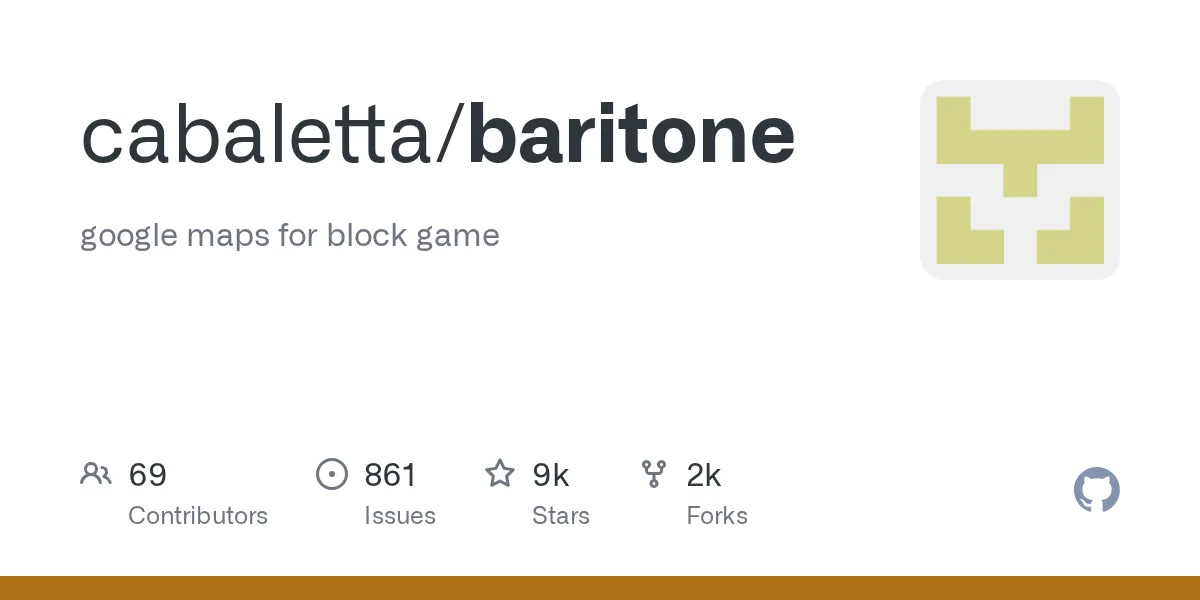
baritone (cabaletta/baritone)
google maps para el juego de bloques
Baritone es un bot de búsqueda de rutas que automatiza la navegación en tu mundo de Minecraft. En lugar de trazar manualmente rutas a través de montañas, encontrar el camino de regreso a la base o inspeccionar terrenos masivos, Baritone calcula rutas óptimas y guía a tu jugador allí automáticamente. Si alguna vez pasaste veinte minutos caminando a través de un paisaje expansivo o te perdiste sin remedio en coordenadas que no anotaste, inmediatamente verás el atractivo.
Qué hace Baritone
Imagina tener un sistema GPS para Minecraft. Eso es más cercano a lo que hace Baritone. Es un mod de Java que utiliza búsqueda de rutas con IA para trazar rutas de un punto A a un punto B, luego camina automáticamente tu personaje hacia allá mientras evita obstáculos, lava, daño por caída y criaturas hostiles. Le dices dónde ir y calcula la ruta más segura y rápida usando el terreno alrededor tuyo.
El proyecto, que tiene más de 8,800 estrellas en GitHub, soporta una amplia gama de versiones de Minecraft desde 1.12.2 hasta 1.21.8. Funciona en los cargadores de mods Forge, Fabric y NeoForge, así que tu configuración no importa mucho.
Pero aquí está lo que lo hace genuinamente impresionante: Baritone no solo camina en línea recta. Entiende cambios de elevación, reconoce escaleras y escalas, evita bloques peligrosos y puede incluso minar a través de paredes si es la ruta óptima. Es como tener un copiloto que conoce exactamente el diseño de tu mundo.
Casos de Uso Reales que Importan
Seamos concretos. ¿Alguna vez intentaste recrear una ciudad real en modo supervivencia? Sí, buena suerte caminando entre todos esos sitios de construcción distantes sin perder la cabeza. Baritone maneja la navegación tediosa para que puedas enfocarte en la construcción real.
O supongamos que encontraste un bioma de montaña increíble a tres mil bloques de tu base. Podrías pasar media hora caminando, o podrías establecer un punto de referencia y dejar que Baritone te lleve allá mientras agarras un café. Mismo costo de energía, mejor uso de tu tiempo.
El caso de uso de minería es astutamente poderoso. Si estás minando en tiras o buscando minerales específicos en un área de minería personalizada, Baritone puede patrullar una zona de minería sistemáticamente, explorando cuevas o siguiendo un patrón de cuadrícula que defines. No todos quieren ese nivel de automatización, pero para sesiones de exploración largas, ahorra tiempo de juego serio.
Los servidores multijugador a menudo también usan Baritone (verifica primero las reglas del servidor), especialmente para servidores de facciones donde los ataques a bases requieren exploración de territorios masivos. Los grupos más pequeños también lo usan para exploración organizada cuando mapean nuevo terreno.
Poniéndolo en Funcionamiento
La instalación depende de tu cargador de mods. Baritone publica compilaciones separadas para Forge, Fabric y NeoForge, lo cual es agradable. La última versión soporta Minecraft 1.21.6, 1.21.7 y 1.21.8.
Para Forge, descarga el JAR específico de Forge desde la página de lanzamientos y déjalo en tu carpeta de mods:
# Navega a tu directorio de Minecraft
cd ~/.minecraft/mods

# Descarga la compilación más reciente de Forge (o usa tu navegador)
wget https://github.com/cabaletta/baritone/releases/download/v1.15.0/baritone-api-forge-1.15.0.jar
Los usuarios de Fabric hacen lo mismo con el JAR de Fabric. NeoForge sigue el patrón.
Inicia tu juego y las teclas de acceso rápido de Baritone deberían funcionar inmediatamente. El predeterminado es principalmente teclas de clic derecho con algunas teclas numéricas. En realidad, debería corregirme aquí - los enlaces de teclas exactos dependen de tu versión, así que verifica la documentación del mod para tu versión específica. Lo básico es generalmente navegación (clic derecho en el objetivo, usa teclas numéricas para opciones), pero el reenlace es sencillo en la configuración.
Lo que Baritone Puede Hacer
La búsqueda de rutas básica es obvia. Haces clic donde quieres ir, Baritone traza la ruta allá. Pero hay profundidad aquí.
Sistema de Puntos de Referencia: Marca coordenadas importantes (base principal, área de minería, casa de un amigo) y navega hacia ellas después. Baritone las recuerda en todas las sesiones. Esto solo ahorra enormes cantidades de tiempo si juegas supervivencia vanilla y no memorizas tus coordenadas.
Modo Explorador: Dile a Baritone que explore en una dirección o patrón, y cubrirá sistemáticamente terreno nuevo. Útil para encontrar biomas que deseas o simplemente inspeccionar la geografía de tu mundo sin caminar manualmente en cada dirección.
Evitación de Bloques y Minería: Baritone evita bloques peligrosos por defecto (cactus, lava, daño por caída), pero puede configurarse para minar a través de obstáculos si la ruta lo requiere. Estableces el nivel de agresividad - el modo conservador evita la minería, el modo agresivo atravesará piedra para alcanzar el destino.
Automatización de Granjas: Algunos jugadores configuran Baritone para cosechar cultivos sistemáticamente. No todos necesitan esto, pero si construiste una granja masiva y no quieres cosechar a mano, es útil.
Trampas y Qué Hace Tropezar a la Gente
Baritone no es magia. Puede fallar en algunos escenarios específicos.
Uno: navegación subacuática. Baritone puede navegar agua, pero es más lento e a veces impredecible. Si tu ruta implica agua significativa, la dirección manual a veces funciona mejor.
Dos: mundos muy moddeados con bloques personalizados. Baritone tiene que aprender qué bloques son seguros para caminar. En Minecraft moddeado con toneladas de contenido personalizado, podría tratar bloques caminables como obstáculos hasta que lo configures.
Tres: criaturas. Baritone no pelea. Evita criaturas hostiles si es posible, pero si estás rodeado, estás dirigiendo. Eso tampoco maneja ataques de jugadores en multijugador (los servidores enfocados en PvP probablemente no sean el lugar para Baritone de todas formas).
Y aquí hay un error común: dejarlo corriendo en biomas peligrosos. Suelta a Baritone en el Nether sin configurar la evitación de obstáculos correctamente, y podrías reaparcer en tu cama preguntándote qué pasó. Sé específico sobre tus destinos y umbrales de seguridad.
¿Es Baritone Adecuado para tu Estilo de Juego?
No todos quieren automatización. Algunos jugadores aman la experiencia meditativa de explorar a pie, encontrar cuevas ocultas y tropezar con características geniales del paisaje. El piloto automático de Baritone elimina ese elemento de descubrimiento. Si eres ese tipo de jugador, no lo forces.
Para constructores en modo creativo, terraformadores, o personas que manejan mundos multijugador masivos, Baritone reduce horas de trabajo tedioso. Para jugadores de supervivencia vanilla casual que disfrutan la exploración, podría hacer que el juego se sienta menos atractivo.
También puedes usarlo selectivamente. Usa Baritone para el viaje aburrido de regreso a la base después de una sesión de minería, pero explora biomas nuevos manualmente. Ese es un punto medio razonable.
Herramientas Similares y Alternativas
Baritone es el bot de búsqueda de rutas más maduro para Minecraft, pero tienes opciones.
Rei's Minimap / Xaero's Minimap: Estas son ayudas de navegación más que automatización. Muestran tu ubicación y te permiten marcar puntos de referencia, pero aún caminas. Son menos agresivas que Baritone y se ajustan mejor a estilos de juego vanilla.
Journey Map: Mapeo de territorio similar sin la automatización. Peso más ligero, bueno para jugadores que quieren ayuda de navegación sin un bot.
Mods Personalizados en MC Moddeado: Algunos paquetes muy moddeados incluyen mods de misiones o sistemas automatizados que se superponen con Baritone, pero son específicos del paquete y diseñados diferentemente.
Honestamente, si quieres búsqueda de rutas con piloto automático, Baritone es el estándar. Las alternativas son ayudas de navegación, no automatización.
Antes de empezar a usar Baritone, verifica si tu servidor lo permite. Muchos servidores vanilla y servidores de facciones lo hacen, pero algunos tienen reglas explícitas contra mods de automatización. Vale la pena preguntar. También, si estás transmitiendo o creando contenido, ten en cuenta que ver a alguien usar Baritone para navegación pura no es el video más atractivo, así que guárdalo para cuando realmente te ayude a lograr un objetivo.
Un consejo final: mientras automatizas la navegación, quizás quieras ver nuestro Minecraft Votifier Tester si estás ejecutando o promoviendo un servidor, o el Minecraft Text Generator para formatear señales y mensajes de chat. Ambos son ganancias rápidas que combinan bien con el juego enfocado en automatización.

Lead writer at minecraft.how. Long-time Minecraft player running a small SMP server, testing every build, mod, and seed before writing about it.
Preguntas Frecuentes
¿Qué hace Baritone en Minecraft?
¿Con qué versiones de Minecraft funciona Baritone?
¿Con qué cargadores de mods es compatible Baritone?
¿Baritone recuerda las coordenadas de tu base entre sesiones?
¿Cuáles son las limitaciones de Baritone?
¿Se puede usar Baritone en servidores multijugador?
Comentarios
Aún no hay comentarios. ¡Sé el primero en compartir tu opinión!