Cómo crear un servidor Bedrock personalizado con BetterAltay
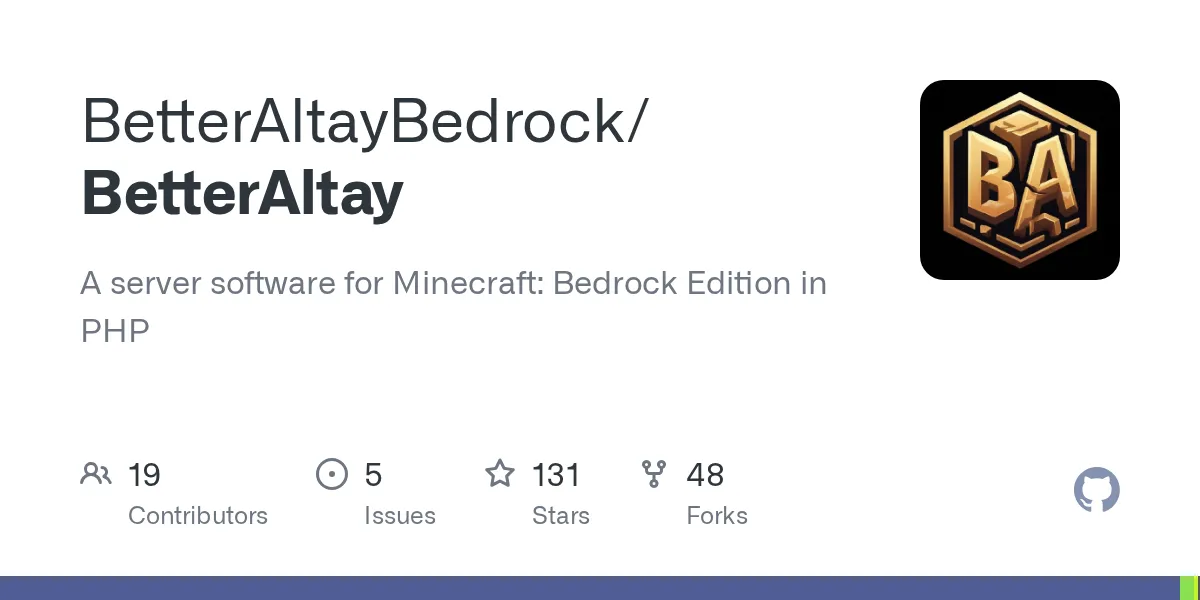
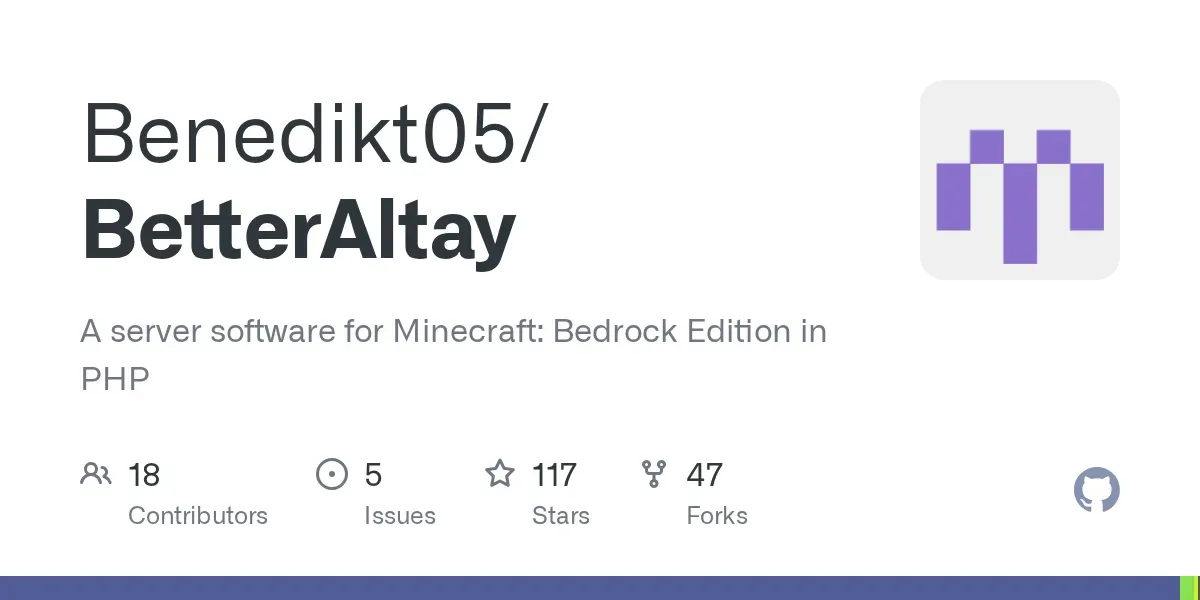
BetterAltayBedrock/BetterAltay
A server software for Minecraft: Bedrock Edition in PHP
View on GitHub ↗Running a multiplayer Minecraft Bedrock world often leaves administrators stranded between locked-down official dedicated servers and bloated third-party wrappers. BetterAltay solves this by delivering an independent, PHP-powered server engine that gives you granular control over plugins, game performance, and custom world rules without forcing you into restrictive hosting ecosystems.
What BetterAltay Brings to Bedrock Hosting
Most players who jump into server administration start with Mojang's vanilla Bedrock Dedicated Server. It works for a vanilla survival realm with a handful of friends, but the moment you want custom mini-games, strict permission nodes, or custom command structures, you hit a brick wall. That is where custom software cores come into play.
BetterAltay is a fork carrying the torch forward from earlier community foundations, specifically the Altay project and PocketMine-MP 3.28.0. Built primarily in PHP, it targets server operators who need an extensible API layer without the heavy overhead of running a full Java emulator underneath. The repository has gathered 131 stars on GitHub under the LGPL-3.0 license, proving there's steady interest in lightweight, PHP-driven Bedrock architecture.
Why PHP for a Minecraft server? It sounds unusual if your background is purely Java Spigot or Paper forks. PHP provides an asynchronous, event-driven engine model when coupled with dedicated binary runtimes, letting lightweight hardware run pocket servers smoothly without dedicating four gigabytes of heap memory just to boot the world.
Why You Might Choose It Over Vanilla Bedrock
Bedrock server administration is a completely different discipline compared to Java edition.
If you check our server tracker on Donutsmp (commanding 26,437 players online this month), large-scale networks typically rely on specialized infrastructure. But for private communities, school clubs, or custom survival worlds, running an agile standalone core is much more practical.
Here are the practical reasons to spin up a BetterAltay instance:
- Legacy API3 Plugin Support: You gain access to a broad ecosystem of community-built plugins written for PocketMine API3 standards, including economy systems, land claiming, and custom teleportation handlers.
- Low Memory Footprint: Because it doesn't run the vanilla Bedrock engine binaries, BetterAltay skips rendering overhead and redundant background entity checks that choke budget VPS instances.
- Granular Configuration: Modify everything from tick rates to custom packet handling directly through standard configuration files instead of being locked into stock server settings.
- Targeted Bug Fixes: Recent releases like tag 1.45.0 resolve specific Bedrock quirks, such as dye-to-wool color mapping for sheep, while bringing compatibility up to Bedrock release v26.50.
How to Install and Launch BetterAltay
Setting up BetterAltay requires two core components: the packaged server archive (the Phar file) and a pre-compiled PHP binary bundle tailored for Bedrock packet processing.

You should not try to run this with your operating system's default web-server PHP build. Web PHP lacks the compiled extensions (like pthreads and pocketmine-chunkutils) needed to process Minecraft network packets.
Step 1: Download Server Files
Grab the compiled server phar directly from the official releases page on GitHub. Create a dedicated folder for your server on your local machine or Linux server.
mkdir bedrock-server
cd bedrock-server
wget https://github.com/BetterAltayBedrock/BetterAltay/releases/download/1.45.0/BetterAltay.phar
Step 2: Obtain PHP Binaries and Start Scripts
Next, pull the official wrapper scripts and pre-built binaries provided by the maintainer via the Benedikt05/PHP-Binaries repository. Depending on your operating system, you will use start.sh for Linux/macOS or start.cmd (or start.ps1) on Windows.
# On Linux/macOS:
chmod +x start.sh
./start.sh
On Windows, place the extracted PHP binary folder next to BetterAltay.phar and double-click start.cmd to generate the base configuration files.
Configuring Access and Monitoring Health
Once your server boots up for the first time, it creates the standard server.properties and pocketmine.yml configuration files. You'll want to lock down your network ports and player permissions before sharing the address with friends.
Managing player access is essential if you're hosting a private survival world. You can quickly generate structured permission lists with our free Minecraft Whitelist Creator, which formats your allowed usernames properly so unauthorized accounts can't join your session uninvited.
After opening port 19132 (UDP) on your router or firewall, verify your connection externally. You can plug your server IP and port into our Minecraft Server Status Checker to confirm whether your Bedrock instance is accepting incoming packets and returning accurate player counts.
Tips, Pitfalls, and Common Gotchas
Custom server cores bring immense flexibility, but they're not 100% identical copies of vanilla Minecraft. Here's the thing, keep these realities in mind before migrating your long-term survival worlds.

First, mob AI and redstone mechanics are implemented via custom server logic rather than Mojang's closed-source physics engine. If your community relies on ultra-complex piston flying machines or quirky bedrock redstone timings, you'll notice behavioral differences. Test your favorite contraptions in a sandbox world first.
Second, stay disciplined with your plugin choices. While API3 plugins are widely available across public archives, older plugins might target deprecated packet structures. Always verify plugin compatibility on a test port before loading them into your live server directory.
Third, keep regular world backups. BetterAltay uses leveldb and anvil formats depending on your world provider configuration. Backing up the worlds/ directory takes only seconds and saves countless hours of frustration.
How to Roll Back to Vanilla Bedrock
If you decide BetterAltay isn't the right fit for your group, returning to a standard setup is straightforward. Because BetterAltay operates entirely within its own directory, no system-level hooks or registry alterations occur.
- Stop the server safely by running the
stopcommand in your terminal. - Copy your world folder located inside the
worlds/directory to a safe location. - Download the official Bedrock Dedicated Server from Mojang.
- Place your saved world folder into the vanilla server's
worlds/folder and updateserver.propertiesto point to that world name.
Going back to vanilla removes plugin functionality, but your terrain, blocks, and inventory data remain intact.
My Take on BetterAltay
BetterAltay fills an important niche for community hosts who prefer the lightweight feel and fast startup times of PHP-based Bedrock software. It continues maintaining support for modern protocol versions (such as Bedrock v26.50) while preserving accessibility for classic API3 plugins.
If you want complete control over a lightweight Bedrock server without running heavy virtual machines, BetterAltay is well worth exploring for your next private multiplayer project.

Lead writer at minecraft.how. Long-time Minecraft player running a small SMP server, testing every build, mod, and seed before writing about it.
Preguntas Frecuentes
¿Qué es BetterAltay en Minecraft Bedrock?
¿Qué lenguaje de programación utiliza BetterAltay?
¿Puedo ejecutar plugins estándar de PocketMine en BetterAltay?
¿Qué versión de Minecraft Bedrock admite BetterAltay 1.45.0?
¿Bajo qué licencia se distribuye BetterAltay?
Have a Question or Tip about this Guide?Community Q&A
Ask a question or help other players below. Join the discussion and share your Minecraft tips!
Comentarios
Aún no hay comentarios. ¡Sé el primero en compartir tu opinión!