Minecraft Multijugador sin Servidor: Setup Inteligente 2026
Sí, puedes jugar Minecraft multijugador sin alquilar un servidor en 2026. Las rutas prácticas son LAN, mundos alojados entre amigos y herramientas de túnel ligeras para juego por internet, con Realms como alternativa de bajo mantenimiento. Elige según la distancia, la combinación de dispositivos y cuánto trabajo de configuración puede tolerar tu grupo.
Minecraft multijugador sin servidor, qué significa ahora
Cuando la gente dice 'sin servidor' puede significar tres cosas diferentes: sin anfitrión pagado, sin máquina siempre encendida, o sin complicaciones administrativas. En términos técnicos, el multijugador siempre se ejecuta en algún proceso servidor, aunque sea tu propio cliente de juego. La verdadera pregunta es quién aloja, por cuánto tiempo y cuánto control necesitas.
En 2026, la opción es mejor que antes. El ritmo de lanzamientos de Mojang se ha mantenido frecuente y el soporte de plataformas sigue mejorando. PCGamesN informó sobre el ritmo esperado de lanzamientos trimestrales alrededor de la ventana 1.26.1, lo que importa porque los cambios de protocolo pueden romper las herramientas de túnel antiguas durante una o dos semanas. The Loadout también cubrió el impulso nativo de PS5 de Mojang, y eso importa para los grupos de amigos en múltiples plataformas donde alguien aún está en compilaciones de consola más antiguas.
Entonces, no, 'sin servidor' no significa 'sin alojamiento'. Significa 'sin pagar por alojamiento de servidor tradicional'.
Los mejores métodos gratuitos en 2026 (y quién debería usar cada uno)
Si tu grupo está en una casa, LAN gana. Si tu grupo está disperso en varios países, un host amigo más un túnel suele ser lo más rápido de configurar. Si nadie quiere solucionar problemas de puertos a las 23:40 de un viernes, Realms es aburrido pero efectivo.
Mi clasificación directa para la mayoría de grupos de amigos en la UE:
- Mundo LAN para juego en la misma casa, latencia más baja, configuración casi nula.
- Host Java + túnel para cooperación por internet con mods/datapacks y control total.
- Unirse a amigos en Bedrock para sesiones rápidas entre dispositivos, menos control administrativo.
- Realms si el tiempo de actividad del host es más importante que la personalización.
¿Podrías seguir reenviando puertos manualmente? Sí. ¿Debería hacerlo todos? No realmente. Muchos ISP de la UE usan CGNAT ahora, y eso solo puede arruinar toda tu noche.
Opción 1: Multijugador LAN sin servidor dedicado
LAN sigue siendo la respuesta más limpia para multijugador Minecraft sin configuración de servidor, siempre que todos estén en la misma red local. Es rápido, estable y difícil de arruinar a menos que alguien esté accidentalmente en la Wi-Fi de invitados (esto sucede más de lo que nadie admite).
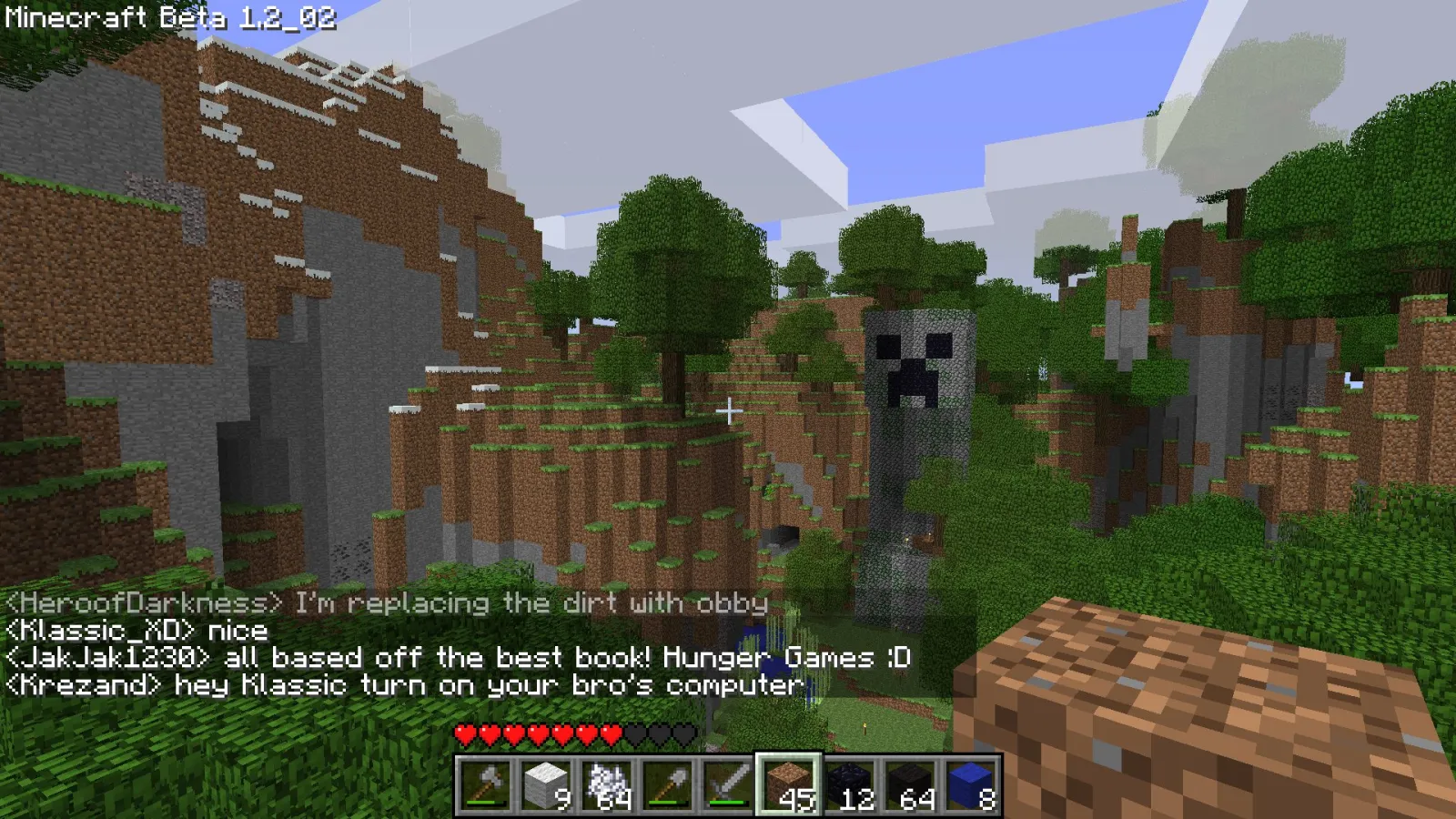
Pasos de LAN de Java Edition
- Inicia un mundo de un jugador.
- Presiona Esc, elige Abrir a LAN.
- Establece el modo de juego y la preferencia de trucos, luego inicia el mundo LAN.
- Otros jugadores abren Multijugador y se unen al juego LAN detectado.
Si el descubrimiento falla, usa conexión directa con la IP local del host más el puerto mostrado en el chat, como 192.168.1.23:54012. Mantén a todos los jugadores en la misma versión de juego y cargador de mods. Host Fabric + cliente Forge aún falla, y ninguna cantidad de optimismo cambia eso.
Pasos de LAN de Bedrock
- El host habilita el multijugador en la configuración del mundo.
- Todos inician sesión con cuentas de Microsoft.
- Los amigos en la misma red abren la pestaña de Amigos y se unen.
En realidad, una corrección, eso no es del todo correcto para algunos perfiles de privacidad de consola. La configuración de niños y familia puede bloquear la unión incluso en LAN. Si faltan los botones de unión, primero verifica la privacidad de la cuenta, luego la red.
Versión corta: LAN es inmejorable para sesiones en clase, cooperación entre hermanos y noches de construcción local.
Opción 2: En línea con amigos, sin host alquilado
Aquí es donde la mayoría de las personas aterrizan. Un jugador aloja su mundo, otros se unen por internet a través del reenvío de puertos o una capa de túnel. El reenvío de puertos puede ser excelente cuando funciona, pero las herramientas de túnel suelen ser más fáciles para personas sin conocimientos de redes.
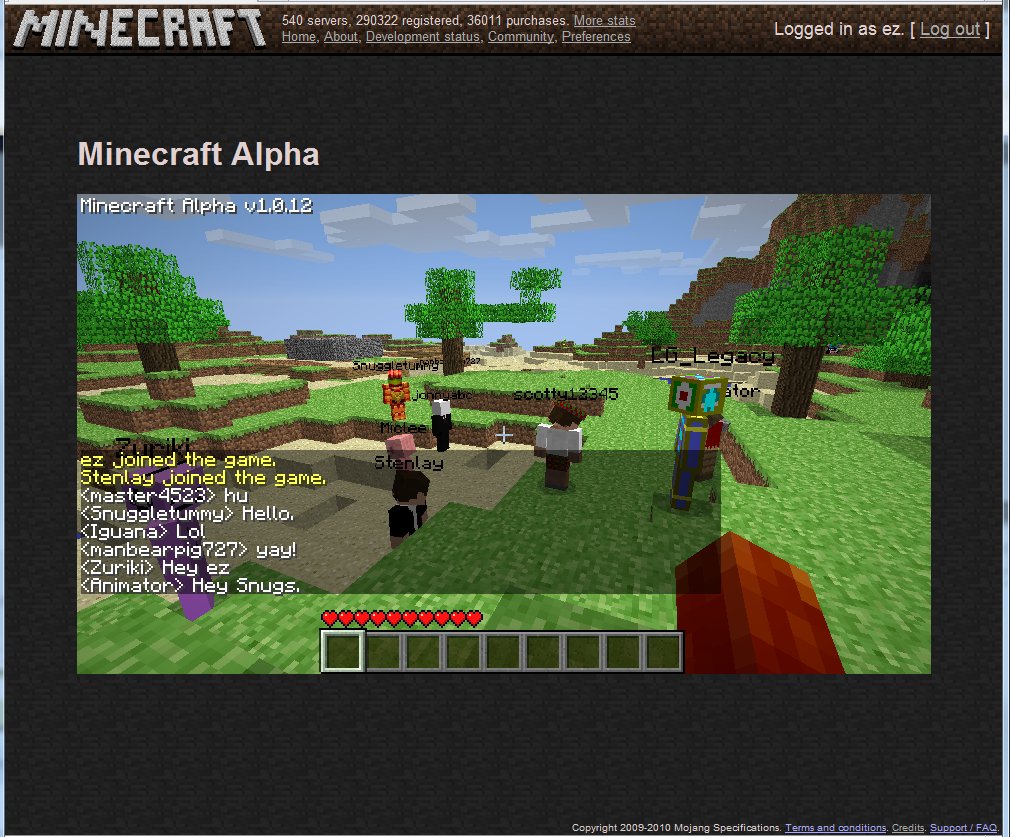
Para Java, he tenido los resultados más suaves con flujos de túnel modernos que generan una dirección pública para tu mundo local. Algunos dependen de una aplicación cliente ligera, algunos se ejecutan como un proceso de línea de comandos. Espera compensaciones: la configuración más fácil a menudo significa dependencia del tiempo de actividad de terceros.
Usa esta lista de decisiones:
- Quieres configuración rápida: elige una herramienta de túnel.
- Quieres máximo rendimiento y sin dependencia de relé: reenvía puertos directamente.
- Estás detrás de CGNAT: generalmente se requiere un túnel o relé VPS.
- Necesitas paquetes de mods: aloja en Java y bloquea la paridad exacta de mod-versión.
Una regla práctica que evita discusiones: elige el host con la mejor velocidad de carga, no la mejor GPU. El lag del multijugador es principalmente carga y enrutamiento, no trazado de rayos.
Y sí, alguien culpará al 'código de red de Minecraft' cuando su extensor Wi-Fi esté jadeando en el pasillo.
Lista de verificación rápida del host antes de invitar a alguien
- Empareja la versión del juego exactamente, incluido el cargador y mods.
- Lista blanca a amigos si es posible.
- Respalda la carpeta del mundo antes de la primera sesión en línea.
- Limita la distancia de simulación si la CPU del host es de gama media.
- Comparte las instrucciones de unión en un mensaje, sin pasos misteriosos.
Ese último punto importa. La mitad de los reportes 'no funciona' son solo IPs antiguas copiadas de ayer.
Realms vs mundos alojados entre amigos para jugadores de la UE
Realms no es el camino más barato, pero a menudo es el camino menos caótico. Si tu grupo juega en el Reino Unido, Alemania, Francia, España y tal vez un amigo en internet universitario inestable, el alojamiento centralizado proporciona una experiencia de unión más consistente que un host de laptop en un apartamento.
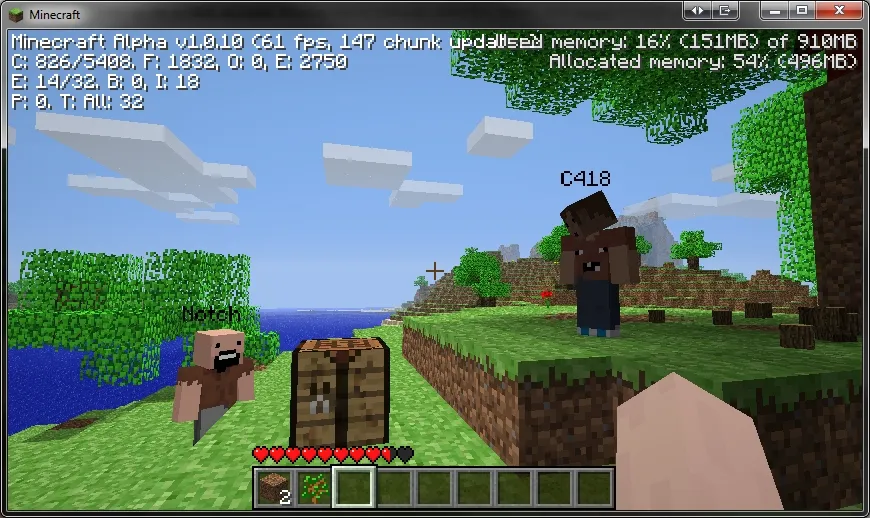
Los mundos alojados entre amigos son mejores cuando te importa el control total, los mods grandes, los jars personalizados o la configuración experimental. Realms mantiene las cosas más limpias pero más limitadas. No hay sorpresa ahí.
Mi regla: si las sesiones están planificadas y el host es confiable, un host amigo es perfecto. Si las sesiones son espontáneas y la disponibilidad del host es aleatoria, Realms vale la pena.
Para jugadores que desean alternativas, explora comunidades activas en la Lista de Servidores de Minecraft con modos de juego actuales y usa mundos privados solo para tu mapa de progresión de grupo cercano. Servidor público para variedad, mundo privado para proyectos a largo plazo, esa combinación funciona sorprendentemente bien.
Seguridad, estabilidad y rendimiento (la parte que la gente salta)
El alojamiento del mundo abierto es fácil. Mantenerlo seguro es donde la gente se vuelve perezosa. La higiene básica llega lejos, especialmente con métodos de exposición directa.
- Usa lista blanca y seguridad de cuenta sólida.
- Comparte detalles de invitación solo en chats de grupo de confianza.
- Mantén copias de seguridad, al menos una antes de cada sesión de construcción importante.
- Actualiza Java y el cliente del juego después de lanzamientos principales, pero prueba una vez antes de la noche del evento.
- Evita herramientas aleatorias de 'host con un clic' de sitios desconocidos.
La sincronización de parches es más importante ahora porque los lanzamientos frecuentes pueden cambiar la compatibilidad. Si tu plan de viernes es sagrado, actualiza el miércoles, prueba el jueves, juega el viernes. Proceso aburrido, menos desastres.
El ajuste de rendimiento es sencillo: primero reduce la distancia de simulación, luego la carga de entidades, luego los extras de renderizado sofisticados en el host. También, dispersa las granjas. Cinco auto-granjas en un hub de chunk suena inteligente hasta que los TPS caen como una piedra.
Para usuarios de consolas Bedrock, una advertencia: la configuración de la cuenta de la plataforma y el tipo de NAT pueden importar más que en las configuraciones de escritorio de Java. Verifica eso antes de reinstalar nada.
Lo que elegiría ahora
Si me preguntaras hoy por la mejor ruta de Minecraft multijugador sin servidor en 2026, elegiría host amigo Java más túnel para pequeños grupos de confianza, y Realms para grupos de habilidades mixtas que odian solucionar problemas. LAN aún gana para sesiones en la misma casa, obviamente.
Para divertirse, generalmente rotamos skins temáticas cuando lanzamos un mundo nuevo. Si tu equipo también disfruta de ese caos, prueba algunas opciones temáticas de servidor como Skin Minecraft ServerSyncer, Skin Minecraft ServerMiner, y Skin Minecraft fuckthisserver. Los nombres por sí solos establecen expectativas.
¿Quieres más? También me gusta el aspecto de Skin Minecraft ServerSided y Skin Minecraft ServerFinder para noches multijugador donde todos pretenden que será una 'sesión rápida de una hora'. Nunca lo es.
Conclusión práctica final: elige un método de host, documéntalo en tu chat de grupo y deja de cambiar la configuración cada semana. La consistencia vence el herramientas perfectas.

Lead writer at minecraft.how. Long-time Minecraft player running a small SMP server, testing every build, mod, and seed before writing about it.
Preguntas Frecuentes
¿Qué significa realmente “multijugador sin servidor” en Minecraft?
¿Cómo configuro una partida LAN en Java Edition?
¿Cuándo es mejor usar una herramienta de túnel en vez de reenvío de puertos?
¿Qué ventajas tiene Realms frente a mundos alojados entre amigos en la UE?
¿Cuál es la recomendación para grupos de amigos en la UE según el artículo?
Have a Question or Tip about this Guide?Community Q&A
Ask a question or help other players below. Join the discussion and share your Minecraft tips!
Comentarios
Aún no hay comentarios. ¡Sé el primero en compartir tu opinión!