How to Connect Your Minecraft Server to QQ with MiraiMC
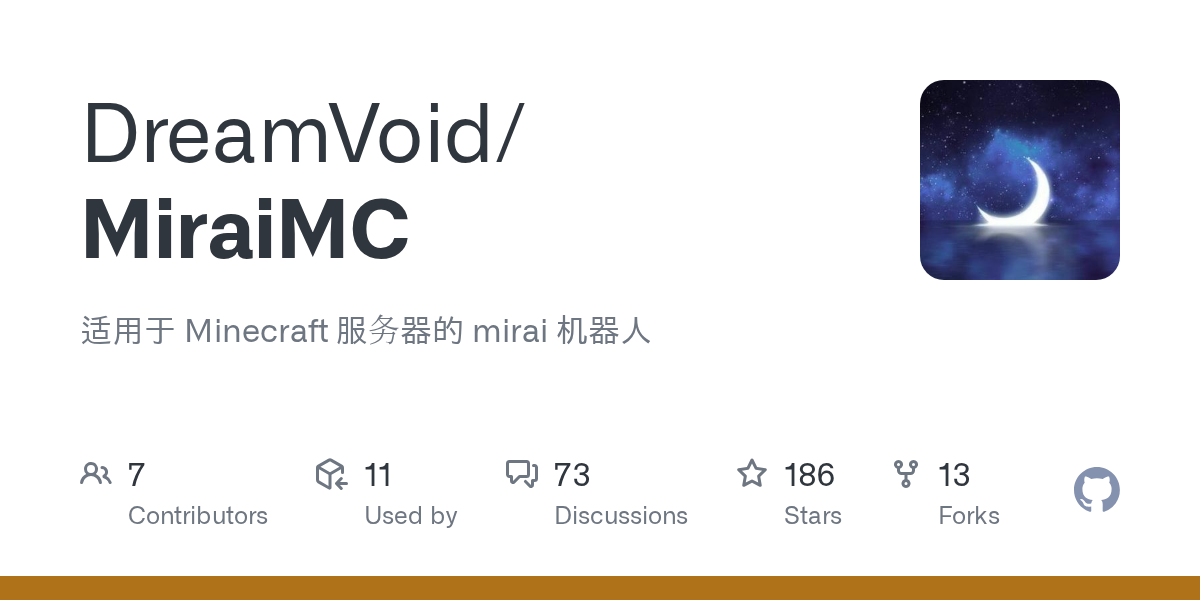
If you run a Minecraft server and want to reach players on QQ (especially important if you've got international folks in your community), you've probably wondered if there's a way to bridge the gap. MiraiMC does exactly that. It's a plugin that connects your server to QQ bots, letting you automate announcements, manage players, and create a unified chat experience across both platforms.
What This Plugin Does
MiraiMC is a Minecraft server plugin built on the Mirai framework that acts as a bridge between your game server and QQ accounts. Think of it as a middleman: your server sends events to QQ (player logins, deaths, chat messages), and QQ commands can trigger actions back in your Minecraft world. A player who's AFK in QQ can still see what's happening on the server. Someone on the server gets an instant notification when a teammate signs on, even if they're checking their phone on the couch.
The plugin supports five different server platforms: Bukkit variants like Spigot and Paper, BungeeCord and its forks, Nukkit, Sponge, and Velocity. So whether you're running a small vanilla server or a complex proxy network, there's a version for you.
Why You'd Use This
Most English-speaking server admins never think about QQ integration because their communities are primarily on Discord. Fair point. But here's where it gets useful: if you've got players from China, Southeast Asia, or anywhere QQ is the default messaging app, you're already losing them. They'll create their own chat groups on QQ anyway. MiraiMC just makes it official.
Real use cases I've seen work well:
- Server announcements and maintenance alerts pushed automatically to QQ when your server goes down or restarts.
- A QQ group where players can check who's online or run commands without loading the game.
- Automated logging of important events (player deaths in hardcore mode, boss defeats, etc.) with screenshots sent to your community group.
- A single chat channel that mirrors between QQ and in-game, so no one feels like they're talking to themselves.
- Role assignment through QQ commands, so new players can join a verified group without needing to be manually added in-game.
If you've got a multilingual server community, this basically becomes essential infrastructure.
Installation and Setup
The good news: installing MiraiMC is straightforward. The annoying news: setting up the QQ bot part requires some technical work on the Mirai side.
First, grab the right JAR for your server type. The latest release (v1.9.2) includes separate builds:
# For Bukkit/Spigot/Paper servers:
download MiraiMC-Bukkit.jar

# For BungeeCord or Waterfall:
download MiraiMC-Bungee.jar

# Other options: MiraiMC-Nukkit.jar, MiraiMC-Sponge.jar, MiraiMC-Velocity.jar
Drop the JAR into your plugins folder, then stop and restart your server completely (don't just reload):
cp MiraiMC-Bukkit.jar /path/to/server/plugins/
# Then restart your server
stop # in console, wait for graceful shutdown
When the server boots, MiraiMC will create config files. Open `plugins/MiraiMC/config.yml` and configure your QQ account details. This is where you'll need to decide: are you using an existing bot account or creating a new one? Most people create a separate QQ account just for the bot (keeps things organized).
Here's the tricky part: Mirai uses its own session management. You'll need to log in to the bot account initially, possibly handle verification challenges, and let Mirai cache the session. The official documentation walks through this, but expect 30 minutes of setup time if you've never dealt with Mirai before. Worth it once you've done it once, though.
After configuration, restart again and watch the logs. You should see the bot connecting to QQ and confirming login.
Key Features That Matter
MiraiMC isn't just "send messages back and forth." It's got a proper event system.
Event Linking. The plugin fires events when players join, leave, chat, die, or advance through achievements. You can hook these in your own custom plugins to do stuff like logging deaths to a QQ group, celebrating rare drops, or enforcing whitelist rules. Developers get a full API to build on, which is why you see a whole ecosystem of plugins built on top of MiraiMC.
Multi-Platform Support. I mentioned Bukkit, BungeeCord, Velocity, etc. The fact that you can run this on a Velocity network means you can have one bot managing multiple game servers at once. Useful if you're running a mini-game network or a hub-and-spoke setup.
Cross-Game Bot API. Because it's built on Mirai, you can write custom code that talks to other QQ bots or implements custom QQ functionality. Want your bot to also check weather, fetch news, or run a statistics lookup? You can extend it. This is powerful but also means you need Java dev knowledge or you'll need to find pre-made plugins.
Things That'll Trip You Up
Java version matters now. The project switched to requiring Java 17, and v1.9.2 is the last version that'll support Java 8. If you're running an older server on Java 8, you're stuck on an older MiraiMC version. Not ideal, but it's industry-standard Java stuff moving forward anyway.
Configuration is verbose. You've got to touch QQ account settings, Mirai session files, and MiraiMC config simultaneously. If something breaks (which it'll once), debugging involves checking three different log files. The good news: once it's working, it stays working. So this isn't flaky like some bot frameworks.
QQ account credentials. You're storing login info somewhere (ideally encrypted). Treat this like you'd treat a database password. If someone compromises your bot account, they can impersonate your server and spam your QQ group. Use a dedicated bot account and don't share the credentials.
Plugin conflicts. If you're running a bunch of chat-manipulation plugins (colored names, custom chat prefixes, translation mods), they might interfere with the QQ integration. Test in a staging environment first, especially if you're adding MiraiMC to an established server.
Who Else Is Doing This
MiraiMC isn't the only way to bridge Minecraft and QQ. You could build your own integration using the Mirai library directly, but that requires more coding work. Some servers use Discord bridges with QQ (basically Discord to game server to QQ), which adds latency but keeps everything in Discord. If you're only looking to mirror one specific chat channel or send simple notifications, there are lighter-weight notification services that'll work.
The MiraiMC advantage is that it's purpose-built for this exact problem and the plugin ecosystem around it is pretty solid. The tradeoff is that you're committed to maintaining a Java plugin and a QQ bot session, which isn't everyone's cup of tea.
Before you dive in, think about your actual community. If you've got genuine players who actively use QQ, this is a no-brainer. If you're just hoping it'll magically expand your player base into Asia, it won't. But if you're already running an international server with players across multiple continents and communication tools, connecting QQ makes total sense. You might also want to ensure your main server list is visible on minecraft.how's server list so new players can find you, regardless of region.
The code quality is solid (CodeFactor gives it an A), and the project's actively maintained. 186 stars on GitHub isn't huge, but it's consistent with projects that solve a specific regional problem really well. The AGPL-3.0 license means if you modify the plugin code, you've got to open-source those changes.

Lead writer at minecraft.how. Long-time Minecraft player running a small SMP server, testing every build, mod, and seed before writing about it.