Minecraft 26.2 Snapshot 8: The Multiplayer Revolution Java Actually Needed

Minecraft Java Edition just got a fundamental social overhaul. You can now invite friends directly to your world, maintain a proper friends list, and play peer-to-peer without touching a single mod or server rental. This isn't a minor quality-of-life patch. The changes how Java players actually connect and collaborate.
Java Edition Finally Gets Friends (In 2026)
It's wild that we're in 2026 and Minecraft Java Edition is just now getting a native friends list. Bedrock has had this for years. Meanwhile, Java players have relied on third-party solutions like the Essential Mod just to maintain a basic social network. That gap is closing.
The snapshot adds a dedicated Friends button accessible from both the title screen and the pause menu. Press it, and you see what your friends are doing right now. Online status, what world they're in, whether they're available to play. It sounds basic, but for a game that's emphasized local multiplayer and modded solutions for so long, this is genuinely significant.
Finding friends is straightforward. You search for their username, send an invite, they accept or decline. Works exclusively with Java Edition (Bedrock friends stay on Bedrock), which makes sense from a technical standpoint but does create that familiar Java/Bedrock divide.
Opening Your World to Others
Once you've assembled your friends list, the real feature kicks in. You can open your single-player world to friends without any server setup. None. No port forwarding, no paid server rental, no complicated networking.
There's a new Multiplayer Options menu that handles this. You toggle it on, your friends see that your world is available, they request to join, and boom. They're in your seed playing alongside you. If someone's being annoying, you block them. The system handles rejections gracefully too.
This is huge for vanilla players who want collaborative building. Want to work on a shared castle, farm system, or massive redstone contraption with a friend across the country? You can do that now without mods.
Peer-to-Peer Multiplayer Without Infrastructure
The technical magic here is peer-to-peer connectivity. Your world runs on your machine. Your friend's client connects directly to your game instance (with some clever NAT traversal in the background, though Mojang hasn't detailed the exact implementation).
This is fundamentally different from traditional multiplayer where a central server mediates all traffic. But it means:
- Lower latency in many cases
- No monthly server fees
- You maintain total control of who plays in your world
- Limited to whatever your connection and hardware can handle
There are obvious limitations. You're not running a server, so your gaming PC becomes the host. If you disconnect, everyone disconnects. Performance depends on your machine and internet bandwidth. But for casual multiplayer with friends, it's infinitely more convenient than traditional options.
The Hidden Design Win
What's clever about this system: it respects how Java players actually play. Java's community built around mods, single-player experimentation, and self-hosted servers (actual servers, not Realms). But this friends system slots naturally into that culture. You're not forced into a Realms subscription or a third-party hosting service. Your world stays yours.
Bedrock went the opposite direction, bundling Realms into the experience. Both approaches are valid, but this one fits Java's ethos better.
Practical Stuff: Finding Players and Servers
Now, friends lists are great if you've friends who play. What if you're looking to join an existing community? Java players typically find servers through word-of-mouth, Reddit, or Discord communities. If you're hunting for a specific type of server (survival, PvP, creative building), the Minecraft Server List is worth checking.
For solo players or small groups building custom content, learning block mechanics becomes critical. The Minecraft Block Search tool can help you quickly find materials for your builds without leaving the game.
Snapshots, Performance, and Installation
Before you dive in: this is snapshot 8, not a full release. That means it's feature-complete enough to test but potentially unstable. Snapshots get weekly updates, bugs are common, and saves can break between versions.
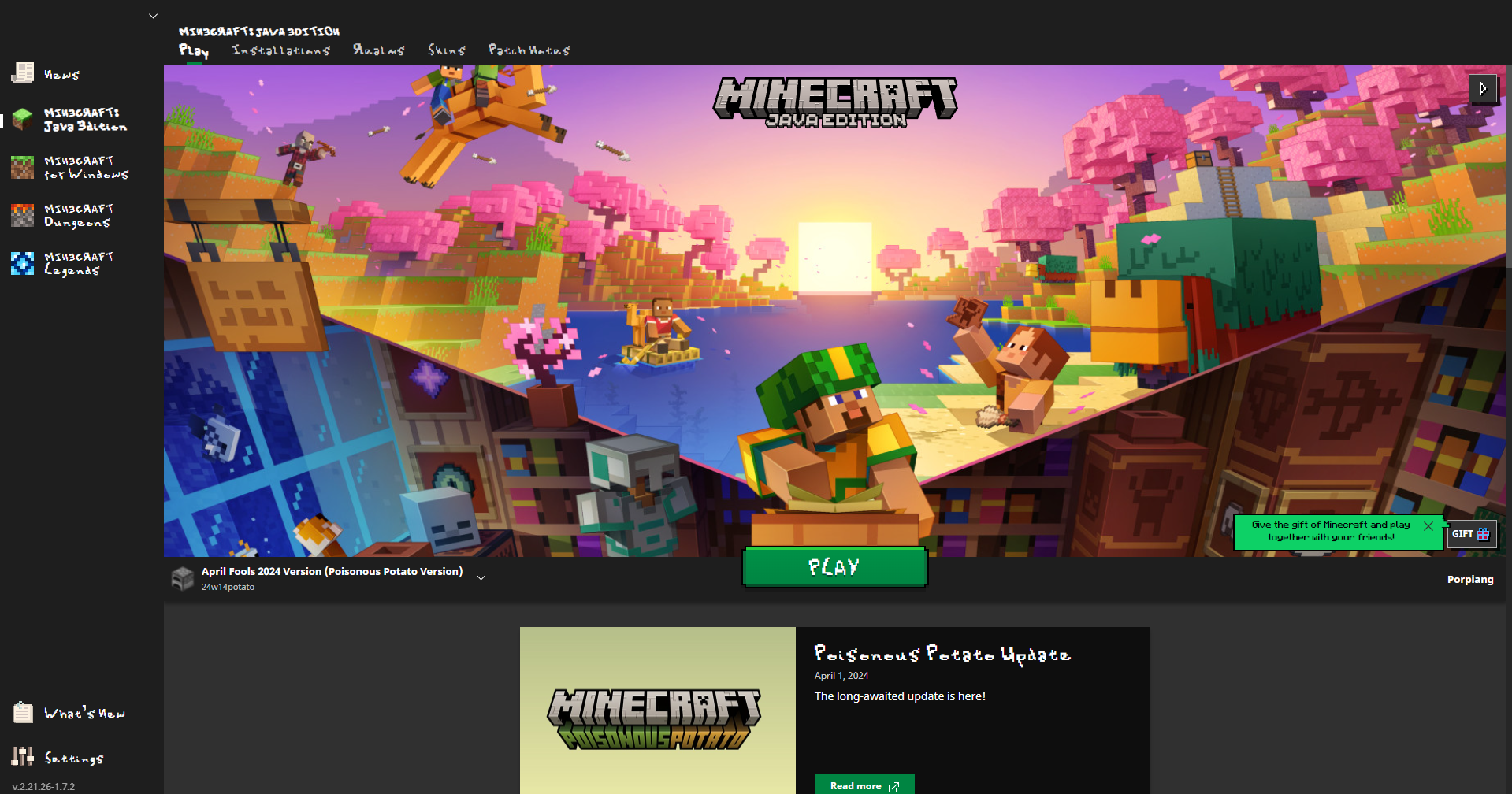
Install it alongside your stable Java Edition installation (Launcher handles this automatically). Create test worlds, not your main survival save. Use vanilla gameplay at first to get used to the new interface before introducing mods that might conflict.
Performance in snapshots is often rough. If you notice lag that wasn't there before, report it. Mojang's actively gathering feedback right now, and actual player testing informs final polish before release.
What This Means
Java Edition's been coasting on modding and self-hosting culture for years. Look, bedrock got the bells and whistles, cross-platform play, Realms integration. Java stayed pure, stayed standalone, stayed for players who wanted absolute control.
This friends system doesn't change that philosophy. It just stops pretending Java players don't want basic social features. You can invite friends. Anyone can see what they're up to. Folks who try this can collaborate without leaving vanilla. That's the win here.
The Essential Mod isn't obsolete (it still handles cosmetics and other social features), but it's no longer essential for basic multiplayer. Mojang just solved the problem the community had been solving with mods.
Try it. Test it in a creative world with a friend. The feature's rough around the edges (snapshots are like that), but the foundation is solid. But this is the direction Java Edition needed to move.