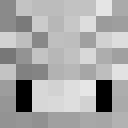
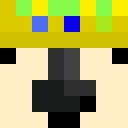
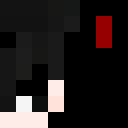
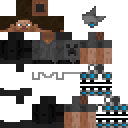
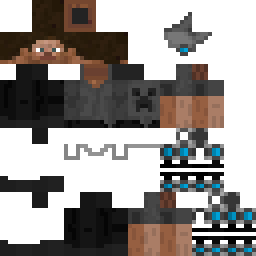
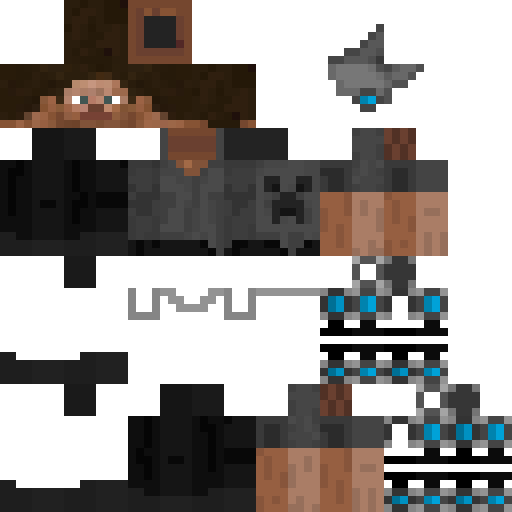
lendium Minecraft Skin
✓ Goedgekeurd
Download de lendium Minecraft skin voor Java en Bedrock Edition. Bekijk de skin in 3D, sla de PNG op en blader door gerelateerde Minecraft skins.
0
Downloads
234
Weergaven
Skin-informatie
Minecraft-versie:java
Bestandsgrootte:1.8 KB
Geslacht:Onbekend
Geüpload door:Admin User
Uploaddatum:28-9-2023
PNG · 64×64
Deel deze skin
Scan met je telefoon om deze skin te delen
Tags
MinecraftSkinslendiumjavaneutral
Veelgestelde vragen
Om de lendium Minecraft-skin te downloaden:
- Klik op de knop «Downloaden» om deze gratis lendium-skin te krijgen
- Het skinbestand
.pngwordt opgeslagen op je apparaat - Werkt met zowel Java Edition als Bedrock Edition
- Zie hieronder voor de volledige installatie-instructies
Om de lendium-skin toe te passen:
- Log in op je Mojang- of Microsoft-account op de officiële Minecraft-website.
- Ga naar het onderdeel «Skins» in je profiel.
- Upload het gedownloade
.png-bestand. - Start Minecraft en je personage gebruikt nu de lendium-skin.
Let op: het proces kan iets verschillen tussen Minecraft Java Edition en Minecraft Bedrock Edition.
Ja, de lendium-skin is compatibel met zowel Minecraft Java Edition als Minecraft Bedrock Edition. De methode om de skin toe te passen kan echter iets verschillen tussen de twee versies. Volg de instructies op deze pagina voor jouw specifieke editie.
Absoluut! Je kunt de lendium-skin bewerken met een Minecraft-skineditor. Open gewoon het gedownloade
.png-bestand in de editor, breng je wijzigingen aan en sla het bestand op. Upload vervolgens de bewerkte skin naar je Minecraft-profiel.Als de lendium-skin niet werkt, probeer dan het volgende:
- Zorg dat je het juiste bestandsformaat
.pnghebt gedownload. - Zorg dat je de juiste versie van Minecraft gebruikt: Java Edition of Bedrock Edition.
- Controleer of het skinbestand niet beschadigd is. Download de skin opnieuw indien nodig.
- Log uit en weer in op je Mojang- of Microsoft-account om je profiel te vernieuwen.
Maak je eigen skin
Teken een pixelperfecte Minecraft-skin in de browser met onze gratis 3D-skineditor.
→ Skin Maker