Complete Guide to Creative Mode in Minecraft

Creative mode is Minecraft without the survival mechanics. You get infinite blocks, no mobs attacking, and the ability to fly and build whatever you want. It's the sandbox in its purest form.
What Makes Creative Mode Different
In Survival, you're gathering resources, managing hunger, dodging creepers in the dark. Creative mode removes all that friction. You spawn with a full inventory of every block in the game, instant block placement, and flight. No death, no resource scarcity, no waiting for crops to grow.
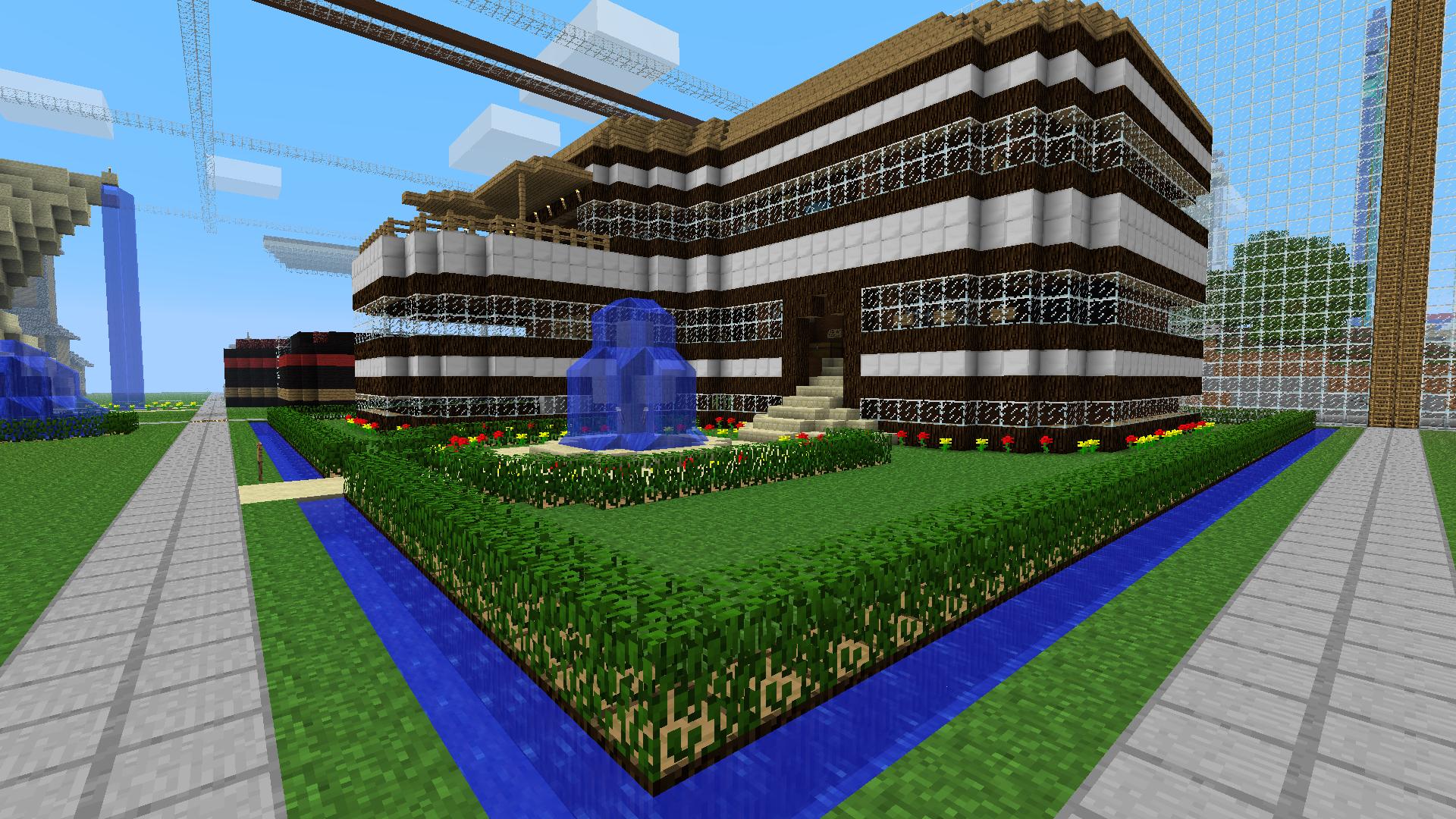
Some players think Creative is "not real Minecraft" or that it's cheating. Fair enough if Survival is your thing. But Creative mode has been around since 2011 for a reason - it's where the building community thrives. The largest collaborative builds, the most insane architecture, the detailed terraforming projects... they almost all happen in Creative.
Getting Started: Controls & Inventory
To start Creative mode, create a new world and select Creative difficulty during world creation. You'll spawn with flight active and the ability to place and break blocks instantly.
Flying is one of the first things to master. Double-tap space to toggle flight, then use space to ascend and shift to descend. Speed up with a modifier key if your controls are customized.
Block placement feels weird at first if you're coming from Survival. There's no delay. Click a block, it appears. Click where you're standing, you can phase through it. Gets natural fast.
The creative inventory is split into tabs: blocks, decorations, items, construction, and more depending on your version. Search for specific blocks with the search bar, which is essential when you need that one specific variant of stone.
One thing that surprises people: not every item the game has access to appears in the Creative inventory by default. Some older items or unused items are hidden. Use the search feature or check your current Minecraft version's documentation if you can't find something.
Building Strategies That Work
Here's the thing about Creative mode - unlimited blocks doesn't automatically make you a better builder. Execution matters. A lot.
Start with a Shape
Don't just freestyle a building and hope it looks good. Sketch a basic silhouette first. It keeps proportions honest.
Use Layers
Build the structure, then add texture. Minecraft builds get depth from varied materials and small decorative elements. A stone cube looks terrible. A stone cube with wood frames, vegetation, and varied stone types looks intentional.
Color Palettes Matter
Pick a color palette and stick to it. This is genuinely the difference between "that looks cool" and "that looks incredible." If you're building a fantasy castle, limit yourself to 4-5 materials. Restraint makes detail matter.
Secondary lighting is underrated. Torches, lanterns, and glowstone placed strategically transform a plain building into something atmospheric.
Advanced Features & Tools
Redstone works in Creative, but that's a rabbit hole. What matters: you can test contraptions without farming resources.
WorldEdit is a big deal if you're on Java and use mods or a plugin for moving massive sections of builds around. But vanilla Creative doesn't need it. Your hands move fast enough.
Barrier blocks exist for invisible structure. Useful if you're building something that requires support but shouldn't show.
Command blocks are Creative-mode exclusive for most players. They let you automate events, create mini-games, or make interactive builds. Learning `/give`, `/setblock`, and basic command syntax opens new possibilities.
Creative Skins for Builders
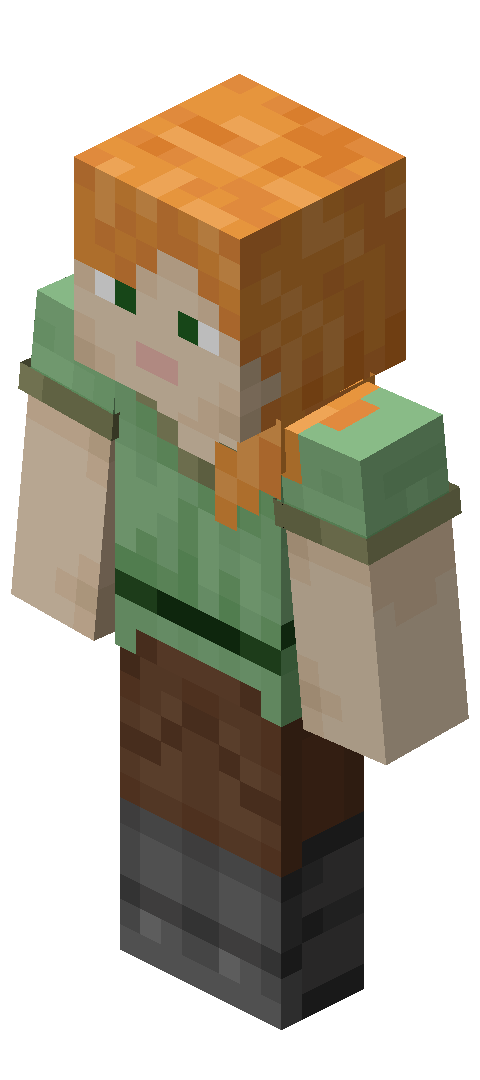
Your appearance matters when you're building all day. If you're going to spend hours in Creative mode, might as well wear a skin that fits the vibe.
Builders often go for skins that match their playstyle. The CreativeHours skin gives off that dedicated builder energy - the kind of person who's grinding out massive projects. If you want something with more personality, CreativePixel has that artistic feel.
For builders who lean toward technical redstone or modern architecture, CreativeKombat pairs perfectly with clean, minimalist aesthetics. And if you want something that just says creative (literally), both Creative_HS08 and CreativeCraft nail the builder aesthetic with solid design.
Creative Mode vs. Survival: Which Mode for You
They're different games, honestly.
Survival is about progression. You're working toward goals - better gear, stronger enchantments, more resources. There's pacing and achievement. Creative is about expression. You're not trying to survive; you're trying to create something that didn't exist before.
If you like working toward objectives, Survival wins. If you want to see your vision come to life without friction, Creative wins.
Some players do both in the same session. Build something in Creative, then recreate it in Survival as a challenge. Or find a building style in Creative, then build it properly in a Survival world.
Long-term Creative projects can burn out fast. You need input. Download other people's maps, check out YouTube builders, look at reference images of real architecture. Inspiration doesn't come from nothing.
Record your builds or take screenshots. Finishing something only feels real when you've proof. Plus, it's motivating to look back at your progress.
Work on multiple projects. If one idea stalls, switch to something else. Rotation prevents the mental gridlock of staring at the same project for too long.