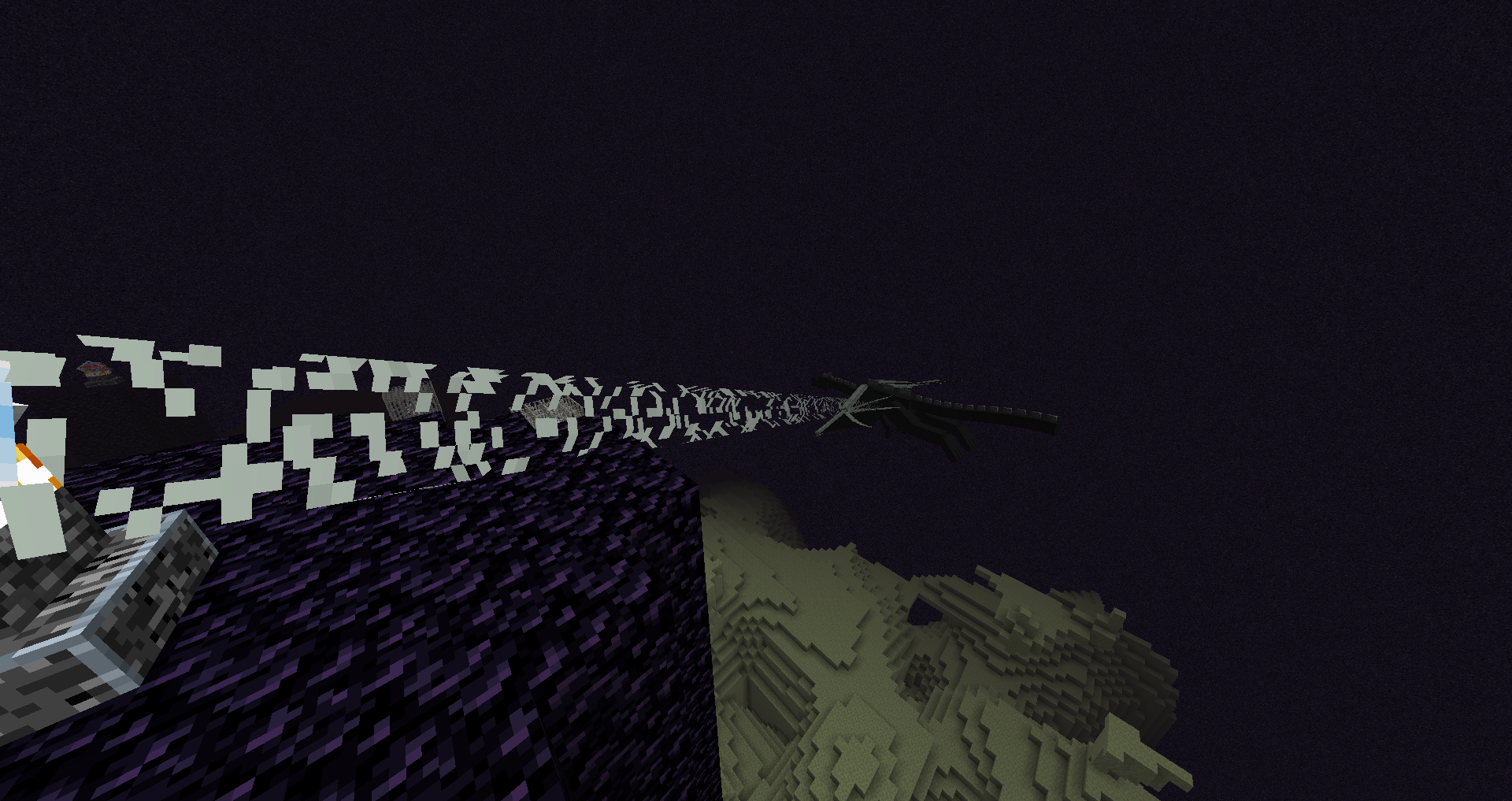
Meteor Rejects Addon: Features Removed from Meteor Client
"An addon to Meteor Client with features that won't be added to Meteor. Because they were either rejected or are ports from other clients."
AntiCope/meteor-rejects · github.com
You've installed Meteor Client for Minecraft, and you're happy with it. But there's this one feature you know existed somewhere else - something that got rejected from the main project or was too controversial to include. That's where Meteor Rejects comes in. It's an addon that pulls together all those rejected and ported features into one place, letting you add capabilities that Meteor's maintainers decided against.
What Meteor Rejects Does
Meteor Rejects isn't a standalone mod. Think of it as an extension to Meteor Client that fills in the gaps the core project intentionally left open. When a feature gets rejected from Meteor's main release, or when developers port utilities from other clients like Wurst or BleachHack, this addon gives those features a home.
The addon started simple enough. Back when Meteor was stricter about what it included, talented developers created Rejects as a way to preserve functionality that had merit but didn't fit the project's vision. Over time, it's grown into something much more substantial, with contributions from the community and careful maintenance of hundreds of modules.
It's Java-based, hits 640 stars on GitHub, and runs under the GPL-3.0 license, which means the source code is open and community-driven.
Why You'd Want This Addon
Here's the thing: Meteor's maintainers aren't wrong to be selective. Some features break game balance, complicate the codebase, or step into territory that crosses ethical lines. But that doesn't mean they're useless. If you're building farms, grinding for resources, or just want convenience features that Meteor didn't include, Rejects might have exactly what you need.
Let's say you're working on an automated farm. AutoFarm is there. Honestly, building with beds? AutoBedTrap has you covered. Want automatic potion management? AutoPot exists. The addon includes dozens of automation and utility modules - some for pure convenience, others for more aggressive gameplay enhancements.
You won't find these in vanilla Meteor. Some got removed during development, others came from external projects and were adapted for inclusion here. The maintainers are transparent about where each feature came from, crediting the original sources in the README.
Getting It Installed
Installation isn't complicated, but it does require you to already have Meteor Client set up. Here's what you need to do:
- Download the latest release from the GitHub releases page. The current version is built for Minecraft 26.1.2 (Java Edition).
- Locate your `.minecraft/mods` folder. On Windows, that's typically `C:\Users\[YourUsername]\AppData\Roaming\.minecraft\mods`. On Mac, it's in your user library. Linux users usually know where this is by now.
- Drop the JAR file into that folder. You're done.
One important note from the project maintainers: they recommend using the latest Meteor Client build when you're running Rejects. Outdated Meteor versions sometimes have compatibility issues, so grab the newest release of both.
# Quick reference for Linux/Mac users:
# The mods folder is here:
~/.minecraft/mods/
# Just copy the JAR there and restart Minecraft
If something doesn't work on first launch, make sure you're using Minecraft 26.1.2 or newer (actually, check the specific release tag for the exact version it was built against).
Feature Breakdown: What Makes This Worth Installing
The addon has so many modules that listing them all would put you to sleep. But a few stand out enough to mention specifically.
AutoBedTrap is one of the heavy-hitters. In PvP scenarios or competitive multiplayer, this automatically places beds around enemies (a mechanic exclusive to certain game modes) to trap and damage them. It's ported from BleachHack, and it works exactly as intended - if you know what you're doing with it.
Then there's the automation cluster. AutoFarm, AutoGrind, AutoEnchant, and AutoCraft handle repetitive tasks that would otherwise eat up your play time. AutoFarm works on various crops. AutoGrind spins your mob grinder. AutoEnchant runs books through your enchanting setup automatically. If you're trying to build something like a custom server or survival world where grinding is part of the fun, these are legitimately useful (though they do remove a lot of the manual work that some players enjoy).
AntiBot and AntiVanish are defensive modules. These were removed from Meteor itself years ago but are still maintained in Rejects. AntiBot helps you identify players using bot-like movement patterns on servers, while AntiVanish helps you see players who might be using vanish commands (on servers that don't lock this down properly). Legal implications vary by server, so think carefully before using these.
The project also includes less dramatic but genuinely useful tools: AutoLogin (logs you in automatically if the server has auth), AutoDrop (tosses items out of your inventory on demand), and BlockIn (creates temporary blocks for parkour or movement tricks). None of these break your world, but they do make specific tasks much faster.
Things That Trip People Up
First thing: not all servers allow these features. Most public servers will ban you for using mods that give unfair advantages, even if Meteor itself is tolerated. Stick to single-player, personal servers, or communities where client-side mods are explicitly allowed.
Second, some features interact poorly with lag or server ticks. AutoPot and AutoSoup will click faster than you ever could, but on a server with poor responsiveness, you might waste potions. Test in single-player first if you're not sure.
Third (and this is important): the codebase is openly labeled as spaghetti code by the maintainers themselves. That's not a criticism - it's a honest acknowledgment that these are features ported from different sources or built quickly. It works, but you shouldn't expect the polish of Meteor's main client. Updates might be spottier, and edge cases might exist.
Also, make sure your Java installation is up to date. Old Java versions can cause build failures or runtime issues with Gradle-based mods.
Alternatives Worth Considering
If Meteor Rejects isn't quite right for you, other addon ecosystems exist. Wurst has its own features and a different philosophy. If you want something more lightweight, Impact is simpler (though less active). For pure vanilla tweaks without the hacking tools, Sodium and OptiFine handle graphics improvements without touching gameplay.
The Minecraft 26.1.2 release has also made certain things easier with vanilla; if you only need basic automation, command blocks or datapacks might do the job without touching client mods at all. That said, datapacks require server access, which Rejects doesn't.
One last thought: if you're customizing a server for a community, check out the Minecraft MOTD Creator to set up a nice server welcome message for your players. And if you're running a server with a custom nether setup, the Nether Portal Calculator saves you math time on coordinate conversions.
Worth Using Or Not
Meteor Rejects makes sense if you're playing in a context where client mods are allowed and you want features that Meteor's main project rejected. If you're purely single-player or on a creative realm, some of these automation tools will genuinely save hours of clicking. If you're on a public multiplayer server, don't bother - you'll get caught and banned.
The project is well-maintained, the source is transparent, and the community behind it is active. Download it if you fit the use case. Skip it if you don't.

Lead writer at minecraft.how. Long-time Minecraft player running a small SMP server, testing every build, mod, and seed before writing about it.