Minecraft Bedrock nel 2026: Cosa conta davvero
Minecraft Bedrock nel 2026 è la scelta migliore per il cross-play, i giochi incentrati sui controller e prestazioni più fluide sulla maggior parte dei dispositivi. Non è ideale per il modding pesante o per le meccaniche avanzate della redstone, ma per gli amici su piattaforme diverse rimane il modo più semplice per giocare insieme rapidamente.
Se hai mai provato a coordinare un mondo tra una Switch, un telefono, una Xbox e un amico che usa ancora un vecchio portatile, sai già perché esiste Bedrock. È l'edizione pratica, non quella romantica. Java riceve i punti nostalgia, certo, ma Bedrock porta le persone online in pochi minuti, e questo conta più di quanto molti ammettano.
Ho testato Bedrock quest'anno su un Realm, un mondo locale su PS5 e due server pubblici, e la situazione è piuttosto costante: tempi di caricamento rapidi, multiplayer stabile e meno problemi di configurazione rispetto a Java. Ha comunque qualche comportamento insolito che può far infuriare i giocatori veterani. Critica legittima.
Minecraft Bedrock nel 2026: cos'è e cosa non è
Bedrock è Minecraft creato con una codebase condivisa tra console, mobile e Windows. Quindi sì, tuo cugino su iPad e il tuo amico su Xbox possono accedere alla stessa sessione mentre tu giochi da PC. Questo singolo fatto definisce l'intera edizione.
Cosa non è Bedrock: una copia identica di Java. Le meccaniche differiscono. La logica della redstone può comportarsi in modo diverso. Il tempismo del combattimento risulta differente per i giocatori di lunga data di Java. I contenuti del Marketplace sono più centrali qui, e alcuni giocatori lo adoro mentre altri li evitano del tutto.
C'è ancora confusione riguardo alle versioni. La gente chiede: "Bedrock è indietro rispetto a Java adesso?" Di solito no in termini pratici, ma le funzioni possono arrivare con tempistiche o implementazioni leggermente diverse. In realtà questo non vale per ogni singolo aggiornamento, perché il lavoro di parità è migliorato molto, ma la parità di comportamento non è ancora perfetta.
Rapido controllo della realtà per il 2026:
- Il migliore per: cross-play, supporto ai controller, prestazioni stabili su dispositivi meno potenti.
- Buono per: sessioni in stile cooperativo locale, comodità dei Realms, multiplayer rapido.
- Debole su: libertà di modding avanzato, alcune costruzioni tecniche che dipendono da stranezze specifiche di Java.
Quindi, se il tuo obiettivo principale è "giocare con le persone, adesso", Bedrock vince. Se il tuo obiettivo principale è "riscrivere la logica di gioco con le mod finché la GPU non si lamenta", Java ha ancora un vantaggio.
Minecraft Bedrock vs Java: le differenze pratiche che influenzano la tua giornata
Dimentica per un attimo la guerra tra edizioni. Poniti una domanda semplice: cosa interrompe la tua sessione meno spesso?
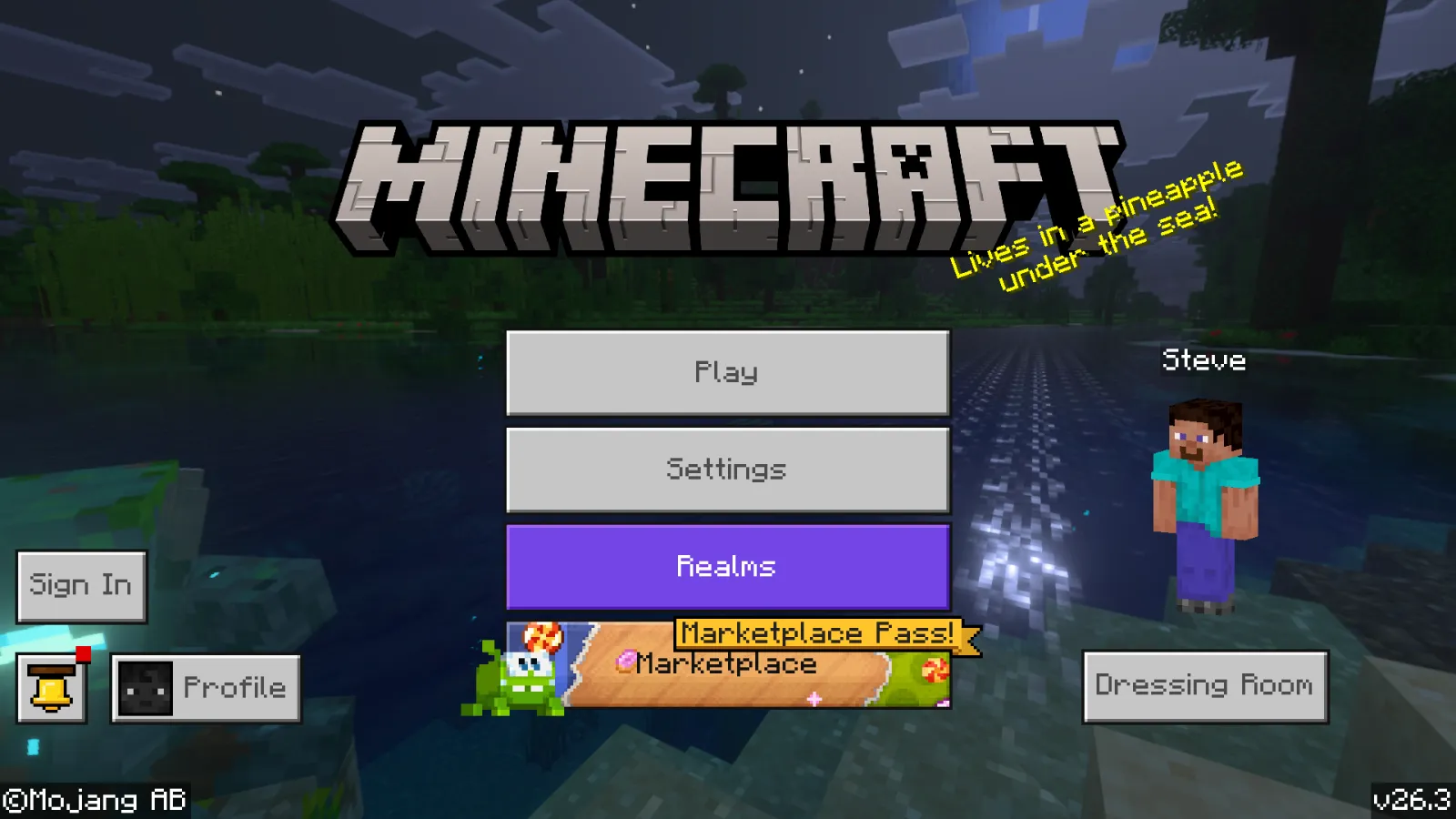
Sui miei mondi di prova, Bedrock è stato più facile da gestire per i gruppi con dispositivi misti. Nessuno ha avuto bisogno di un tutorial sui launcher, nessuno ha dovuto far corrispondere le versioni del runtime di Java e nessuno ha chiesto: "Aspetta, su quale modpack siamo?" Quest'ultima cosa da sola salva le amicizie.
Dove Java risulta ancora migliore per certi giocatori è la precisione. I costruttori esperti di redstone e i giocatori di survival tecnico spesso preferiscono le meccaniche di Java perché sono prevedibili nel modo in cui le hanno imparate anni fa. La redstone di Bedrock è utilizzabile, ma se la tua passione sono i congegni logici ultracompatti, Java sembra meno un negoziato con un procione.
Le prestazioni rappresentano un'altra grande divisione. Bedrock offre spesso frame rate più stabili su console e mobile, e in genere si avvia più velocemente. Java su un PC ottimizzato può sembrare incredibile e girare splendidamente, ma "ottimizzato" è la parola chiave. Bedrock richiede meno sforzo al giocatore medio.
E poi c'è l'attrito del multiplayer. Bedrock offre inviti agli amici e supporto cross-platform integrato. Java garantisce flessibilità ed ecosistemi di server potenti, ma la configurazione può richiedere più lavoro a meno che tu non conosca già la procedura.
Nessuna edizione è "oggettivamente la migliore" per tutti. Per la maggior parte dei giocatori occasionali e social adesso, Bedrock è il consiglio più semplice. Per i creator che vivono all'interno di client personalizzati, shader e mod loader, Java sembra ancora casa.
Aggiornamenti e modifiche della piattaforma che i giocatori Bedrock dovrebbero seguire
Il ritmo di rilascio di Mojang si è spostato verso rilasci più piccoli, e questo cambia la percezione di Bedrock nel corso dell'anno. Invece di un grande reset annuale, ricevi ondate di funzioni più regolari e facili da assimilare.
PCGamesN ha riferito all'inizio di marzo 2026 che il rilascio 1.26.1 "Tiny Takeover" era previsto intorno a marzo in base allo schema trimestrale di Mojang. Se quel ritmo viene mantenuto, i giocatori di Bedrock dovrebbero aspettarsi aggiornamenti frequenti e a tema invece di aspettare per sempre un enorme muro di note sulla patch.
Anche il lato PlayStation merita attenzione. A giugno 2024, The Loadout ha evidenziato l'annuncio di Mojang secondo cui una versione nativa per PS5 era in fase di test per il rilascio successivo quell'anno. Questa mossa è stata importante perché ha segnalato un'ottimizzazione specifica per la piattaforma a lungo termine, non solo una retrocompatibilità eterna.
Perché dovrebbe importarti se non usi una PS5? Perché le tendenze di ottimizzazione delle piattaforme di solito si riversano su un lavoro di qualità Bedrock più ampio, inclusi la coerenza delle prestazioni e gli obiettivi di stabilità del multiplayer tra le console.
Il mio consiglio è semplice: segui le anteprime degli aggiornamenti, ma non ricostruire l'intera base attorno a meccaniche sperimentali fino al rilascio stabile. Ho fatto quell'errore. Due volte. La prima volta mi è costata una stanza dei forzieri e la maggior parte della mia pazienza.
Le migliori impostazioni di Minecraft Bedrock per un gameplay più fluido
Questa parte è meno affascinante delle notizie sui biomi, ma ha un impatto quotidiano maggiore.
Bedrock può sembrare drasticamente diverso a seconda di tre cose: distanza di simulazione, distanza di visualizzazione e configurazione dei controlli. I giocatori spesso alza al massimo la grafica e poi danno la colpa del lag al server. A volte la colpa è del server, certo. A volte il tuo dispositivo portatile sta solo facendo del suo meglio.
Grafica e impostazioni del mondo
- Imposta la distanza di simulazione a un valore inferiore rispetto alla distanza di visualizzazione se il tuo dispositivo fatica.
- Usa la grafica dettagliata solo quando la fluidità dei fotogrammi rimane stabile durante il combattimento e i viaggi con le elitre.
- Riduci le particelle durante le farm e i combattimenti nei raid, il disordine visivo peggiora il tempo di reazione.
- Tieni le farm pesanti lontane dalla tua base principale sui Realms per ridurre il carico in background.
Controlli e accessibilità
- I giocatori con controller dovrebbero regolare le zone morte in anticipo, le impostazioni predefinite risultano lente per molti utenti.
- I giocatori da dispositivi mobili ottengono una precisione migliore aumentando leggermente le dimensioni dei pulsanti e la spaziatura dei tocchi nella barra rapida.
- Abilita i sottotitoli se giochi a volume basso, specialmente nelle grotte e nelle farm di mob.
Un'altra cosa: prova le impostazioni in uno scenario stressante, non mentre stai fermo al punto di generazione. Scivola sul terreno caricato, scatena un combattimento con i mob e poi decidi. I numeri sulla carta non sono la stessa cosa del gioco reale.
Skin, identità e gioco social in Bedrock
I giocatori di Bedrock si preoccupano delle skin più di quanto la gente ammetta. Non si tratta solo di cosmetici, ma di un segnale sociale sui server. La skin che indossi dice alle persone se sei qui per fare roleplay, sudare nel PvP o costruire una panetteria medievale sospettosamente dettagliata.
Se desideri un look a tema Bedrock, puoi scegliere stili come BedrockHTML Minecraft Skin, BedrockWither Minecraft Skin o DARKBEDROCK123 Minecraft Skin. Preferisci un'atmosfera con nomi classici? Prova bedrock Minecraft Skin o un'opzione giocosa come bedrockboomer Minecraft Skin.
Piccola parentesi: ho testato un paio di queste su un server di minigiochi e ho ricevuto subito un "bella skin" in chat prima che chiunque chiedesse il mio grado o le mie statistiche. Sembra banale, ma i giochi social si basano su piccoli segnali come questo. Poi le persone decidono se si fidano di te per darti le coordinate della base. (Non condividerle mai troppo in fretta.)
Per il gioco social su Bedrock nel 2026, darei la priorità a:
- Una chiara configurazione del profilo con una skin riconoscibile.
- Coordinamento vocale cross-platform al di fuori del gioco quando necessario.
- Un Realm stabile o una routine di server, saltare a caso brucia i gruppi in fretta.
E sì, la moderazione conta ancora. Il facile accesso ai dispositivi di Bedrock significa che i giocatori più giovani e le comunità miste sono comuni, quindi stabilisci le regole di base in anticipo se gestisci un mondo privato.
Problemi comuni di Bedrock nel 2026 e soluzioni che funzionano
Ogni edizione ha fastidi ricorrenti. Bedrock ha semplicemente il suo stile.
Problema: "Il mio amico non può entrare nel mio mondo."
Inizia con l'accesso all'account Microsoft e le autorizzazioni sulla privacy, quindi verifica che entrambi i giocatori siano su versioni compatibili. I fallimenti del cross-play sono spesso impostazioni dell'account, non problemi di rete.
Problema: cali casuali di frame rate dopo un aggiornamento.
Cancella i pacchetti memorizzati nella cache, riduci la distanza di simulazione di un livello e prova di nuovo nella stessa area. Se si stabilizza, reintroduci le impostazioni lentamente invece di saltare subito al massimo.
Problema: conflitti di contenuti del Marketplace o asset mancanti.
Scarica nuovamente il pacchetto interessato e conferma lo spazio di archiviazione. Bedrock può fallire silenziosamente quando lo spazio di archiviazione del dispositivo è quasi pieno.
Problema: ritardo di input su console.
Controlla prima la modalità gioco della TV. Sembra ovvio, ma questo risolve più lamentele sul "lag di Bedrock" di quanto menzionino la maggior parte delle guide tecniche.
Una breve precisazione: alcuni bug sono semplicemente problemi reali del motore di gioco e non errori dell'utente. Se un comportamento appare subito dopo un rilascio e molti giocatori lo segnalano, attendi un hotfix invece di smontare l'intera configurazione.
Quindi, qual è il punto di vista definitivo per il 2026? Bedrock è ancora il re pratico per il Minecraft cross-platform, continua a migliorare attraverso rilasci regolari e richiede meno sforzo tecnico ai giocatori normali. Ha ancora delle stranezze, specialmente per i costruttori tecnici e i puristi della parità. Scegli in base a come giochi realmente, non sulla politica d'identità dei forum del 2019.

Lead writer at minecraft.how. Long-time Minecraft player running a small SMP server, testing every build, mod, and seed before writing about it.
Domande frequenti
Minecraft Bedrock è migliore di Java per i principianti nel 2026?
Posso usare lo stesso mondo di Minecraft Bedrock su più dispositivi?
Perché la redstone di Bedrock è diversa da quella di Java?
Bedrock supporta le mod come fa Java?
Cosa dovrei modificare per primo se Minecraft Bedrock sembra in lag?
Have a Question or Tip about this Guide?Community Q&A
Ask a question or help other players below. Join the discussion and share your Minecraft tips!
Commenti
Ancora nessun commento. Sii il primo a condividere la tua opinione!