Minecraft Cos'è la Distanza di Simulazione e Perché Importa
La distanza di simulazione è il raggio intorno al tuo giocatore dove Minecraft aggiorna effettivamente mob, redstone, fluidi, crescita dei raccolti e altre logiche del mondo. Fuori da esso, spesso puoi ancora vedere i chunk, ma gran parte del gioco lì è effettivamente in pausa.
Cosa significa distanza di simulazione in Minecraft?
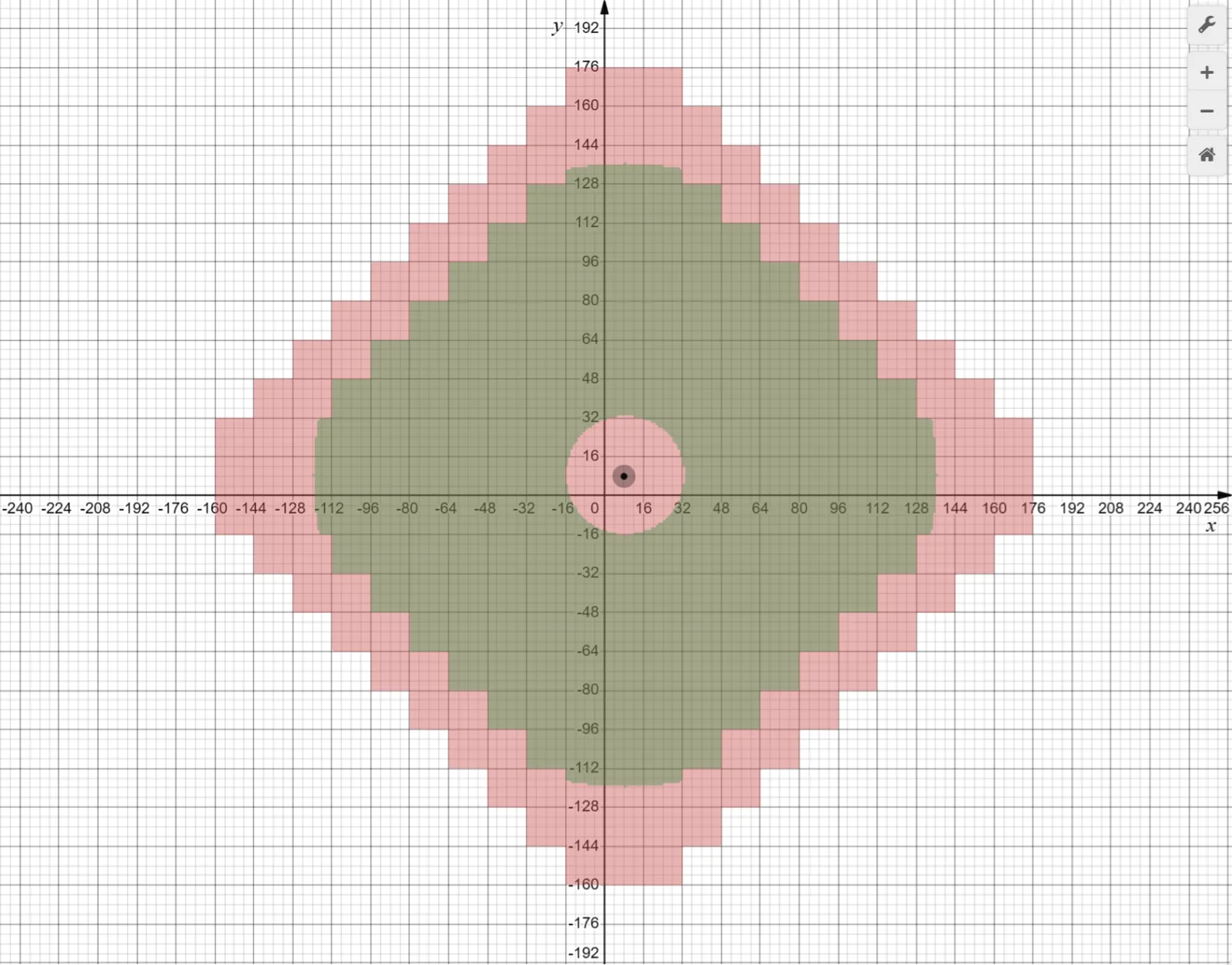
Pensa alla distanza di simulazione come alla zona attiva del mondo. Minecraft divide il mondo in chunk, ciascuno di 16 per 16 blocchi di larghezza, e solo un certo numero di quei chunk intorno a te ricevono aggiornamenti di gameplay completi. Se uno zombie è dentro quella zona, continua a cercare il percorso. Se la tua fattoria di canna da zucchero è dentro, continua a crescere. Se il tuo orologio hopper è fuori, non aspettarti che stia fedelmente facendo il suo piccolo tic-tac mentre scavi a 400 blocchi di distanza.
Mojang ha per la prima volta definito questa impostazione nello Snapshot 21w38a, poi l'ha inclusa in Caves and Cliffs: Part II su Java. La loro descrizione era abbastanza semplice: la distanza di simulazione ti permette di mantenere una distanza di rendering più elevata senza chiedere alla CPU di aggiornare ogni entità, blocco e fluido che puoi vedere. Questo è il trucco. Più vista, meno calcoli di background. Il tuo processore lo apprezza, anche se la tua fattoria di ferro non lo fa.
Hai mai costruito una torre di raccolti, volato via per lavorare su una banchina, poi tornato chiedendoti perché quasi nulla è cresciuto? È la distanza di simulazione che fa il difficile, non un bug.
Distanza di simulazione vs distanza di rendering in Minecraft
La distanza di rendering controlla quello che puoi vedere. La distanza di simulazione controlla quello che accade effettivamente. Non sono la stessa cosa, e Minecraft fa un pessimo lavoro nel spiegarlo in inglese semplice. Una montagna può essere completamente visibile in lontananza mentre le pecore su di essa non stanno facendo molto. I chunk sono disegnati, ma la logica di gioco non funziona completamente lì.
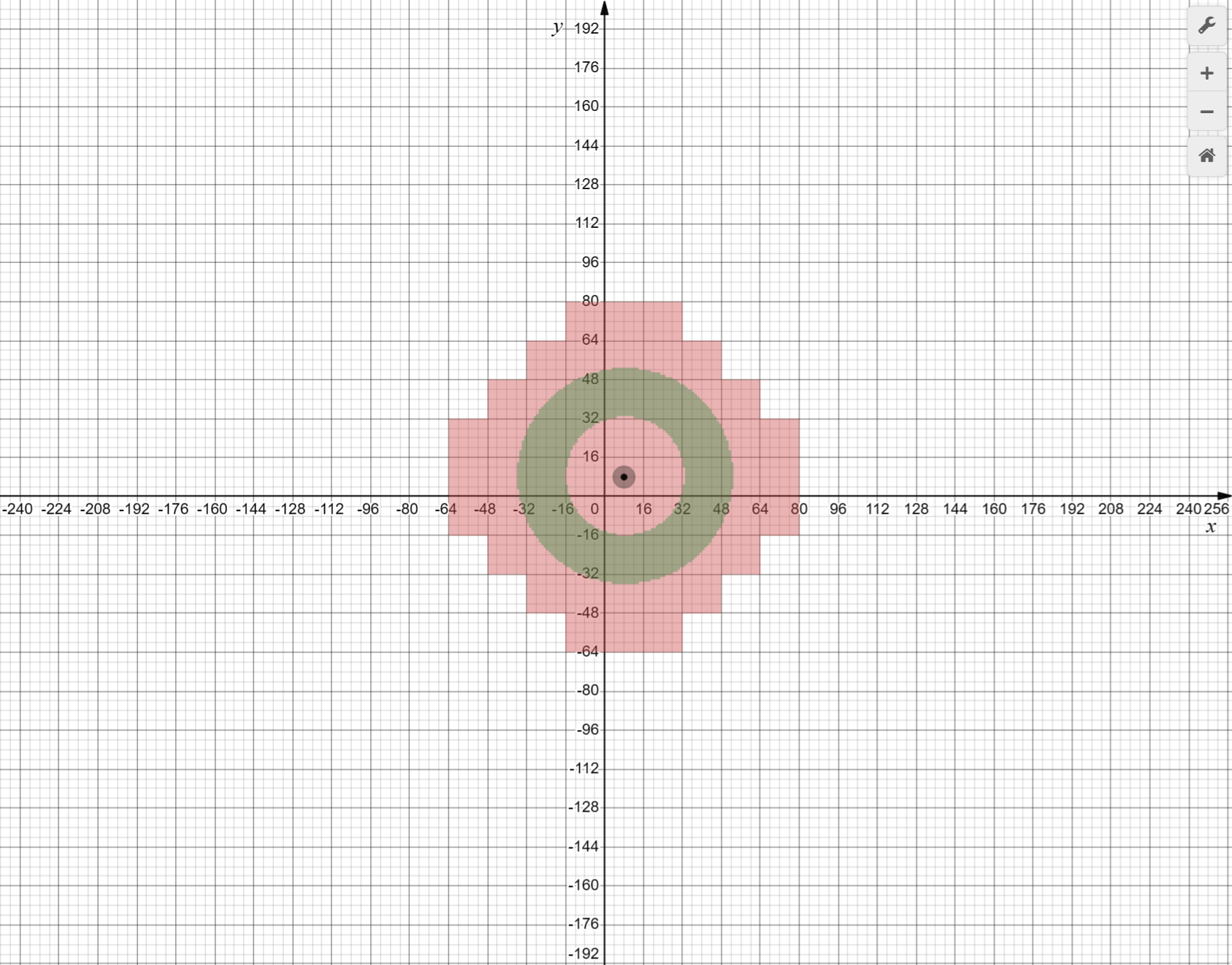
- La distanza di rendering è visiva. Terreno, orizzonti, costruzioni e paesaggi lontani compaiono.
- La distanza di simulazione è meccanica. L'IA dei mob, molti aggiornamenti di redstone, il comportamento dei fluidi, la crescita e altri sistemi di tick avvengono qui.
- L'impatto sulle prestazioni è diverso anche. Aumentare la distanza di rendering sollecita più memoria e GPU, mentre aumentare la distanza di simulazione di solito sollecita più la CPU.
Una rapida divagazione, perché le persone incolpano sempre la cosa sbagliata: cambiare skin non aiuterà il lag di simulazione. Puoi indossare la skin Minecraft Whatasnipe, passare alla skin Minecraft What, provare la skin Minecraft What_Max, indossare la skin Minecraft Turbowhat1, o andare a pieno casual con la skin Minecraft whateverdaniela. La tua fattoria non farà comunque tick più velocemente fuori dalla distanza di simulazione. La moda è gratuita. La fisica no.
E sì, questo è il motivo per cui i villaggi distanti possono sembrare vivi da un bordo di una scogliera mentre si sentono inquietantemente in pausa una volta che inizi a guardare da vicino.
Cosa cambia nella distanza di simulazione nel 2026
A partire dal 12 marzo 2026, il chiarimento ufficiale più utile è ancora la nota di Mojang su Java Edition 1.21.5 su come la distanza di simulazione influisce i tick dei blocchi. Molte guide più vecchie ripetono ancora la regola del vecchio raggio di crescita di 8 chunk come se fosse universale. In realtà, non è più così per Java. Mojang l'ha cambiato in modo che qualsiasi blocco all'interno della distanza di simulazione di un giocatore, o caricato da un'altra fonte di caricamento di chunk, possa ricevere tick casuali. I loro esempi erano i raccolti che crescono, il ghiaccio che si scioglie, la neve che cade e i calderoni che si riempiono di pioggia.
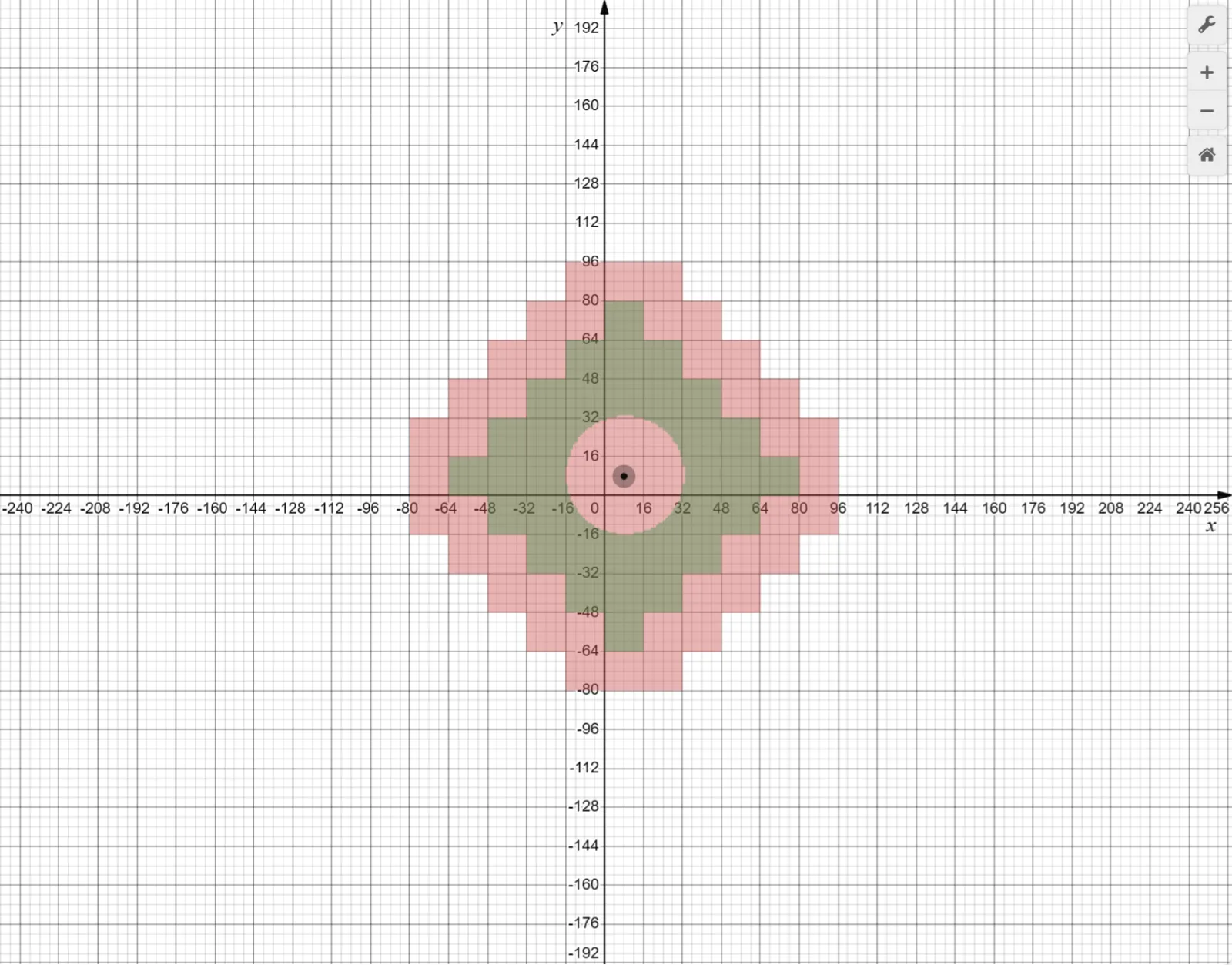
Importa più di quanto sembri. I tick casuali sono dietro a molte cose ordinarie di sopravvivenza, soprattutto fattorie. Quindi se aumenti la distanza di simulazione in Java moderno, non stai solo aiutando l'IA dei mob o le linee di redstone più lontane, stai anche espandendo l'area dove il comportamento naturale dei blocchi può continuare ad accadere. Gli spawn chunk e altre aree caricate sono diventati un po' più utili grazie a quel cambio.
Ma Mojang ha anche detto che alcuni sistemi si attengono ancora al vecchio raggio di 8 chunk intorno ai giocatori. Lo fa lo spawn dei mob. Lo fa la lava che prende fuoco. Lo fanno i fulmini. Il fuoco inoltre non continuerà a bruciare o diffondersi se nessun giocatore è entro 8 chunk. Quindi la versione ordinata e pulita è questa: la distanza di simulazione decide più di prima, ma non letteralmente tutto.
PCGamesN ha riferito che Minecraft vanilla aveva raggiunto oltre 80 mob unici entro la versione 1.21.11. È un sacco di piccoli idioti che chiedono al gioco IA, controlli di movimento, collisione, spawn, despawn e ricerca di percorsi. Non c'è da meravigliarsi che questa impostazione sia importante.
Migliori impostazioni della distanza di simulazione di Minecraft per sopravvivenza, fattorie e server
La maggior parte dei giocatori non ha bisogno di massimizzare questo. Hanno solo bisogno che sia abbastanza alto perché il loro mondo si comporti come si aspettano. La mia scelta predefinita per una sopravvivenza normale su un PC decente di solito è da 8 a 10 chunk. Questo è il punto dolce dove le fattorie si sentono meno esigenti, i villaggi rimangono utili a una distanza modesta, e la CPU non inizia immediatamente a redigere una lettera di reclamo.
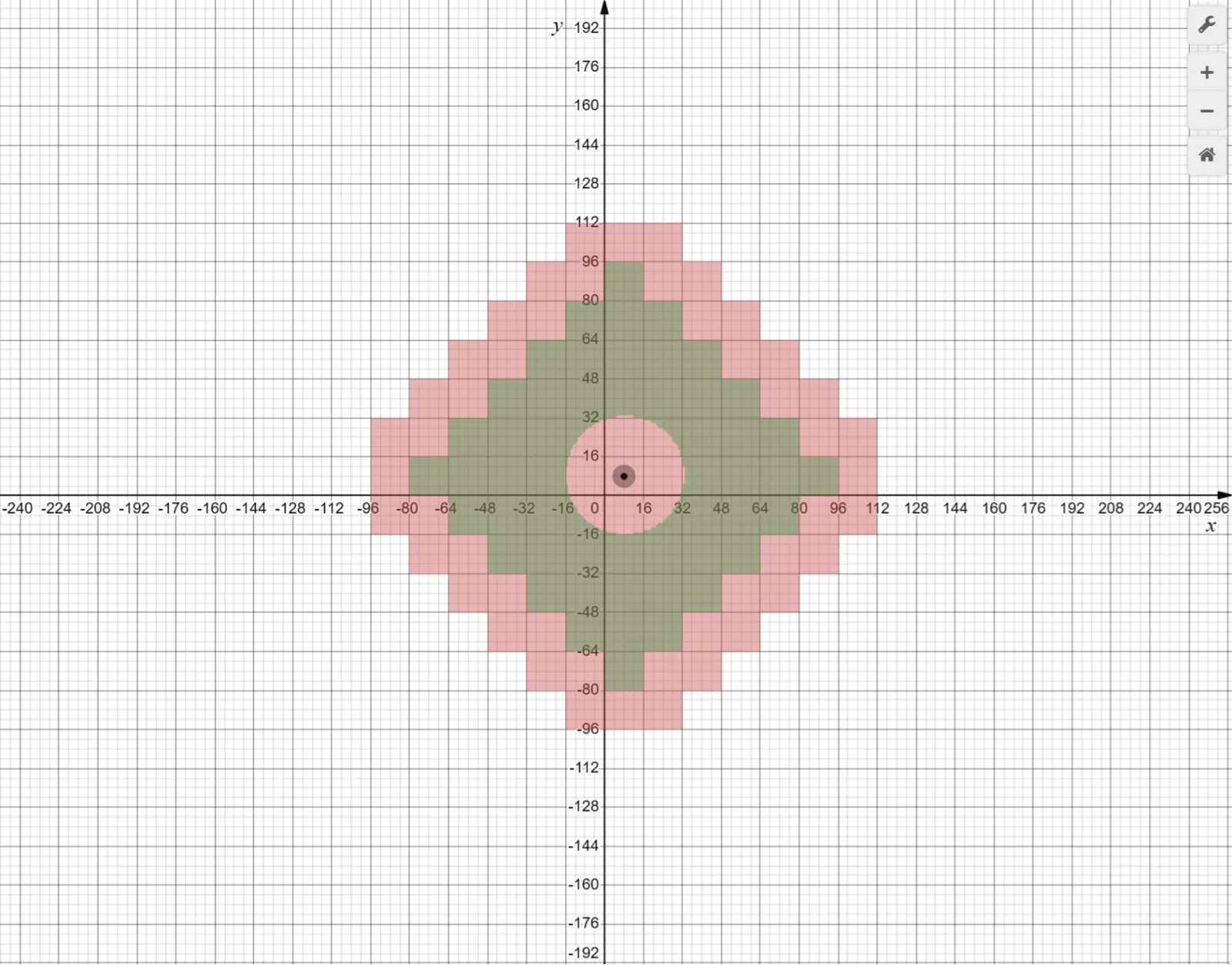
Sopravvivenza single-player
Se stai giocando da solo e il tuo mondo è per lo più case, caverne, redstone leggera e un paio di fattorie, inizia a 8. Scendi a 6 se il gioco balbetta su hardware più vecchio. Spingi a 10 se passi molto tempo intorno ai banchi di scambio dei villaggi, ai recinti dei mob o ai layout di base sparsi. Andare più in alto può sembrare fantastico, ma solo se il resto delle tue impostazioni e dell'hardware riesce effettivamente a tenere il passo.
Fattorie di mob e basi redstone
Le grandi basi tecniche beneficiano più della distanza di simulazione rispetto alle case iniziali casual. Se la tua fattoria di ferro, il campo di raccolti, l'ordinatore e l'allevatore sono tutti stipati in una mega-base, da 10 a 12 chunk possono far comportare il tutto più coerentemente mentre ti muovi. Ma c'è un'inghippo: un'area più attiva significa anche più cose che funzionano contemporaneamente. Questo è brillante per l'efficienza fino a quando la tua sala di stoccaggio non diventa una presentazione.
Server multigiocatore
Nel multigiocatore, il server decide molto più di quanto fa il tuo client. Puoi aumentare la tua distanza di rendering e comunque avere una distanza di simulazione lato server che costringe fattorie, comportamento dei mob e redstone. Per server Java auto-ospitati, regola il valore simulation-distance in server.properties, quindi testa con veri giocatori online. Non indovinare. Monitora le prestazioni del server, specialmente MSPT o TPS se la tua configurazione le espone. Un giocatore extra che corre attraverso un distretto dei villaggi può cambiare velocemente il quadro.
Ho testato questo tipo di configurazione su un piccolo server Paper con una sala dei villaggi, un forno automatico e una linea di canna da zucchero tutto stipato in un distretto industriale brutto ma efficace. Otto chunk sembravano bene. Dodici era più fluido per il layout della fattoria, ma il margine è scomparso nel secondo in cui due amici si sono collegati e hanno iniziato a trascinare i mob a casa per dopo. Comportamento classico del server, davvero.
Java, Bedrock, Realms e considerazioni speciali per console
Java è l'edizione più facile da spiegare perché i controlli sono più chiari e la proprietà del server è esposta. Bedrock è più disordinato. I limiti dei dispositivi, il tipo di mondo, le regole della piattaforma e i servizi ospitati modellano quello che puoi effettivamente impostare. Quindi se sei su una console o un Realm e ti chiedi perché le tue opzioni si sentono più strette, non lo stai immaginando. Stai solo vedendo la parte dove Minecraft tenta di proteggere le prestazioni prima che i giocatori trasformino il loro tostapane in un riscaldatore spaziale.
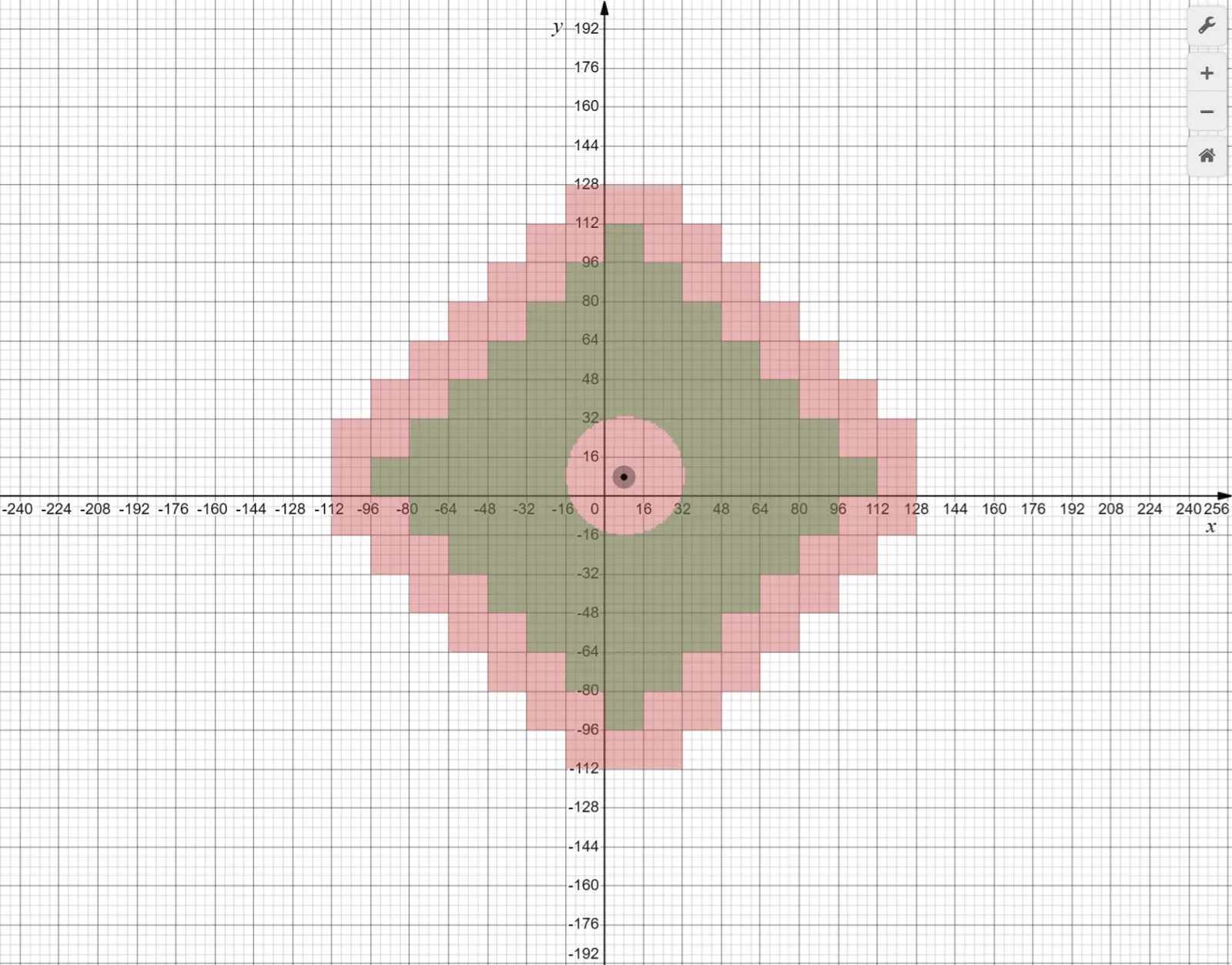
Questo è anche il motivo per cui le conversazioni della console sulle impostazioni di distanza non scompaiono mai completamente. The Loadout stava scrivendo sui piani della versione PS5 nativa di Mojang già nel giugno 2024, e il punto più grande si applica ancora nel 2026: Minecraft su console vive sotto budget di prestazioni più rigorosi rispetto a una macchina Java auto-ospitata. Più ottimizzazione aiuta, ma non crea magicamente ogni linea di redstone distante che vale la pena simulare tutto il tempo.
Il multigiocatore aggiunge un'altra complicazione. La tua distanza di rendering del client cambia solo quello che vedi localmente. La distanza di simulazione del server decide cosa continua a funzionare. Quindi se un amico dice che può vedere la fattoria da qui, questo non prova che la fattoria sia attiva. Prova solo che hanno occhi.
Realms è particolarmente bravo nell'insegnare questa lezione nel modo difficile.
Errori comuni che rendono la distanza di simulazione difettosa
La maggior parte della confusione sulla distanza di simulazione deriva dalle aspettative, non dai bug. I giocatori si aspettano che qualsiasi cosa visibile sia attiva. Minecraft non funziona così, e onestamente non lo ha mai fatto. L'impostazione è lì per ridurre il carico della CPU, quindi il punto intero è che parte del mondo rimane visivamente presente mentre meccanicamente inattiva. Una volta accettato questo, molti report di "la mia fattoria è rotta" diventano molto più facili da diagnosticare.
- Errore uno: trattare la distanza di rendering e la distanza di simulazione come lo stesso cursore con due nomi.
- Errore due: costruire fattorie troppo distanti, poi aspettarsi che funzionino tutte mentre vaghi tra di loro.
- Errore tre: presumere che le tue impostazioni del client sovrascrivano un server multigiocatore.
- Errore quattro: leggere consigli Java pre-1.21.5 e perdere il comportamento random-tick più recente.
Allora cosa dovresti fare? Mantieni la distanza di rendering alta quanto ti piace per l'esplorazione e screenshot di costruzione, quindi imposta la distanza di simulazione in base a quello che effettivamente hai bisogno di mantenere in vita. Base di sopravvivenza con un paio di fattorie, 8 è un inizio solido. Mondo tecnico più grande, muoviti verso l'alto con cautela. Laptop debole, sii onesto con te stesso. Non tutti i computer vogliono eseguire un sobborgo di villaggi, un campus di fattorie automatiche e una smerigliatrice di mob contemporaneamente.
Se ricordi una cosa, è questa: la distanza di simulazione è la parte di Minecraft che trasforma lo scenario in un gameplay funzionante. Se qualcosa deve muoversi, crescere, bruciare, fluire, spawnar o fare tick, questa impostazione è probabilmente coinvolta.

Lead writer at minecraft.how. Long-time Minecraft player running a small SMP server, testing every build, mod, and seed before writing about it.
Domande frequenti
Cosa differenzia la distanza di simulazione dalla distanza di rendering in Minecraft?
Perché aumentare la distanza di simulazione può essere utile per le fattorie?
Qual è un'impostazione di distanza di simulazione consigliata per una sopravvivenza normale su un PC decente?
Cosa accade se un'entità o una fattoria è al di fuori della distanza di simulazione?
Influisce la distanza di simulazione solo su mob e redstone?
Commenti
Ancora nessun commento. Sii il primo a condividere la tua opinione!