Minicraft-HTML5: A Retro Mining Game You Can Play Right Now
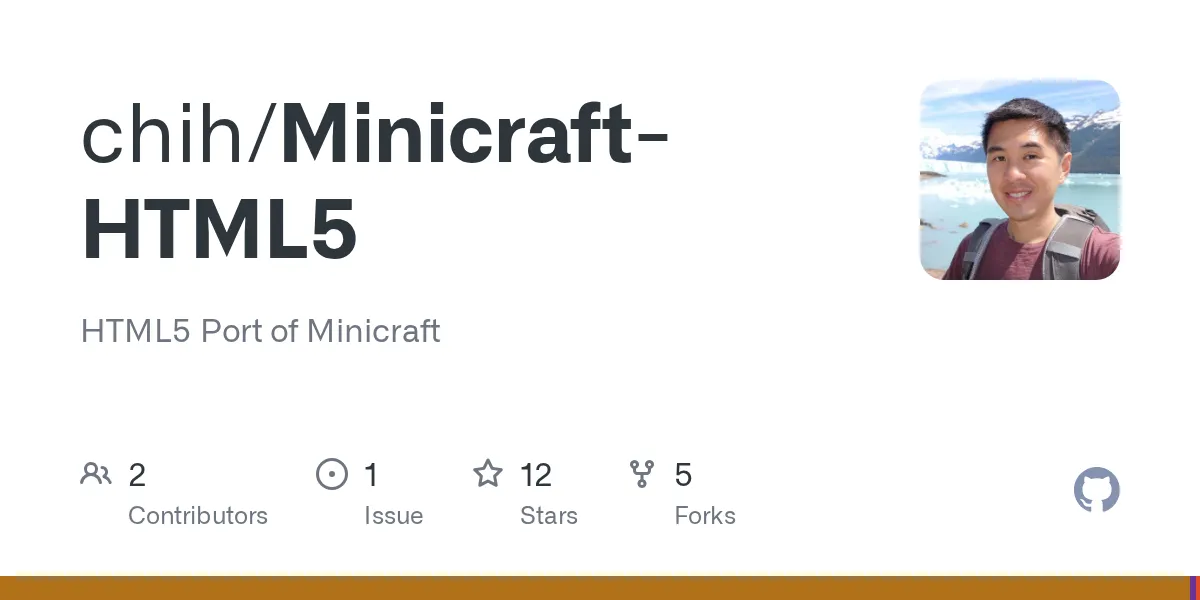
"HTML5 Port of Minicraft"
chih/Minicraft-HTML5 · github.com
Ever wanted to play the classic, ultra-minimalist version of Minecraft that started it all? Minicraft-HTML5 brings that exact experience directly to your browser, no downloads or launcher required. It's a faithful port of the original game Markus Persson created before full Minecraft existed.
What Is Minicraft-HTML5?
Minicraft-HTML5 is a browser-based recreation of Minicraft, the tiny game that preceded Minecraft itself. Created by Chi Hoang and originally designed by Notch, this HTML5 port runs entirely in your browser without any installation. You're looking at a 2D world where you dig, craft, build, and fight off enemies in a top-down view - pure pixelated nostalgia.
The project uses Google Web Toolkit (GWT) and HTML5 Canvas to deliver that classic experience across Firefox, Chrome, Safari, and other modern browsers. It's a neat bit of engineering: the codebase is written in Java and compiled to JavaScript. That means cross-platform compatibility without forcing you to run a Java runtime. All 12 GitHub stars might not sound impressive by volume, but this is the kind of project that does exactly what it promises without overcomplitating anything. It's the anti-bloat mentality that made the original Minicraft special in the first place.
Mobile support is baked in too. The game detects when you're on a phone or tablet and automatically displays an on-screen gamepad at the bottom, with optimized controls for touch. That's been tested on iOS and Android, though the last official testing happened on an iPhone 4S running iOS 5 - so yeah, it's been working reliably for a while now.
Why Revisit a Game From Before Minecraft Existed?
Here's the thing about Minicraft: it's mechanically pure. No dragons to slay, no nether dimensions to explore, no enchanting tables or mending books. Just the core loop of mine, craft, survive. If you've ever felt overwhelmed by Minecraft's endless feature creep or wished you could play something you could actually finish in a few hours, Minicraft-HTML5 is a breath of fresh air.
It's also historically interesting in a way that matters for game design. This was Notch's proof of concept - the thing he built to explore whether the core gameplay loop of gathering resources and building worked at all. Spoiler: it worked spectacularly well. The fact that a game released around 2009 with just mining, crafting, and basic enemies still holds up today says something about good design fundamentals.
Plus, and I can't stress this enough, you play it right now. No launcher to install, no massive downloads, no waiting for updates. Click the link, and you're mining within seconds. That's rare in gaming these days, and it's honestly one of the best features of the whole project. Browser games from the early 2010s were common but mostly forgotten. A stable, playable version of Minicraft in 2026 is kind of special.
How to Get Started (Spoiler: It's Easy)
Playing Minicraft-HTML5 is absurdly simple. Point your browser to the GitHub Pages link hosted by the project (http://chih.github.io/Minicraft-HTML5/) and you're done. That's it. No downloads, no configuration files, nothing to install. The project is served directly from GitHub Pages, which means it's free, always available, and automatically versioned. If something breaks, you can always revisit the repository.
The controls are intuitive if you've played any Minecraft variant: arrow keys or WASD to move around your little pixel world, click to break blocks and attack enemies, and spacebar to open your inventory. On mobile, the touch controls map to an on-screen gamepad, so it's playable without a keyboard.
If you're the type who wants to tinker with the source code or build it yourself, you'll need GWT 2.4.0 and Ant installed, plus Java development tools. But most people don't need to do that. The live version is stable and ready to go right out of the box.
One small thing worth mentioning: browser games can sometimes be finicky with caching. If something doesn't load properly, try clearing your browser cache or opening it in a different browser. Chrome and Firefox are your safest bets; they handle WebGL and Canvas rendering smoothly. Safari should work fine too, though older versions might have minor hiccups.
Features That Matter
God Mode Changes Everything
This isn't a hidden feature - the README mentions it right up front. God mode disables health loss and stamina drain. You won't die from enemies, you won't get tired from mining, and you can dig forever without stopping to eat. It's perfect if you just want to build something cool without worrying about survival mechanics getting in your way. Honestly, it's one of the smartest features for creative players who want to focus on construction rather than survival grinding.
Instant Browser Play
No installation, no accounts, no servers. Open it in any modern browser and you're playing Minicraft instantly. Most indie games from the early 2000s required downloads; modern ports shouldn't. This one gets it right.
Canvas Rendering and Performance
The 2D Canvas-based graphics mean this runs smoothly on pretty much any hardware. Your 10-year-old laptop, your phone, a budget tablet - Minicraft-HTML5 doesn't care. The rendering is efficient, and the top-down perspective doesn't demand much processing power. You'll get consistent frame rates without needing a GPU.
Mobile Optimization
The on-screen gamepad for mobile browsers is a nice touch. It's been tested on real devices, and it works. You can actually play this full game on your phone during lunch break or on a commute, which is something you can't say about a lot of browser games.
Tips, Gotchas, and What You Should Know
The game autosaves your progress, so don't worry about losing your world if you close the tab accidentally. Your buildings, your inventory, everything gets preserved. That's a solid design choice that makes it more forgiving than some sandbox games.
God mode is accessible, though the exact keybind or menu option isn't spelled out in the public documentation. Most likely you'll find it in the pause menu or as an option when you start a new game, similar to how Minecraft handles creative mode. If you really want to know, the source code is available on GitHub.
Browser compatibility is generally excellent across modern versions of Chrome, Firefox, and Safari. Older browsers or ones with JavaScript disabled won't work, but that's not really a limitation in 2026. You might occasionally run into issues with browser extensions that block Canvas rendering, but that's rare.
Performance-wise, expect smooth gameplay on most systems. There's no frame-rate counter, but the rendering is efficient enough that even older machines handle it. If you do experience lag, try closing other browser tabs and disabling extensions.
Alternatives and When You Might Want Something Else
If you want a fuller Minecraft experience with all the modern features, obviously the actual Minecraft Launcher running version 26.2 is the way to go. You'll get the nether, the end dimension, all the biomes, and everything Mojang has added over the years. For a classic version of Minecraft specifically, you can access Minecraft Classic in your browser too, which is fun for nostalgic building.
But if you want something smaller, simpler, and purely retro? Something you can finish? Minicraft-HTML5 is hard to beat. It's the essence of early Minecraft in a form you can play during a lunch break without committing to a massive project. There are other browser-based mining games and crafting sims out there, sure. But none of them are Minicraft - the actual historical game that inspired everything that followed.
Is This Worth Your Time in 2026?
Yeah. If you're curious about gaming history, nostalgic for simpler games, or just want something mindless to play in your browser without commitment, Minicraft-HTML5 delivers exactly that. Spend 20 minutes with it and you'll understand why this gameplay loop was so compelling that it spawned a cultural phenomenon.
It's not going to replace full Minecraft, and it doesn't try to. But as a way to experience the original game that started it all, directly in your browser with no barriers between you and playing, it's excellent. The project is stable, it works, and it's been holding up that way for years.
If you're really getting into mining games and want to express yourself more, check out our Minecraft skin creator to design custom character skins. And if you need inspiration, browse our free skin gallery of designs from the community.

Lead writer at minecraft.how. Long-time Minecraft player running a small SMP server, testing every build, mod, and seed before writing about it.