Hosting Bedrock Servers with Nukkit: The Java-Powered Alternative
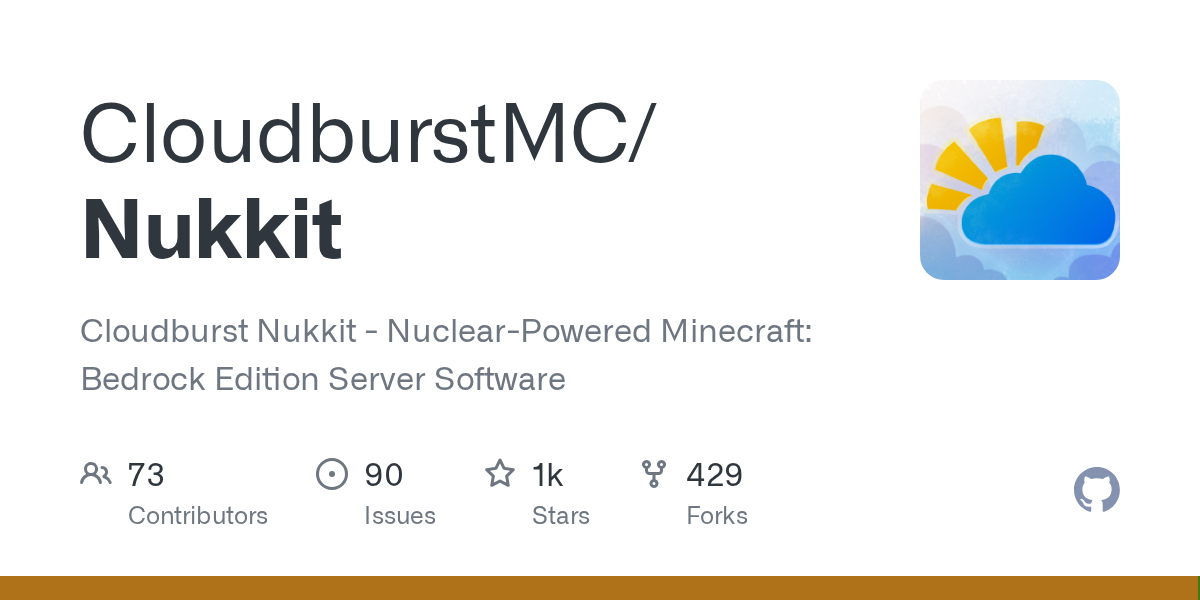
Nukkit (CloudburstMC/Nukkit)
Cloudburst Nukkit - Nuclear-Powered Minecraft: Bedrock Edition Server Software
Running a Bedrock server used to mean wrestling with options. Most server software out there was designed with Java Edition in mind, and Bedrock players got whatever scraps were left over. Nukkit changes that by offering a purpose-built, Java-powered server platform that actually performs well and lets you customize things through plugins.
If you're thinking about hosting a Bedrock server for friends or a small community, you've probably heard of Nukkit. It's not the only option, but it's gained serious traction among server admins who care about performance. With over 1,300 GitHub stars and active development, it's worth understanding what it does and whether it's right for your setup.
What Nukkit Does
Nukkit is server software for Minecraft Bedrock Edition. That means it handles the backend of your multiplayer world - player connections, game logic, entity updates, all of it. Instead of using Microsoft's official servers (which require their hosting infrastructure), Nukkit lets you run your own server on your hardware.
The project is written in Java, which is the same language Bukkit and Spigot use for Java Edition servers. This wasn't a random choice. Java gives Nukkit performance advantages over some alternatives because it's compiled and optimized differently than interpreted languages. You get faster tick rates, better player loading, fewer TPS dips when things get crazy.
One thing that makes Nukkit appealing: it's designed with plugins in mind.
So instead of hacking the server code itself (which would be a nightmare to maintain), you write plugins that hook into Nukkit's API. That's how the community extends functionality.
Why Bedrock Servers Matter (And Why Nukkit)
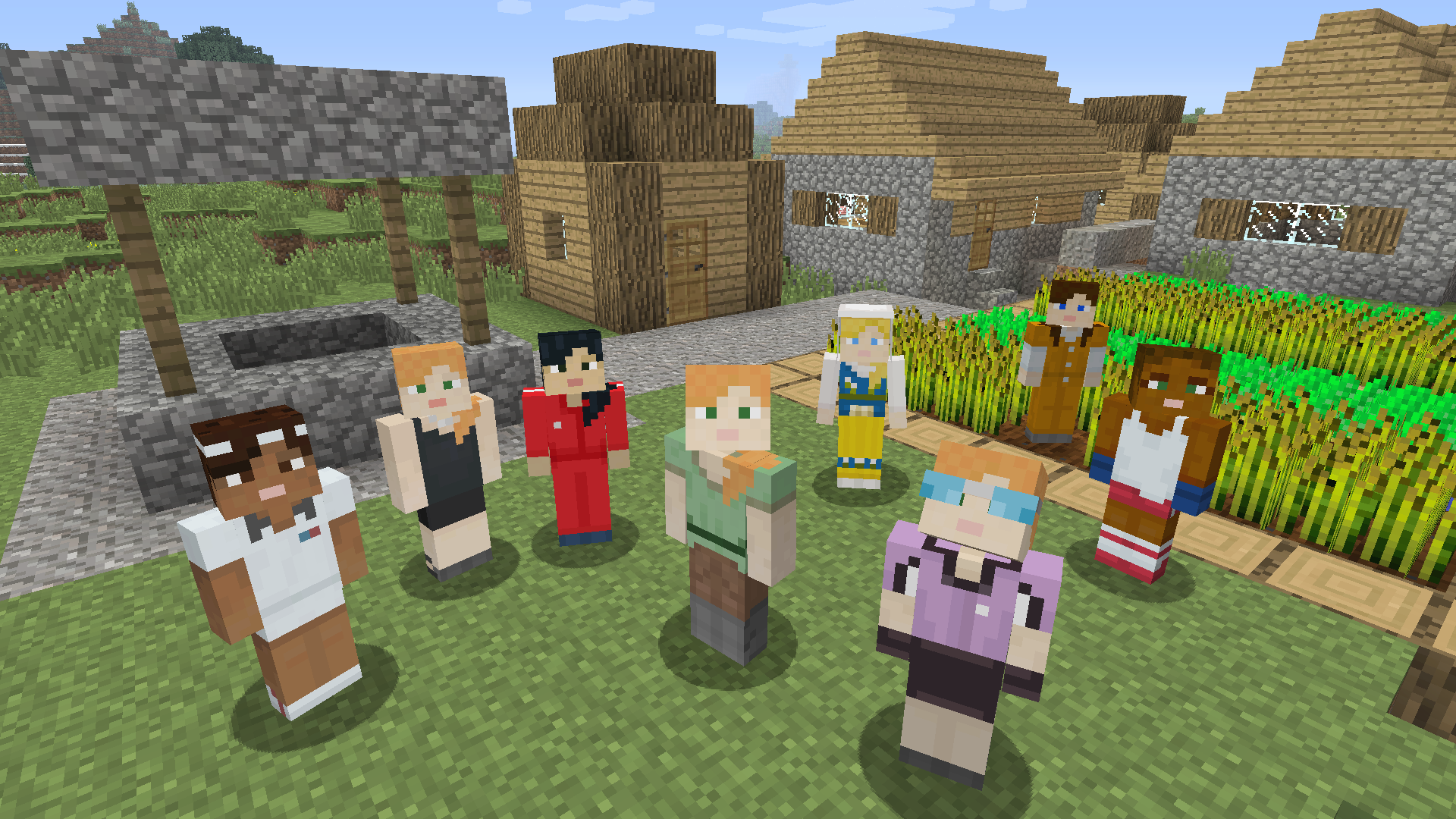
Here's the context: Bedrock Edition is the version of Minecraft that runs on phones, tablets, Nintendo Switch, Windows 10/11, and Xbox. It's the platform with the broadest reach, but it's historically had the worst multiplayer infrastructure for self-hosted servers.
Before Nukkit and similar projects matured, you basically had two choices: use Realms (Microsoft's managed service), or use whatever open-source server software existed (which often felt abandoned). Nukkit filled that gap by providing something that actually works.
Why would you want to run your own Bedrock server instead of using Realms? Cost is one reason - if you already have a server running elsewhere or have a spare machine, the marginal cost is basically zero. Control is another. You own the data, you set the rules, you decide when it shuts down. And community - you can host friends and family without paying per-month subscriptions.
The performance angle matters too. When you're self-hosting, you can tune the server for your specific needs. Got a small world with five players? You can run Nukkit on modest hardware. Running a massive server with hundreds of plugins? You scale up your hardware instead of hitting some Realms tier limit.
Setting Up Nukkit
Getting Nukkit running is straightforward, especially if you're comfortable with the command line.
First, grab the latest snapshot from the project's download page. You don't need to compile it yourself unless you're modifying the code.
Once you've downloaded the JAR file, running it is as simple as:
java -jar nukkit-1.0-SNAPSHOT.jarOn first run, Nukkit generates a default configuration and asks you to choose a language. Answer the prompts, and boom - you've got a functional server. That's genuinely impressive for the setup time.
Want to use Docker instead? The project includes a Dockerfile:
docker build -t nukkit.
docker run -it -p 19132:19132/udp -v nukkit-data:/data nukkit
Or, if you're already using Docker Compose:
docker-compose up -dAnd for anything more complex - maybe you're deploying to Kubernetes - there are Helm charts included. You can validate them, dry-run them, or deploy directly:
helm install nukkit charts/nukkitThe flexibility here's nice. You get simple (just run the JAR) all the way up to orchestrated cloud deployments.
One thing to note: Bedrock Edition uses UDP port 19132 by default, not TCP. That matters if you're configuring firewalls or port forwarding. The Docker examples above already handle this correctly (notice the /udp suffix), but if you're setting up manually, that's a gotcha worth remembering.
What Makes Nukkit Stand Out
Performance is the headline. Nukkit handles player ticks and world updates efficiently. That means less lag when you've got active players or complex mechanics running. You'll see this in practice: mob pathfinding feels responsive, redstone circuits update quickly, and chunk loading doesn't cause stutters.
The plugin system is probably the second biggest win. This API is well-documented on the project's wiki, and there are plugin repositories where community developers share their work. Need custom commands? A scoreboard system? Per-world permissions? Someone's probably written a plugin for it.
Customization through configuration is solid too. You're not locked into hardcoded defaults. Server properties, world generation, difficulty - you can tune things without touching code.
Maintenance is refreshingly hands-off. Nukkit handles updates cleanly. Your config and world files stay separate from the server JAR, so upgrading is just replacing one file.
The community matters. This project has active forums, a Discord server, and a wiki. If something breaks, you've got places to ask questions. The maintainers aren't ghosts - they're still actively developing and responding to issues.
Common Gotchas and Tips
Don't expect 100% feature parity with Java Edition. Bedrock Edition itself works differently under the hood than Java, and Nukkit maps some mechanics differently. Redstone works, but some edge cases behave slightly different. Command syntax is Bedrock's syntax, not Java's. If you're migrating from a Java server, expect some friction.
Plugins written for other platforms (like Bukkit or PocketMine) aren't automatically compatible with Nukkit. They need to be rewritten for Nukkit's API. So this is less of a problem than it sounds - there's a decent plugin ecosystem - but don't assume a random popular plugin will "just work."
Performance isn't magic. If your hardware is weak, Nukkit runs on weak hardware, same as anything else. If you're trying to run a 10,000-player megaserver on a Raspberry Pi, Nukkit won't save you (neither would anything else, realistically).
Before running a server in production, test it locally. Spin up a world with a few friends, break things, experiment with plugins. Better to discover issues on your laptop than when twenty people are trying to play.
Finally - actually configure server properties carefully. If you're setting up anything beyond the basics, the Server Properties Generator tool can save you from syntax errors and missing settings. Then compare it against the Nukkit defaults to make sure you haven't overridden something important by accident.
Alternatives Worth Knowing About
Nukkit isn't the only option for Bedrock servers. PocketMine-MP is probably the most established alternative, with a longer history and slightly larger plugin ecosystem. It's written in PHP instead of Java, which has different performance tradeoffs. If you need maximum plugin compatibility with existing PocketMine plugins, that's your pick.
There's also Dragonfly (written in Go) and a few others, but they're either newer or smaller. Nukkit lands in a sweet spot: it's mature enough to be stable, active enough that development happens, and performant enough for real-world use.
If you're looking for community servers to join or just browsing what's out there, the minecraft.how server list is a good place to discover what people are running.
The bottom line: if you want to run your own Bedrock server and you're not married to a specific ecosystem, Nukkit is a solid choice. It's well-maintained, performs well, and has enough flexibility to grow with your needs.
Open the Nukkit repo ↗
Lead writer at minecraft.how. Long-time Minecraft player running a small SMP server, testing every build, mod, and seed before writing about it.