Shulker: Managing Minecraft Servers With Kubernetes
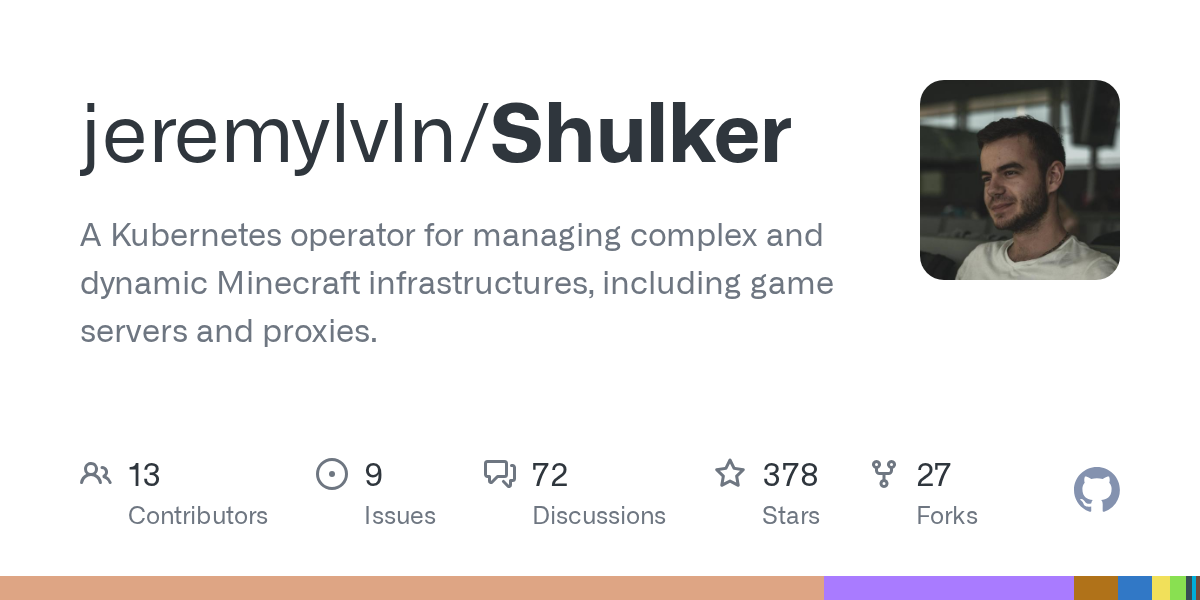
Shulker (jeremylvln/Shulker)
A Kubernetes operator for managing complex and dynamic Minecraft infrastructures, including game servers and proxies.
If you're running more than one Minecraft server and you've got basic Kubernetes knowledge, Shulker might be the tool you didn't know you needed. It's a Kubernetes operator that automates provisioning, scaling, and managing Minecraft game servers and proxies at scale. This isn't for casual players spinning up a single server on their laptop. It's for people running infrastructure (hosting companies, large networks, anyone orchestrating dozens of servers) who want to stop doing repetitive server management by hand.
What This Project Does
Shulker sits on top of Kubernetes and treats Minecraft servers as containerized workloads. Instead of SSH-ing into machines, clicking buttons in a hosting panel, or writing custom scripts to start/stop servers, you define Minecraft infrastructure in Kubernetes manifests. Shulker watches those manifests and creates or tears down real servers to match what you declared.
Think of it as infrastructure-as-code for Minecraft.
The core architecture uses agents deployed alongside your game servers. These agents communicate back to a central controller, which handles provisioning new server instances, managing proxies (like Velocity or Waterfall), and orchestrating the whole network. It's built in Rust, which means it's fast and memory-efficient compared to similar tools written in other languages.
The project is now at v0.13.0 and includes a new CLI tool (shulker-cli) for managing servers programmatically. You can create servers on-the-fly from a fleet definition, or manage everything through standard Kubernetes objects. The latest release also patched bugs in LoadBalancer schema handling and fixed an SDK issue for manual server creation.
Why You'd Use This
Most Minecraft servers run on a single machine. But if you're a hosting company or you're running a network with 50+ servers that need to scale up during peak hours and scale down to save costs, manual management becomes impossible. That's where Shulker solves a real problem.
- Dynamic scaling: Need 10 more servers for an event? Define it in Kubernetes and Shulker spins them up. Event ends? Scale back down automatically.
- No manual SSH: Stop logging into fifty machines to update server config or restart a process. Push changes to your manifest, Shulker handles the rollout.
- Self-healing infrastructure: A server crashes? Kubernetes restarts it. Shulker keeps everything running smoothly without you babysitting.
- Cost predictability: Run exactly as many resources as you need. If you're on cloud infrastructure, this saves real money.
If you're running a small survival server for friends, you don't need this. If you're a hosting provider managing infrastructure for thousands of players, Shulker eliminates entire categories of operational headache.
Installation and Prerequisites
Shulker requires Kubernetes. Not Docker Compose, not a VPS with SSH access. Actual Kubernetes. If you're not already familiar with kubectl, custom resource definitions (CRDs), and YAML manifests, you'll need to learn those first.
The project's documentation is at shulker.jeremylvln.fr with a getting-started guide covering prerequisites.
Basic installation looks like this:
kubectl apply -f https://github.com/jeremylvln/Shulker/releases/download/v0.13.0/stable.yaml
That downloads the stable release manifest for v0.13.0. There's also a variant with Prometheus metrics included if you want monitoring. After applying the manifest, Shulker's operator deploys into your cluster and watches for Minecraft infrastructure objects.
You'll also need container images for Minecraft servers. Shulker doesn't provide pre-built images; you define those separately, either using an existing Minecraft server image from Docker Hub or building your own. The operator orchestrates containers but doesn't create them for you.
How the Key Features Work
At its core, Shulker uses Kubernetes custom resources (CRDs) to describe Minecraft infrastructure. You define a Fleet (a template for servers), then create MinecraftServer objects that reference the fleet. When you apply that manifest, Shulker spins up a Kubernetes Pod running your server container. Multiple servers? Define multiple MinecraftServer objects. Shulker creates as many Pods as you declare.
The agent-based architecture is clever. Each server Pod runs a Shulker agent that maintains a gRPC connection back to the central controller. The controller stays informed about server health, player counts, and other metrics without needing SSH or constant polling.
Network management is another strong point. Shulker handles proxy configuration for you. If you've got 20 servers and players connecting through a BungeeCord or Velocity proxy, Shulker updates proxy configs automatically as servers come and go. No manual proxy config edits.
The new shulker-cli tool (added in v0.13.0) lets you create servers programmatically instead of writing manifests by hand. This is useful for hosting platforms that need dynamic server creation APIs. You can also manage everything through the gRPC API directly if you prefer.
Real Gotchas and Common Pitfalls
Steep learning curve is the first one. If you're thinking "I'll learn Kubernetes while setting up my Minecraft servers", you're in for a rough time. Shulker assumes you already know kubectl, understand Kubernetes networking, and can troubleshoot container issues. That's not a knock on the project; it's just being honest about who the audience is.
Container management adds another layer. You need to build or find Minecraft server images that work with Shulker's agent. If you use a standard Minecraft Java image but forget to include the agent binary, the server won't stay connected to the cluster. The errors you'll debug are Kubernetes-level, not always obvious Minecraft-level issues.
Resource requests matter more than you think. Misconfigure Kubernetes resource limits on your Minecraft Pods and servers get OOMKilled (out of memory) under load. Shulker doesn't hide Kubernetes complexity; it expects you to understand your infrastructure layer.
AGPL licensing is worth noting. If you modify Shulker and distribute it, you must share those modifications. For internal use this doesn't matter. For offering Shulker as part of a hosting service, it has legal implications you should discuss with legal counsel. The maintainer mentions being open to commercial licensing discussions on GitHub.
Alternatives and How Shulker Compares
If you need simpler server orchestration, Docker Compose on a single VPS gets you running servers without Kubernetes overhead. But it won't scale to dozens of servers easily, and failover is manual.
Traditional hosting control panels (Pterodactyl, for example) let you manage multiple servers through a web UI. That's less declarative than Shulker, but it's also less of a learning curve if you're not Kubernetes-comfortable. Pterodactyl assumes you've already got VMs or physical machines; Shulker assumes you've got a Kubernetes cluster.
Writing custom Kubernetes operators for Minecraft infrastructure is possible if you want something tailored to your exact needs. But that means building and maintaining your own code. Shulker is open-source and actively maintained, which saves that engineering effort if it solves your problem.
The 378-star GitHub project has an active community and ongoing development. Latest releases happen regularly. If you're already running Kubernetes and managing multiple Minecraft servers, Shulker is genuinely worth evaluating. If you're not on Kubernetes, the barrier to entry is high enough that you should ask yourself whether you need this level of infrastructure first.
Building Minecraft infrastructure is its own skill. Want to improve your server's visibility while you're building it? Check out Minecraft's MOTD Creator to craft compelling server descriptions that show up in the multiplayer menu. And if you're hosting player communities, Browse Minecraft Skins to find assets that match your server's theme.
jeremylvln/Shulker - AGPL-3.0, ★378 Visit jeremylvln/Shulker on GitHub ↗
Lead writer at minecraft.how. Long-time Minecraft player running a small SMP server, testing every build, mod, and seed before writing about it.