Polecenie Trybu Kreatywnego w Minecrafcie - Poradnik 2026
Polecenie trybu kreatywnego w Minecrafcie to po prostu polecenie, które przełącza grę do Trybu Kreatywnego, zwykle /gamemode creative lub /gamemode c, w zależności od wersji i uprawnień. Łatwe polecenie, dziwna liczba zastrzeżeń.
Jeśli kiedykolwiek je wpisałeś, nacisnąłeś Enter i dostałeś tylko komunikat błędu i lekkie rozdrażnienie, nie jesteś sam. Ponownie przetestowałem to na prywatnym serwerze Java, świecie Bedrock i jednej bardzo wymagającej konfiguracji admina, a polecenie nadal działa świetnie... kiedy gra ci na to pozwoli.
Dlatego ten poradnik to wersja praktyczna. Bez bzdur, bez udawania, że każda edycja zachowuje się tak samo, i bez dramatycznych tajemnic wokół polecenia, które istnieje od zawsze.
Podstawy polecenia trybu kreatywnego w Minecrafcie
Dla większości graczy polecenie, które chcesz, to:
- /gamemode creative
W wielu konfiguracjach Java Edition to też działa:
- /gamemode c
A jeśli zmieniasz tryb komuś innemu, wpisz jego nazwę:
- /gamemode creative NazwaGracza
To bezpośrednia odpowiedź. Ale edycje się liczą.
W nowoczesnym Java Edition, /gamemode creative jest najbezpieczniejszą wersją do wpisania, ponieważ jest jasna i działa we wszystkich obecnych wydaniach. W Bedrock Edition zwykle używasz tego samego sformułowania, ale obsługa poleceń, uprawnienia cheatów i zasady wieloosobowe mogą się nieco różnić. Właściwie "nieco" to eufemizm. Bedrock lubi działać prosto aż do momentu, gdy tak nie robi.
Jeśli grasz solo, jedyną rzeczywistą przeszkodą jest to, czy cheaty są włączone. Jeśli jesteś na serwerze, rzeczywistą przeszkodą są uprawnienia. Jeśli jesteś w Realm, zależy to od ustawień właściciela i statusu operatora. To samo polecenie, ale inni strażnicy.
Jak używać /gamemode creative w Java, Bedrock i na serwerach
Podzielmy to na użyteczny sposób.
Java Edition
Otwórz czat, wpisz /gamemode creative, naciśnij Enter. Jeśli cheaty są włączone w single-player, gotowe. Na serwerze potrzebujesz uprawnień operatora lub rangi, która pozwala na polecenia zmiany trybu gry.
Wciąż widzę graczy używających starej formy numerycznej ze starych poradników. Kiedyś było to powszechne, ale naprawdę nie powinieneś na tym polegać teraz. Polecenia tekstowe są czystsze, łatwiejsze do zapamiętania i mniej prawdopodobne, że złamią ci rhythm, gdy budujesz gigantyczną ścianę magazynu redstone o 1 w nocy, bo okazuje się, że sen jest opcjonalny.
Bedrock Edition
Otwórz czat i wpisz /gamemode creative. W Bedrock cheaty zwykle muszą być włączone w ustawieniach świata w pierwszej kolejności. Jeśli nie są, polecenie nie zadziała, nawet jeśli wiesz dokładnie, co robisz. To jeden z ulubionych trików Bedroku, sprawiający, że doświadczeni gracze czują się jak zapomnieli jak się pisze.
W wieloosobowych światach Bedrock uprawnienia właściciela liczy się bardziej niż coś innego. Jeśli właściciel świata nie włączył cheatów lub nie przyznał wystarczających uprawnień, nie przełączysz trybów bez względu na to, jak grzecznie prosisz pasek poleceń.
Serwery i Realmy
Na serwerach tutaj robi się bałagan. Wiele serwerów blokuje Kreatywny tryb poza rangami personelu, światami działek lub obszarami testowymi. Nawet jeśli składnia polecenia jest prawidłowa, plugin uprawnień może ją zabronić.
Typowe przykłady:
- /gamemode creative dla siebie
- /gamemode creative NazwaGracza dla innego gracza, jeśli masz prawa moderatora lub admina
- /minecraft:gamemode creative jeśli plugin serwera konfliktuje z krótszym poleceniem
Ten ostatni warto pamiętać. Jeśli custom plugin serwera przejmuje /gamemode, użycie pełnej przestrzeni nazw może to rozwiązać od razu.
I tak, nauczyłem się tego po pięciu minutach obwiniania złego pluginu na Paper test world. Klasyk.
Dlaczego polecenie trybu kreatywnego w Minecrafcie może nie działać
To część, którą większość poradników pomija, ale zwykle to jedyna część, która ma znaczenie.
Jeśli /gamemode creative się nie powiedzie, jeden z tych powodów zwykle jest winny:
- Cheaty nie są włączone w świecie
- Nie masz uprawnień operatora lub admina
- Serwer blokuje tryb Kreatywny za pomocą pluginu
- Wpisałeś polecenie dla złej edycji lub wersji
- Nazwa gracza docelowego jest błędna
- Custom pack poleceń powoduje zakłócenia
Dokładny komunikat błędu wiele mówi. "Nieznane lub niekompletne polecenie" zwykle oznacza problem ze składnią lub wersją. "Nie masz uprawnień" to oczywiste, ale ludzie wciąż próbują to przejść. Ale to nigdy nie działa. "Cheaty nie są włączone" to cichy zabójca single-playera.
Jeszcze jedno zastrzeżenie: jeśli otworzysz świat przetrwania do LAN w Java, możesz tymczasowo włączyć tam cheaty, a następnie uruchomić polecenie. To wciąż praktyczne w 2026, zwłaszcza do szybkich testów budowania. Używam tego, gdy chcę prototypować kształty dachu lub komendy do urządzeń bez pełnej konwersji konfiguracji świata.
Jeśli jesteś na konsoli, spodziewaj się dodatkowych problemów z uprawnieniami. W 2024 roku Mojang zaczął testować natywną wersję PS5, a wsparcie konsoli znacznie się posunęło od tamtego czasu. To pomogło po stronie platformy, ale nie usunęło magicznie reguł cheatów na poziomie świata. Lepsza wydajność nie naprawia ustawień admina. Szkoda, naprawdę.
Najlepsze sposoby na szybkie przełączenie się do trybu Kreatywnego
Wpisanie pełnego polecenia za każdym razem działa, ale są szybsze sposoby, jeśli często przełączasz tryby.
Mój wybór w Java to użycie historii poleceń. Naciśnij T, a następnie strzałkę w górę, a twoje ostatnie polecenie zwykle natychmiast wraca. Jeśli testujesz farmy, zachowanie mobów lub palety bloków, to jest dużo szybsze niż przepisywanie tego, jakby był rok 2013.
Inną opcją jest ustawienie bloku polecenia w świecie testowym:
- /gamemode creative @p
Naciśnij przycisk, przełącz się natychmiast. Czyste. Wydajne. Lekko leniwe, co w terminologii redstone oznacza "zoptymalizowane."
Dla twórców map i adminów serwerów selektory kierowania są jeszcze lepsze. Możesz przełączyć najbliższego gracza, wszystkich graczy w bezpiecznej strefie budowania lub jednego nazwanego użytkownika. Tylko bądź ostrożny z szerokimi selektorami na publicznych serwerach, chyba że lubisz chaos i zgłoszenia wsparcia.
Przydatne przykłady:
- /gamemode creative @p przełącza najbliższego gracza
- /gamemode creative @a przełącza wszystkich graczy
- /gamemode creative Builder42 przełącza jednego określonego gracza
To powiedziawszy, nie spamuj @a, chyba że na serio. Zmiana całego survival eventa w Kreatywny przez pomyłkę to dokładnie ten rodzaj historii, którą adminowie opowiadają z tysiącletnią pusta
Porady do poleceń trybu Kreatywnego do budowania, skinów i testowania
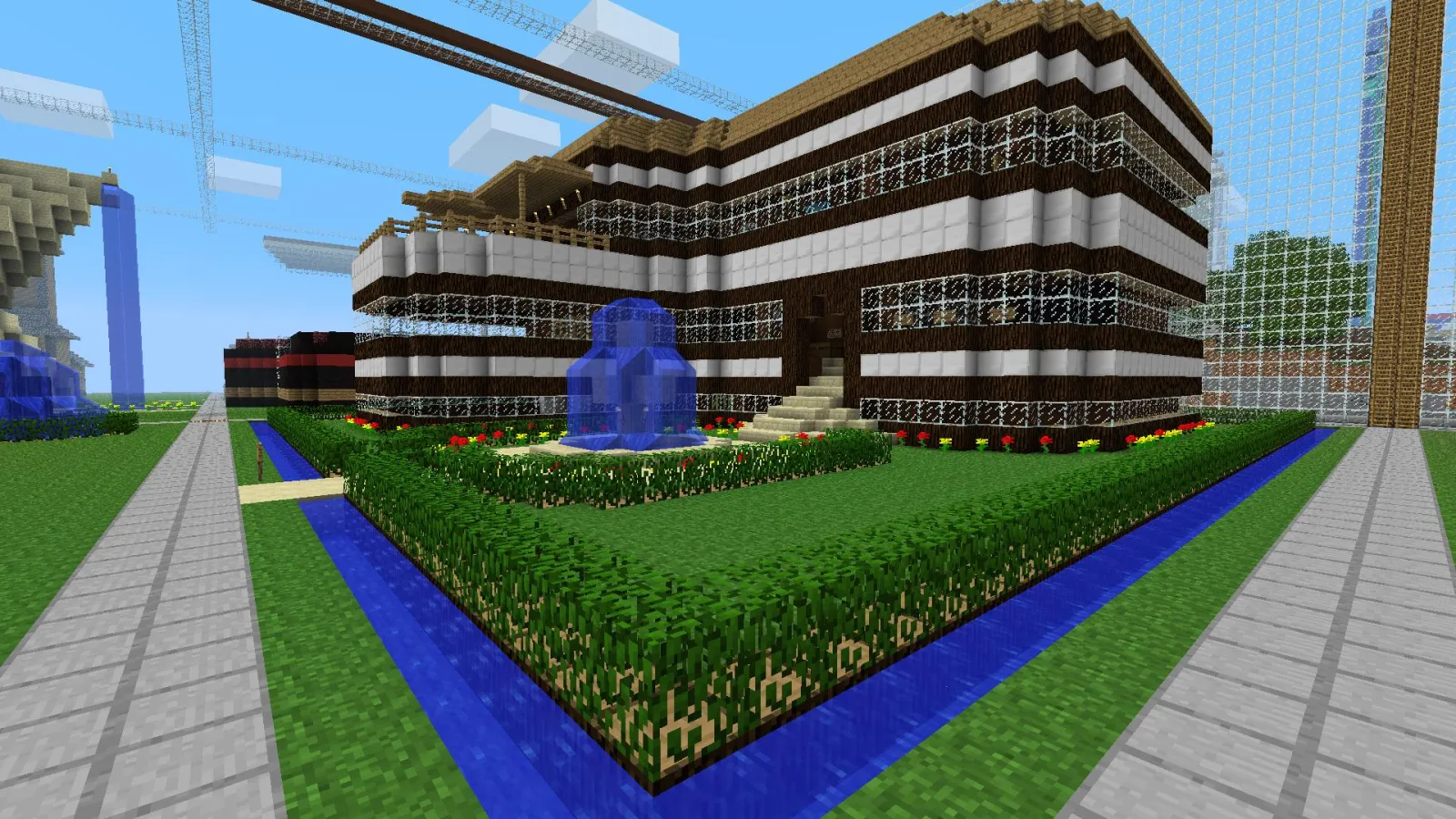
Tryb Kreatywny to nie tylko grabienie bloków. To o prędkość. Używasz go, gdy kształtujesz teren, testujesz systemy poleceń, sprawdzasz pathfinding mobów lub mockujesz budowania przed ich odtworzeniem w survival.
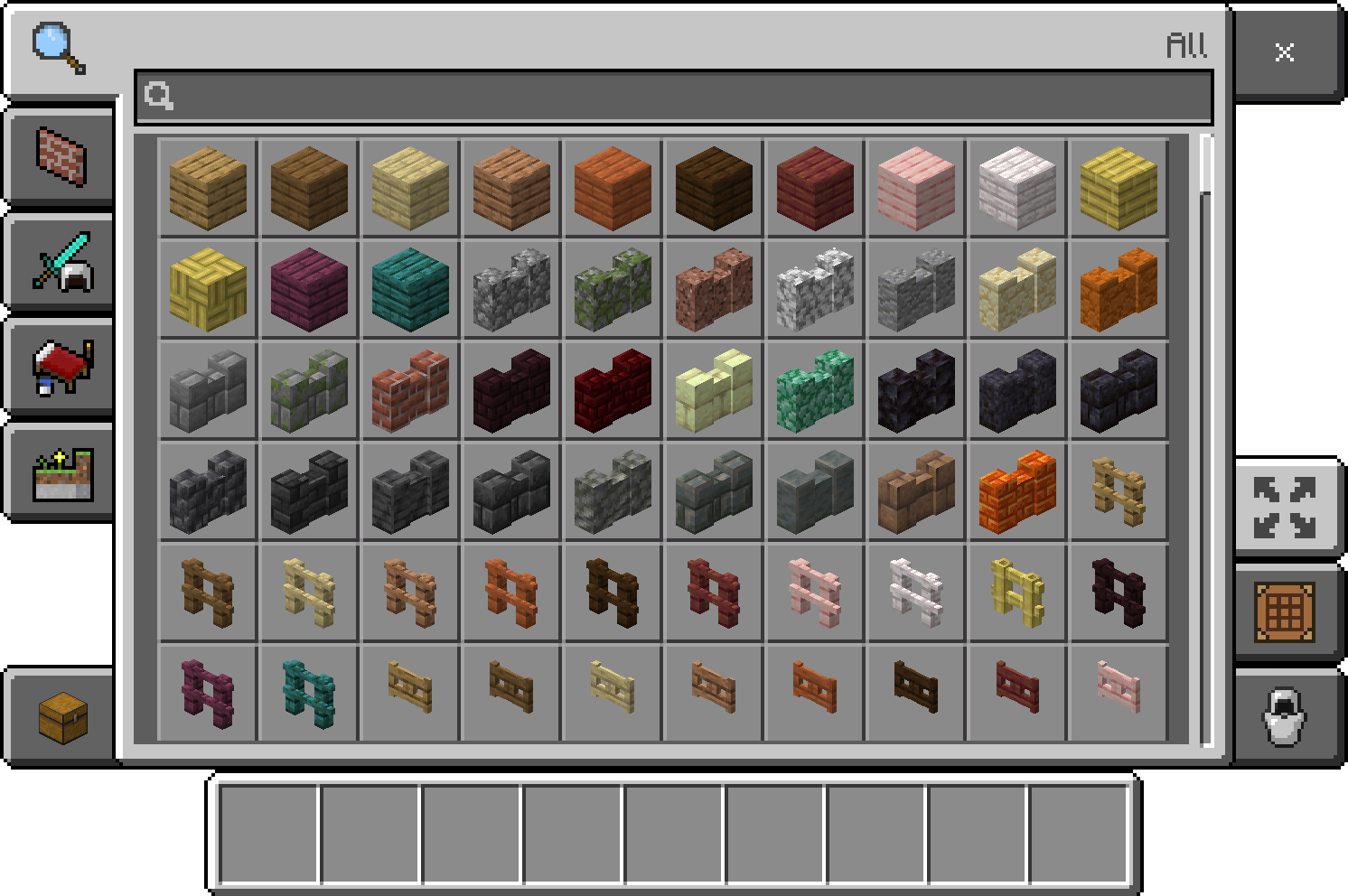
Robię to stale z koncepcjami dekoracyjnymi, które byłyby irytujące do trial-and-error ręcznie. Ściana kuchni, linia dachu rynku, ciasne wnętrze sklepu ze miksturami, wszystko łatwiejsze, gdy możesz latać, duplikować bloki szybko i przestać udawać, że rusztowanie to część estetyki.
A jeśli robisz tematyczne zrzuty ekranu, wybór skinu faktycznie ma większe znaczenie, niż większość ludzi przyznaje. Build opanowany poleceniami wygląda lepiej, gdy model gracza pasuje do sceny. Jeśli konfigurujesz laboratoria polecenia lub vitrine redstone, coś jak commandblock370 Minecraft Skin lub commandblock Minecraft Skin pasuje do nastroju bez wydawania zbyt dużego wysiłku.
Do lżejszych projektów kreatywnych, użyłem też BeeMode123 Minecraft Skin w jasnych buildach survival-town i drillmode Minecraft Skin dla przemysłowych obszarów testowych. Dziwnie specyficzne? Pewnie. Ale screenshoty to teraz połowa hobbyu.
Jeśli budujesz coś bardziej narracyjnego, Lockdown Life - Modern Survival Character Minecraft Skin działa ładnie w mapach miejskich, zaś commandblock370 Minecraft Skin служит as ładny wizualny wink do poradników poleceń. I tak, wiem, że to niszowa rzecz. Połowa Minecrafta też jest niszowa, szczerze mówiąc.
Notatki wersji dla graczy w 2026
Samo polecenie się nie zmieniło, ale otaczający go ekosystem się ciągle zmienia. To jest prawdziwa historia.
PCGamesN poinformowała w marcu 2026, że Mojang nadal podąża za swoim mniejszym stylem aktualizacji "drop", a następne wydanie spodziewane jest około okna 1.26.1. To nie wynajmuje polecenia Kreatywnego, ale ma znaczenie dla poradników, ponieważ układy interfejsu, zachowanie uprawnień i wsparcie platform mają tendencję do dostosowywania się wokół tych cykli aktualizacji.
Jeśli więc znajdziesz stary poradnik mówiący ci, aby używać przestarzałych numerycznych wartości trybu gry lub dziwnych obejść specyficznych dla edycji ze starszych lat, pomiń to. Większość z nich to pozostałości ze starszych wersji Java, starych edycji konsoli lub losowych postów na forum, które nigdy nie zostały zaktualizowane po jednej szczęśliwej odpowiedzi.
Oto obecna praktyczna zasada:
- Najpierw użyj /gamemode creative.
- Sprawdź cheaty lub uprawnienia operatora, jeśli nie powiedzie się.
- Użyj pełnej formy /minecraft:gamemode creative na serwerach ciężkich pluginów.
- Tylko rozwiąż problemy z dziwaczościami wersji po tych podstawach.
To jest kolejność, która oszczędza czas.
I jedno ostateczne wyjaśnienie, ponieważ to rozprawiło ludzi: przełączenie się samego siebie do Kreatywnego nie daje ci automatycznie możliwości użycia każdego innego polecenia. Tryb gry i uprawnienia do poleceń to odrębne systemy na wielu serwerach. Latanie wokół z nieskończonymi blokami nie czyni cię adminem, niestety.
To pewnie dla dobra.
Jeśli wszystko co chciałeś to szybka odpowiedź, to /gamemode creative. Jeśli chciałeś odpowiedź, która faktycznie działa w rzeczywistych światach, serwerach i nowoczesnych ustawieniach platform, to reszta tego poradnika.

Lead writer at minecraft.how. Long-time Minecraft player running a small SMP server, testing every build, mod, and seed before writing about it.
Najczęściej zadawane pytania
Dlaczego polecenie /gamemode creative nie działa?
Jak włączyć tryb kreatywny w Bedrock Edition?
Jak zmienić tryb kreatywny innemu graczowi?
Co zrobić, jeśli serwer blokuje polecenie /gamemode creative?
Jak szybko przełączyć się do trybu kreatywnego bez wpisywania całego polecenia za każdym razem?
Czy można użyć trybu kreatywnego w świecie przetrwania bez zmiany ustawień świata na stałe?
Komentarze
Brak komentarzy. Bądź pierwszą osobą, która podzieli się opinią!