
Zegar Redstone w Minecraft: Obwody Automatyzacji
Zegar redstone to obwód powtarzający, który generuje regularne impulsy w określonym przedziale czasu. Są niezbędne do każdej automatyzacji: farm, drzwi, pułapek, systemów sortowania i praktycznie każdego urządzenia, które musi coś robić w kółko. Zegary redstone wahają się od prostych projektów 2-blokowych do złożonych ustawień wielokomponentowych, w zależności od potrzebnego czasu.
Dlaczego Twoje budowle potrzebują zegarów redstone
Bez zegarów redstone Twoje zautomatyzowane budowle byłyby... szczerze mówiąc, zablokowane. Drzwi z tłokiem się nie zatrzasną same. Farma trzciny cukrowej nie zbierze się automatycznie. Młyn mobów musi mieć coś, co pchnąłoby moby do ich zagłady na czasomierz, a nie tylko raz.
Piękno zegarów redstone polega na tym, że są niewidoczne w Twoich budowlach. Działają w tle, robiąc tę samą pracę nieskończenie, aż je zatrzymasz. Gdy już zbudujesz jeden, kopiujesz go wszędzie. To kręgosłup automatyzacji Minecraft.
To powiedziawszy, nie każda budowla potrzebuje zegara.
Rzeczy jednorazowe (jak drzwi, które się otwierają, gdy staniesz na płycie naciśnieniowej) nie potrzebują jednego. Ale w momencie, gdy chcesz czegoś powtarzającego się? Szukasz zegara.
Główne projekty zegarów redstone
Nie istnieje jeden najlepszy zegar redstone. Zależy to od tego, co budujesz. Niektóre są powolne, niektóre szybkie. Niektóre zajmują mnóstwo miejsca, inne mieszczą się w footprincie 1x2.
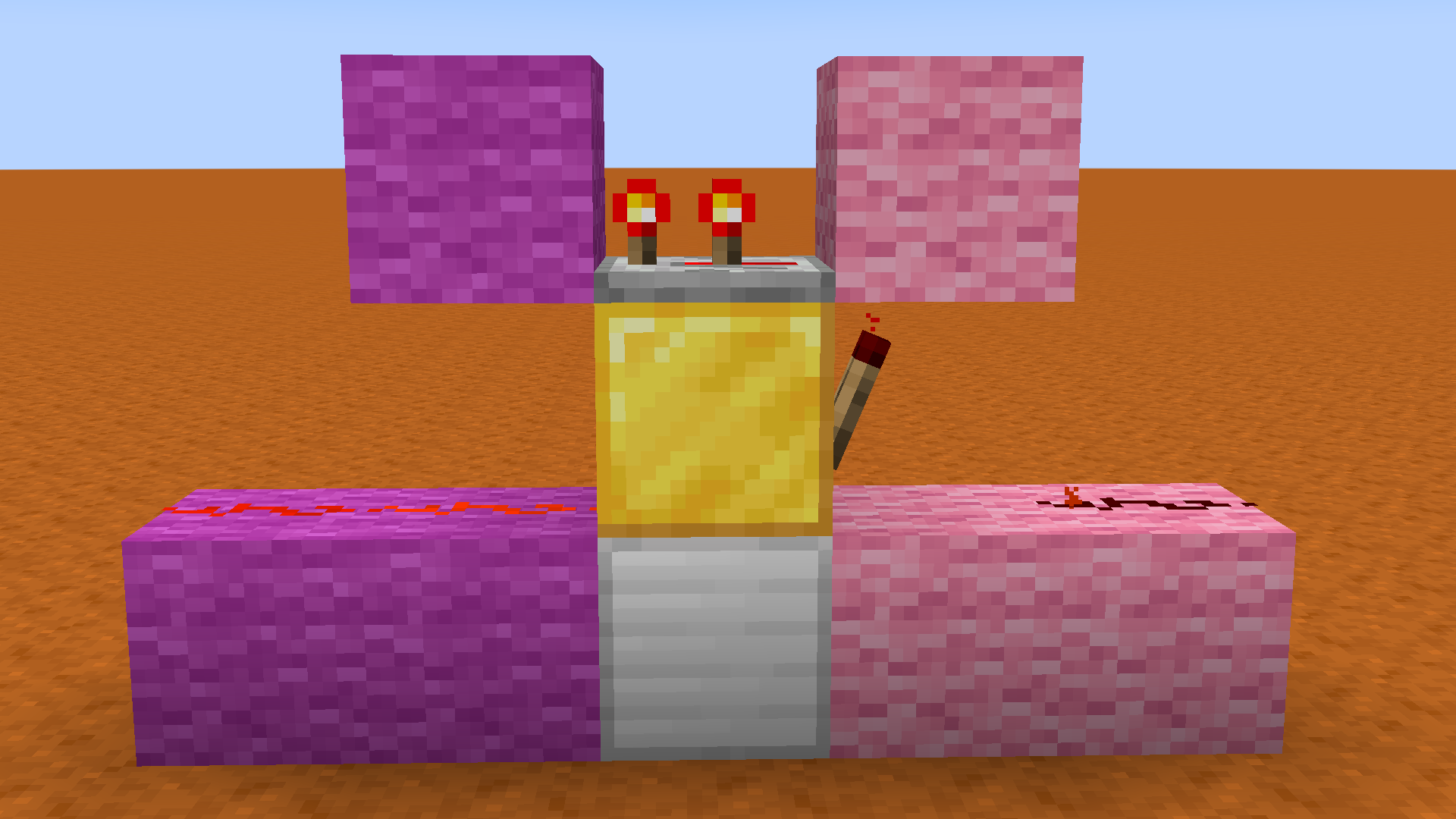
Pętla powtarzaczy
To najłatwiejszy zegar do zbudowania i prawdopodobnie najczęstszy. Układasz powtarzacze w kółko, każdy dodając opóźnienie, a sygnał po prostu krąży wiecznie. Chcesz impuls 10-tikowy? Ułóż cztery powtarzacze po 2,5 tikach każdy (lub przybliż tym, co działa). Chcesz szybciej? Użyj mniej powtarzaczy.
Minus? Zajmuje miejsce poziomo lub pionowo, a jeśli potrzebujesz naprawdę długich opóźnień, układasz dużo bloków.
Zegar komparatora
Komparatory to miejsce, gdzie redstone robi się wymyślne. Mogą odejmować sygnały, blokować inne komparatory i tworzyć naprawdę ciasne, przewidywalne impulsy. Zegar komparatora jest kompaktny i niezawodny, dlatego znajdziesz je w bazach hardcore i na farmach serwerowych.
Budowanie jednego wymaga jednak zrozumienia, jak działają komparatory. Nie przyjazne dla początkujących.
Projekty szybkich impulsatorów
Jeśli potrzebujesz impulsów szybszych niż mogą dać powtarzacze, szybkie impulsatory używają łańcuchów powtarzaczy, aby ominąć opóźnienie redstone dust. Te są trudne i głównie przydatne dla określonych urządzeń, takich jak farmy trzciny cukrowej lub wodorostów, gdzie szybciej oznacza lepiej.
Budowanie twojego pierwszego zegara redstone
Pozwól mi Cię przeprowadzić przez prostą pętlę 4-powtarzaczową. To taki zegar, który możesz zbudować w dziesięć minut i w pełni go zrozumieć.
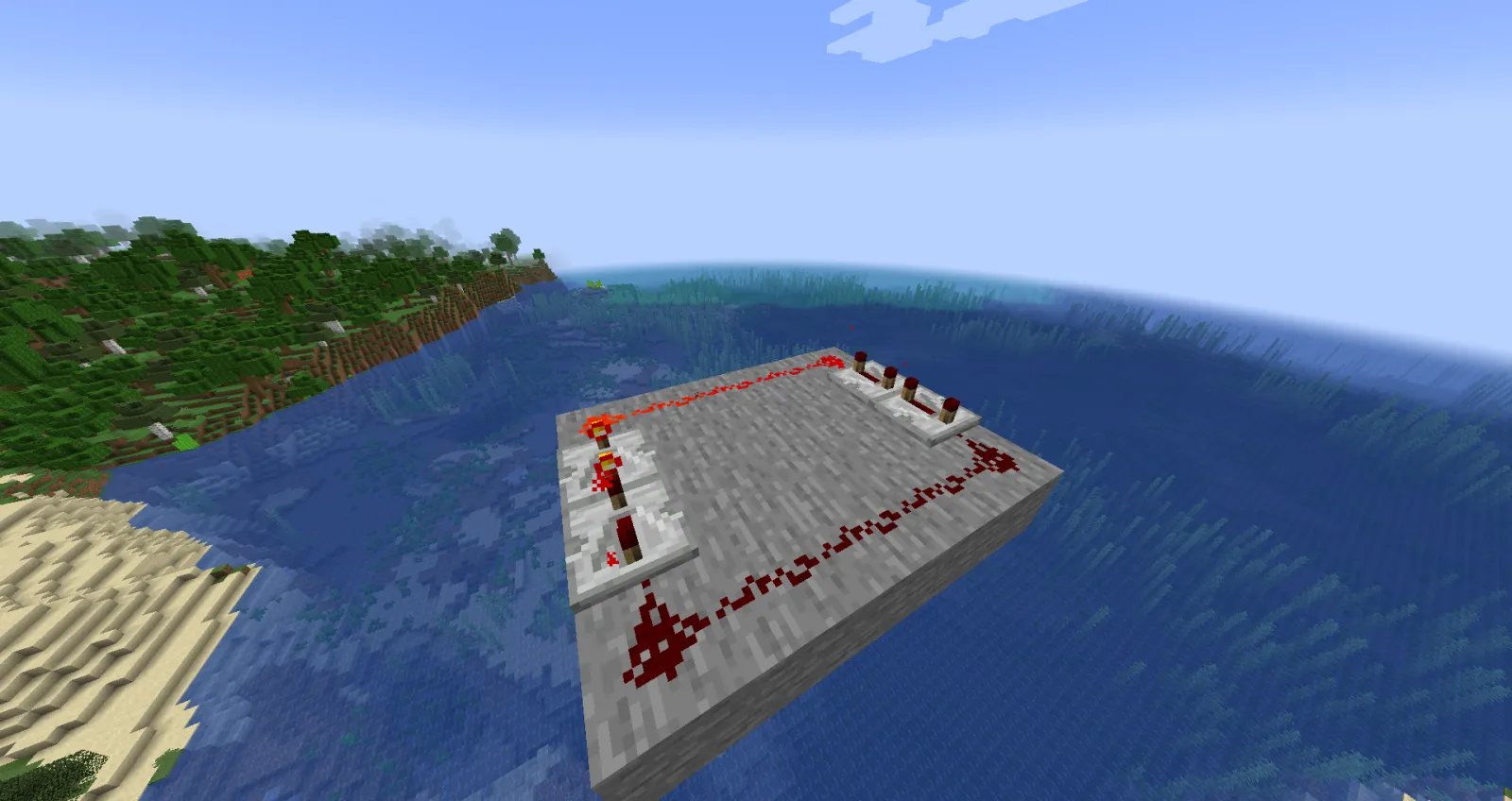
- Umieść cztery powtarzacze w kwadracie, skierowane na siebie, każdy połączony redstone dust do wejścia następnego powtarzacza.
- Ustaw każdy powtarzacz na 2 tiki. Całkowite opóźnienie: 8 tików na cykl.
- Zasilaj jeden z nich. Sygnał krąży.
- Dotnij wyjścia redstone dust i połącz je z tym, co chcesz zautomatyzować.
Gotowe. Masz pracujący zegar.
Chcesz szybciej? Spadnij do 1 tikusa powtarzacza. Chcesz wolniej? Użyj 3 lub 4 tików powtarzacza. To właśnie dlatego pętla powtarzaczy jest taka dobra dla początkujących: czista prostota. Aby zapoznać się z bardziej zaawansowanymi projektami, zbadaj, jak entuzjaści redstone tacy jak SlimyRedstone podchodzą do kompaktowych budowli, lub sprawdź Redstoneboss w poszukiwaniu ultra-ciasnych obwodów.
Zaawansowany: Timing i optymalizacja
Gdy już zbudujesz podstawowe zegary, zaczynasz zauważać ograniczenia. Powtarzacze mają maksymalne opóźnienie 4-tikowe każdy. Komparatory mogą odejmować sygnały, ale trudniej je dostroić. Miejsce staje się Twoim wrogiem na serwerach, gdzie opóźnienia się liczą.
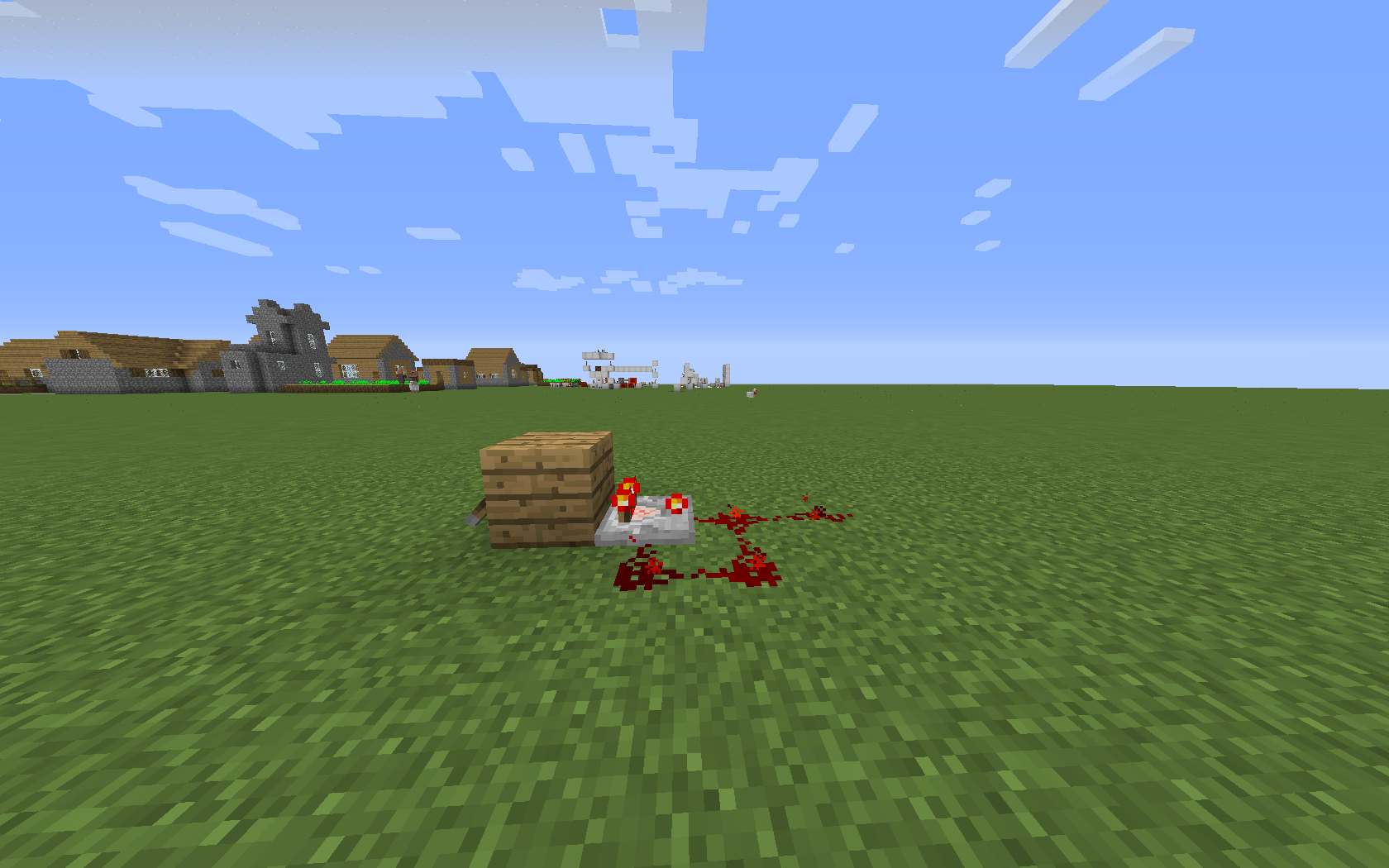
To miejsce, gdzie większość inżynierów redstone Minecraft zaczyna eksperymentować z dziwactwami i przypadkami brzegowymi. Redstone dust ma ograniczenia transmisji. Obserwatorzy mogą wykrywać aktualizacje prawie natychmiast. Tłoki przesuwające bloki tworzą dziwne interakcje czasowe, jeśli nie będziesz ostrożny.
Właściwie powinienem się poprawić: Obserwatorzy sami w sobie nie tworzą zegarów, ale są potężni do wykrywania aktualizacji bloków i wyzwalania innych zdarzeń czasowych. Inne narzędzie, ten sam puzzle.
Niektórzy budowniczy używają wielu mniejszych zegarów zsynchronizowanych razem, zamiast jednego dużego zegara. To bardziej efektywne i pozwala regulować timing na komponent bez przebudowywania całego systemu.
Kompaktne projekty dla serwerów
Wydajność serwera ma znaczenie. Zegar wysyłający 20 aktualizacji na sekundę w chunku 50x50 spowoduje opóźnianie dla innych graczy. Wbudowane opóźnienie to zasadniczo oszukiwanie w Twojej farmie, co administratorzy serwerów nienawidzą.
Efektywne zegary używają komparatorów i stosów powtarzaczy, aby zminimalizować aktualizacje redstone. Zbadaj pracę redstonened lub sprawdź zestawy theredstoneprofi jako referencję. To gracze, którzy głęboko rozumieją stronę techniczną.
Typowe błędy zegarów redstone
Zbudowałem dziesiątki takich, i za każdym razem mnie zaciąga pierwszy.
Największym błędem nie jest zrozumienie wymagań dotyczących opóźnienia. Budujesz zegar, testujesz go w kreatywnym trybie, a potem wrzucasz go w tryb przetrwania i albo jest zbyt szybko (drzwi tlokowe ciskają Ci w twarz), albo zbyt powoli (farma wydaje się bezczynna). Najpierw pomyśl o tym, czego potrzebujesz. Jeśli musisz, wykonaj rzeczywiste obliczenia na tikach.
Drugi błąd: użycie złego zegara do pracy. Pętla powtarzaczy działa świetnie dla automatyzacji ogólnego przeznaczenia. Ale jeśli potrzebujesz podsekundowej precyzji lub minimalnych aktualizacji dla wydajności serwera, ten projekt nagle czuje się niezdarny. Wybierz właściwe narzędzie do tego, co budujesz.
Trzecim jest zapomnienie o opóźnieniu redstone lub ograniczeniach transmisji. Długie ciągi redstone dust spowalniają transmisję sygnału. Powyżej 15 bloków i Twój timing robi się dziwny. Użyj powtarzaczy, aby odświeżyć sygnał.
I szczerze mówiąc, wielu ludzi nigdy się nie dowie, że możesz ustawić powtarzacze na różne opóźnienia.
Przytykają wszystko do 1 tikusa, a potem dziwią się, dlaczego ich drzwi tlokowe wydają się dziwne. Timing to wszystko w redstone.
Nauka od konstruktorów redstone
Projektowanie redstone stało się legitymnie konkurencyjne. Speedrunnery optymalizują każdy tik. Budowniczy serwerów konkurują o to, kto może zrobić najbardziej kompaktny młyn mobów. Twórcy treści testują nowe projekty obsesyjnie.
Jeśli to poważnie, poświęć czas na obserwowanie, jak gracze tacy jak RedstoneFireLord podchodzą do budowli. Sprawdzaj subreddit r/redstone. Przeczytaj dokumentację timingu wiki Minecraft.
Większość testuje swoje projekty najpierw. Tryb kreatywny jest bezpłatny. Rozbij go, przebuduj, optymalizuj. Zegar, który działa w Twoim jednoosobowym świecie, może się zepsuć na serwerze. To nie porażka, to część nauki.
Zegary redstone nie są skomplikowane, gdy zrozumiesz podstawy. To tylko powtarzacze i cierpliwość.

Lead writer at minecraft.how. Long-time Minecraft player running a small SMP server, testing every build, mod, and seed before writing about it.
Najczęściej zadawane pytania
Jak zbudować najprostszy zegar redstone w Minecraft?
Czym różni się pętla powtarzaczy od zegara komparatora?
Jak zmienić szybkość zegara redstone?
Kiedy nie potrzebuję zegara redstone?
Czy zegar redstone może spowalniać serwer?
Do czego służą szybkie impulsatory?
Have a Question or Tip about this Guide?Community Q&A
Ask a question or help other players below. Join the discussion and share your Minecraft tips!
Komentarze
Brak komentarzy. Bądź pierwszą osobą, która podzieli się opinią!