How ViaProxy Lets You Play Minecraft Across All Versions
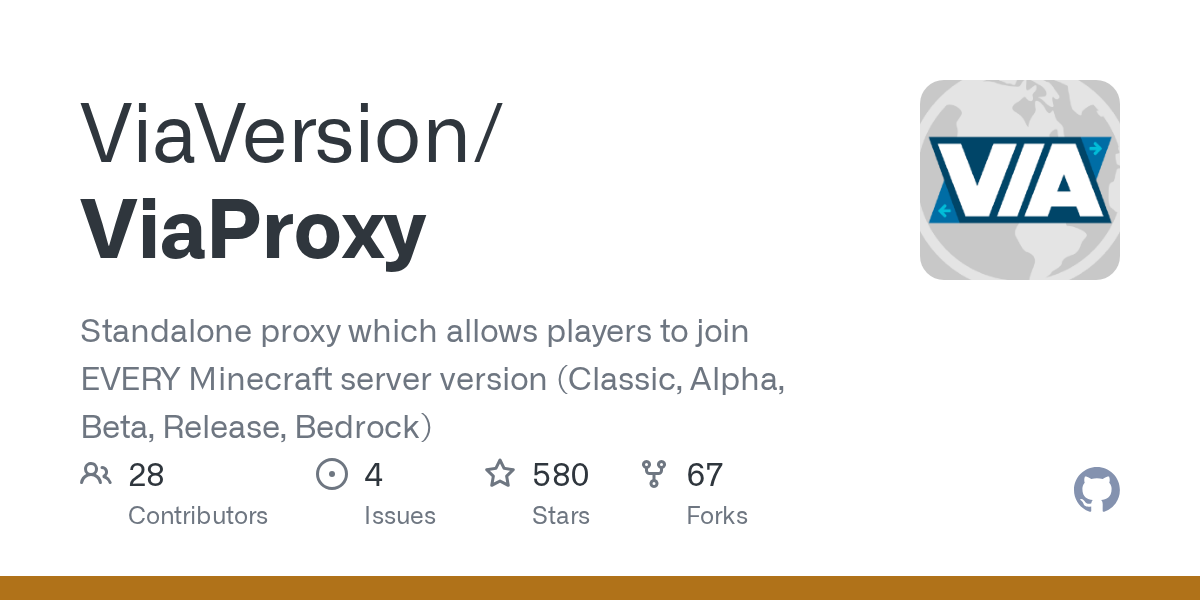
"Standalone proxy which allows players to join EVERY Minecraft server version (Classic, Alpha, Beta, Release, Bedrock)"
ViaVersion/ViaProxy · github.com
Want to join a server running Minecraft 1.20 but you're stuck on your favorite old client? Or maybe you've got a Bedrock account and need to access a Java server? Version incompatibility is one of those frustrating walls in Minecraft that shouldn't exist in 2026. ViaProxy exists specifically to tear that wall down.
What This Project Does
ViaProxy is a standalone proxy application (built in Java) that translates network traffic between Minecraft clients and servers of different versions. It sits in the middle like a translator at the UN, converting protocol data so that, say, a client from Minecraft 1.8 can talk to a server running 1.20.5, or vice versa.
The project supports an impressive range: Classic, Alpha, Beta, Release versions (1.0 through 26.1), Bedrock Edition, and even April Fools snapshot versions. You run it locally on your machine (or on a server), point your Minecraft client at it instead of the actual server address, and it forwards everything while doing the version translation work invisibly.
Why You'd Use This
There are a few concrete scenarios where this becomes genuinely useful:
- Nostalgia players: You've got a copy of Minecraft Beta 1.7.3 running on your old laptop and you want to join your friend's modern server without updating. ViaProxy makes that possible.
- Cross-edition friends: You're on Java, they're on Bedrock (maybe they play on console). ViaProxy can bridge that gap so you're actually playing together.
- Server admins testing backwards compatibility: You're running a 1.20 server and want to verify old clients can still connect. Load ViaProxy and test against Beta clients without touching your main server.
- Minecraft Realms access from old clients: The official Realms servers use newer protocol versions, but ViaProxy lets you join them from older clients.
It's not something every player needs. But if you hit the ceiling where your client version and the server version just don't match, it's the kind of tool that makes you wonder how you ever played without it.
Getting It Running
There are two ways to use ViaProxy: the GUI (dead simple) and config-file mode (for servers or automation). The GUI approach is what most players will do.
Start by grabbing the latest jar from the GitHub Releases page. The latest version is 3.4.10 with support for Minecraft 26.1 clients and servers.
# If you're on Java 17 or newer, download the standard jar
download ViaProxy-3.4.10.jar

# If you're stuck on Java 8 (older systems), grab the Java 8 build instead
download ViaProxy-3.4.10+java8.jar
Drop the jar into its own folder. ViaProxy generates config files and data there, so don't throw it in your Downloads folder and forget about it.
Run it.
java -jar ViaProxy-3.4.10.jarA GUI window opens. You'll see fields for the server address you want to connect to and dropdown menus to select the server version and client version. Fill those in, optionally add your Minecraft account if the server requires online mode authentication, then hit Start. ViaProxy listens on a local address (usually localhost:25568) that you then give to your Minecraft client.
Seriously, that's it. The UI is straightforward enough that I won't bore you with screenshots.
Features That Matter
Online mode and chat signing support might sound technical, but it's actually crucial. Modern Minecraft servers (especially ones that care about security) require players to have legitimate accounts and signed chat messages. ViaProxy handles this transparently for old clients. You add your account in the Accounts tab and it manages the authentication flow so the server sees a properly verified player, even if your client is from 2011.
Transfer and cookies are another detail most players never think about. If you're on a 1.20.4 client trying to reach a 1.20.5+ server, those features might be missing from your client version. ViaProxy patches that compatibility gap.
Simple Voice Chat mod support is there if you're running that. No extra configuration needed.
And yes, there's Docker support if you're the type who runs everything containerized. The GitHub Packages registry has pre-built images.
The Things That Trip People Up
Java version matters more than you'd think. If you're running ViaProxy on anything older than Java 17, you need the Java 8 build or it won't start. The error messages aren't always obvious about this (actually, let me correct that - the maintainers are pretty good about documenting it, but people still miss the release notes).
Bedrock support is marked as "WIP" (work in progress) in the project. It works for basic connections, but some features are missing. If you're trying to do something fancy with Bedrock, test it first before planning your whole play session around it.
If you use Geyser (the reverse proxy for Bedrock players joining Java servers), make sure you update both Geyser and ViaProxy when new releases drop. Version mismatches between the two can cause subtle connection issues.
One more thing: this is a proxy, which means all your traffic flows through it. It's open-source (GPL-3.0), so you can audit the code, but don't run some random compiled jar you found on a forum. Stick with official GitHub releases.
Other Approaches Worth Knowing About
ViaVersion itself (the library ViaProxy is built on) powers lots of Minecraft proxy servers and plugins. If you're running a BungeeCord or Velocity proxy network, you're already using ViaVersion under the hood. ViaProxy is just ViaVersion packaged as a standalone tool for individual players or testing.
If you're serious about skin design or customizing your server's MOTD to match across versions, you might want to pair ViaProxy with something like the Minecraft Skin Creator tool to ensure your look is consistent wherever you're connecting from. And if you're running your own server (even a small one), the Minecraft MOTD Creator lets you craft a version-appropriate message of the day that displays correctly across different client versions.
For true multiplayer proxy networks, you'd want Velocity or BungeeCord instead. ViaProxy is lighter and simpler - it's designed for individual players or small admin tasks, not managing a hundred concurrent players across multiple backend servers.
Is This Worth Your Time?
If you just play vanilla survival and never worry about version updates, no. If you're a modded player bouncing between snapshots and releases, or you run a server and want to support older clients without forking server versions, absolutely yes.
The project is actively maintained (the latest release is from 2026 with support for the newest Minecraft 26.1), has translation support for multiple languages via Crowdin, and the issue tracker is responsive. It's not abandoned abandonware from 2015.
Grab it, try it for five minutes, and decide for yourself.
Visit ViaVersion/ViaProxy on GitHub ↗
Lead writer at minecraft.how. Long-time Minecraft player running a small SMP server, testing every build, mod, and seed before writing about it.