AppleSkin Mod Explained: The Food HUD Upgrade for 2026

AppleSkin is a lightweight Minecraft mod that shows the hidden numbers behind hunger: saturation, exhaustion, and exactly how much each food restores before you eat it. It changes nothing about gameplay, it just surfaces stats Mojang keeps invisible. For survival players in 2026, that information turns guesswork into smart eating.
What AppleSkin Does
Vanilla Minecraft is weirdly secretive about food. You see ten little drumsticks, you eat something, the bar fills up. That's the whole interface. Honestly, what you don't see is saturation, the invisible buffer that decides how long before that bar starts dropping again. AppleSkin drags all of it out into the open.
The mod, built by squeek502, has been around for years and sits near the top of the most-downloaded charts on both CurseForge and Modrinth. We're talking hundreds of millions of downloads. There's a reason for that, and it isn't flashy graphics.
Here's what it adds:
- Saturation overlay on the hunger bar, shown as a lighter shade behind the drumsticks
- Food value preview when you hold something edible, so you see exactly how many hunger and saturation points it'll restore before you commit
- Tooltip numbers on food items listing hunger and saturation restored
- Exhaustion indicator that jitters the bar as you burn energy through sprinting, jumping, and mining
- Health regen hints so you can tell when you're about to heal
None of this touches the game's balance. Eat the same food, get the same result. The mod just stops hiding the math.
Saturation: The Hidden Stat That Changes How You Eat
Okay, this is the part that actually matters, so stick with me.
Every food item in Minecraft restores two things: hunger (the drumsticks you can see) and saturation (a hidden value layered on top). Saturation works like a reserve tank. As long as you've some, your visible hunger bar stays full. Only when saturation hits zero does the drumstick bar start to drain. And here's the kicker: two foods that fill the same number of drumsticks can carry wildly different saturation.
Ever packed a stack of melon slices for a long mining trip and starved halfway down? That's the saturation trap. Steak and melon might both fill chunks of your hunger bar, but steak's saturation is enormous while melon barely registers. Without AppleSkin you'd never know. You'd just notice you get hungry again way faster after the fruit, shrug, and carry on.
Exhaustion is the other half of this. Sprinting, jumping, taking damage, and breaking blocks all generate exhaustion, which quietly eats your saturation first and then your hunger. AppleSkin shows that drain in real time. Once you can see it, you start making better calls.
Foods worth keeping in your hotbar
- Golden carrots: top-tier saturation, the speedrunner's pick
- Cooked steak and cooked porkchop: huge saturation, easy to farm
- Bread: solid, cheap, stacks well for early game
- Melon and sweet berries: fill the bar but burn off fast
I tested this properly on a survival realm with friends last winter. Switched from eating whatever was in the chest to actually checking values first. Trips back to base for food dropped by maybe half. Small thing. Adds up.
How to Install AppleSkin in 2026
Good news: it's one of the easier mods to set up, because it has almost no dependencies beyond a mod loader.
AppleSkin supports Fabric, Forge, NeoForge, and Quilt, and it keeps pace with current releases. As of the latest Java version 26.1.2, there's a build ready to go. The steps:
- Install a mod loader (Fabric and NeoForge are the popular picks in 2026)
- On Fabric, grab the Fabric API too, since AppleSkin needs it there
- Download the AppleSkin file matching your exact Minecraft version from CurseForge or Modrinth
- Drop it into your mods folder
- Launch the game and glance at your hunger bar
That's genuinely it. No config-file wrestling, though there are toggles if you want to switch individual features on or off.
One caveat worth adding: match the mod file to your Minecraft version precisely. A 26.1 build won't load on an older 1.21 world, and the reverse fails too. Mismatched versions are the number one reason mods "don't work," going by half the threads over on the Minecraft modding subreddit.
Does AppleSkin Work on Servers?
It's fully client-side. Well, mostly client-side, the exhaustion sync is the exception. You can run it on your own machine and get the tooltips and overlays even when the server doesn't have it installed.
For the exhaustion and saturation displays to be perfectly accurate, the server benefits from having AppleSkin too, since some of that data lives server-side. On a plain vanilla server you'll still get food value previews and item tooltips, which is the bulk of the value anyway.
If you're the one running the server, this is also a decent moment to tidy up the rest of your setup. Our Server Properties Generator builds a clean server.properties file without the usual copy-paste guesswork, and the Minecraft Server Status Checker tells you instantly whether players can actually reach your world. Both play fine alongside any modded setup.
A Word on Looking the Part
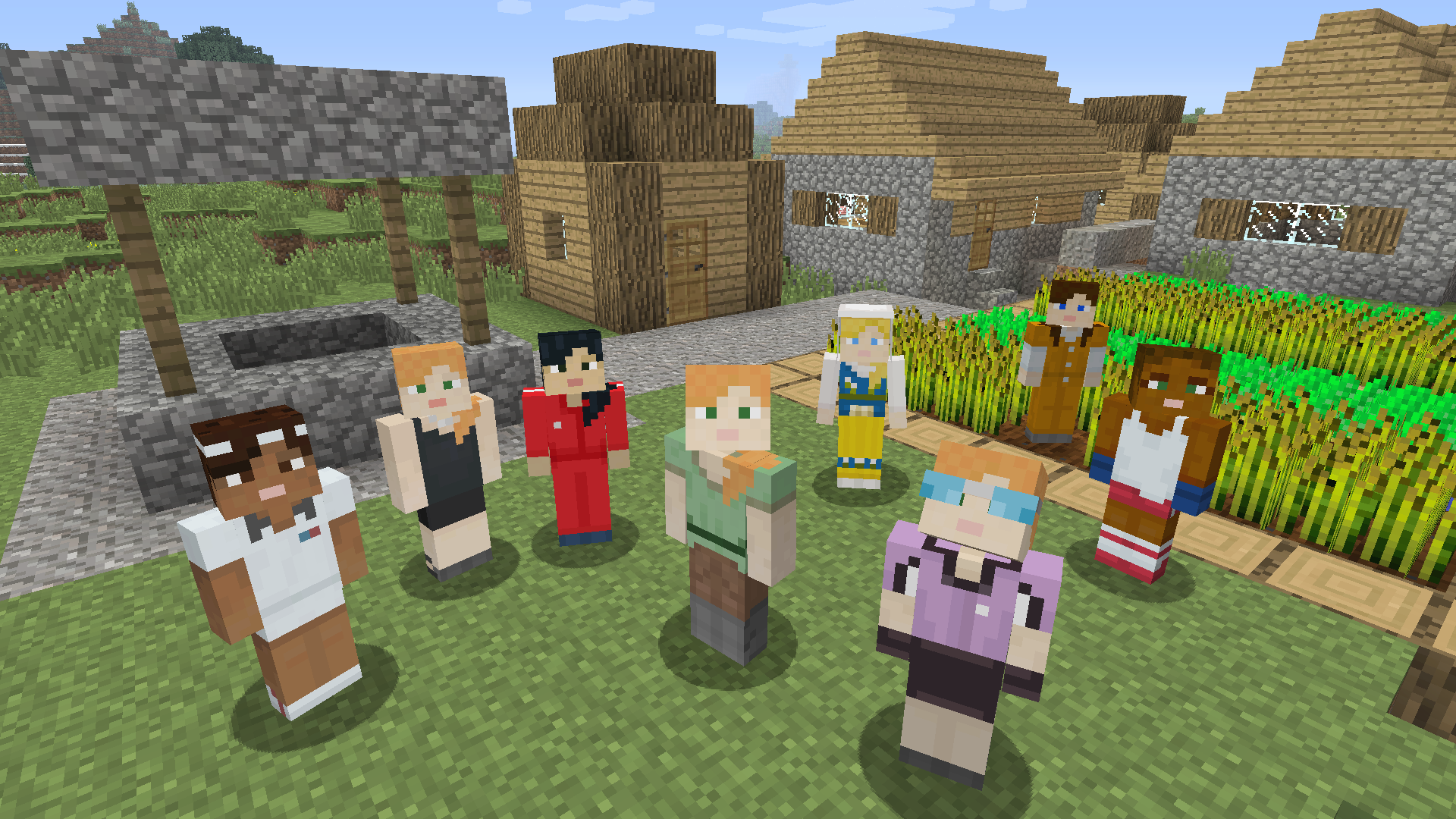
Quick tangent, because someone always asks. AppleSkin changes your HUD, not your character. So if you've stared at the same avatar since 2023, a mod won't fix that, but our skin library will. The Lockdown Life - Modern Survival skin suits the careful-eater playstyle, and there are some oddly named favourites worth a scroll: elmodag, Teemodolol, Modstack, and yes, one simply called Mod. You can browse all Minecraft skins or browse skins by category. Right, back to food.
Worth It Or Not
Yes. Easily.
AppleSkin sits in that rare category of mod that costs you nothing and teaches you something. No performance hit, no balance changes, no learning curve. It just hands you information the base game decided you didn't need. For anyone who plays survival seriously, or who's tired of going hungry on a long expedition because they packed the wrong snacks, it's close to essential.
Is it exciting? No. It won't add dragons or new dimensions. But it's the kind of quietly useful tool that, once you've used it, you forget you ever played without. And in 2026, with food management still core to survival, that's a strong reason it keeps trending. Install it, eat smarter, get on with your day.