Minecraft 26.2-pre-4 Snapshot: What's New and Worth Knowing

Minecraft 26.2-pre-4 is the fourth pre-release for the 26.2 update. That means the headline features are already locked in and Mojang is now hunting bugs before launch. So expect crash fixes, performance tweaks, and small balance tuning rather than shiny new content. It's the calm-before-release build, and honestly a smart time to test your worlds.
Pre-4 is close to the finish line. When the pre-release counter climbs this high, a full launch is usually days away, not weeks.
What a Minecraft Pre-Release Is
Quick refresher, because the naming trips people up. Snapshots come first: those are the experimental builds where Mojang throws in new blocks, mobs, and mechanics to see what sticks. Pre-releases come after. By the time you reach anything labeled 'pre', the feature set is frozen.
So a pre-release isn't where you go looking for surprises. It's where the team irons out the wrinkles: a mob spawning in the wrong place, a texture flickering, a redstone contraption acting weird after a tweak. The fun stuff already happened in the snapshots earlier in the 26.2 cycle.
Why release these publicly at all? Testing. Thousands of players running the build on wildly different hardware catch problems Mojang's internal team never would. Your slightly weird setup is genuinely useful data.
What Changed in 26.2-pre-4
The bulk of pre-4 is bug fixing. That's the whole point of this stage, and pre-4 specifically is the kind of build that mops up issues reported across the previous three pre-releases.

Typical targets at this point in the cycle:
- Crash fixes tied to specific blocks, items, or world-loading edge cases
- Performance improvements, especially chunk loading and frame pacing on lower-end machines
- Visual bugs: flickering textures, lighting glitches, UI elements sitting a pixel off
- Gameplay balance: small tuning to mob behavior, drop rates, or interaction timing
- Technical and command fixes that mostly matter to datapack and map makers
Want to check exactly which blocks got touched between builds? Our Minecraft block search tool is handy for looking up IDs and properties when a changelog mentions a block you don't recognize by name.
Read the official changelog for the line-by-line list, though. Mojang publishes one with every pre-release, and it's the only source I'd trust for the exact fixes. Anything else is guesswork.
One reason pre-releases are great if you run mods: they let mod and datapack authors update ahead of the full launch. The code is stable enough that the people maintaining your favorite add-ons can start porting now, which is partly why updates tend to land fast after a release. Not always, but often.
Pre-Release vs Release Candidate: What Comes Next
So what follows pre-4? Possibly more pre-releases if fresh bugs surface, but more likely a release candidate. An RC is the build Mojang believes is ready to ship, identical to the planned launch unless something serious turns up at the last minute.
Think of the order as snapshot, then pre-release, then release candidate, then full launch. pre-4 puts us in the back third of that pipeline. If it tests clean, 26.2 could jump from here straight to an RC and then out the door. If testers find something gnarly, we get a pre-5 instead. That's the whole reason this stage drags out a bit: better a delayed fix than a broken release. Or at least that's how it usually goes; Mojang has surprised us before.
How to Install 26.2-pre-4
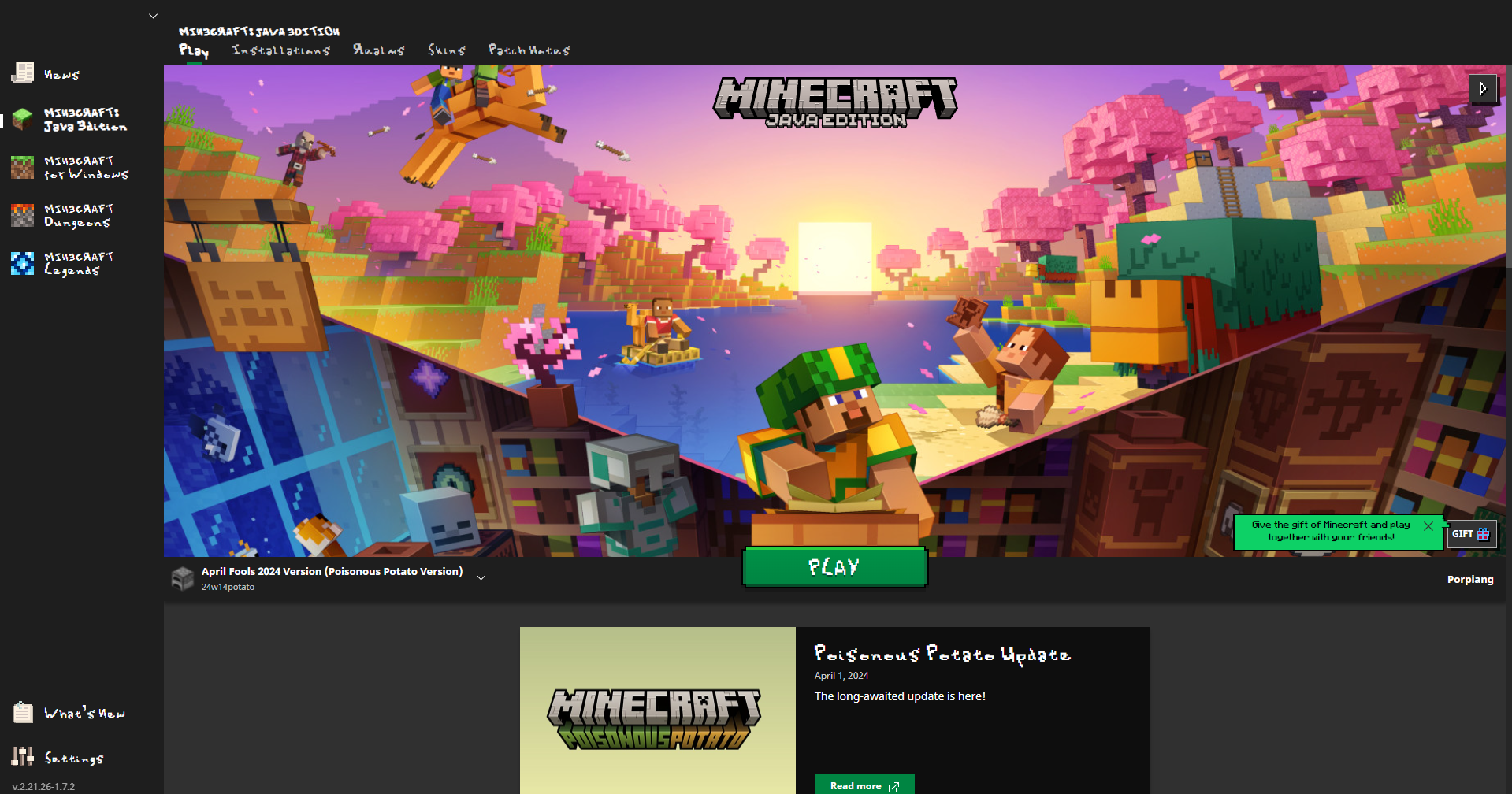
It's a two-minute job through the official launcher.
- Open the Minecraft Launcher and click the Installations tab
- Tick the box for snapshots (this also reveals pre-releases)
- Hit New installation, pick 26.2-pre-4 from the version dropdown, and save
- Launch it
One rule I'd treat as non-negotiable: back up your world first. Copy the save folder somewhere safe before you load it. Pre-releases are stable-ish, but opening a world in a newer build can change it in ways you can't undo back in the release version. I learned that the boring way years ago.
Building a test world for a server? If you're mocking up signs or a welcome board, our Minecraft text generator saves you the fiddly color-code typing.
The Other Minecraft News Worth Your Attention
A snapshot rarely drops in a vacuum, and two bigger stories are floating around right now that arguably matter more than most pre-release patch notes.
Fake Mods Are Spreading Nasty Malware
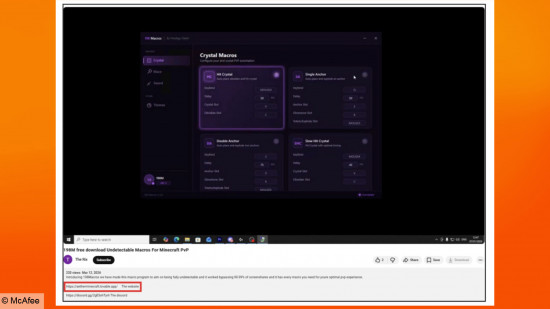
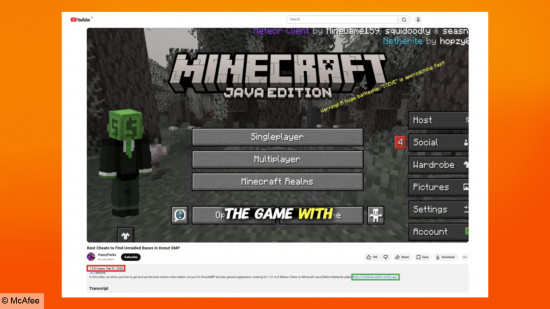
This one's important, especially if you're young or you've got younger siblings who download mods. PCGamesN reported that security firm McAfee uncovered malware called WeedHack that disguises itself as Minecraft launchers and mods. Look, it's logged over 116,000 infections since the start of 2026, with somewhere between 2,000 and 3,000 new victims a day.
And it's genuinely nasty. The software can steal account session IDs, grab saved passwords, log every key you press, and in its paid version even watch through a webcam. Hackers spread it through polished YouTube videos targeting mod-related searches, which is exactly the sort of thing a kid hunting for a cool new mod would click on.
The fix is simple. Only download mods and launchers from sources you trust: CurseForge, Modrinth, the official launcher. If a video links to a sketchy site promising a 'free premium launcher', close the tab. No mod is worth handing a stranger your webcam.
The Native PS5 Version Is Still On the Way
Older news, but worth a mention for console players. Mojang has been testing a native PlayStation 5 build of Minecraft, moving away from the PS4 version that PS5 owners have been stuck running for years. The Loadout covered the announcement when it first dropped. Xbox Series consoles already got their native 4K 60fps treatment, so PlayStation finally catching up feels overdue. Nothing in 26.2 changes that, but it's the broader direction Minecraft is heading on consoles.
Should You Install pre-4?
Depends what you're after. If you want to kick the tires on 26.2 before everyone else and help report bugs, go for it. The build is close enough to final that it feels representative of what's coming.
But if you just want to play your main survival world in peace, wait for the full release. Pre-releases can still hiccup, and there's no real upside to risking a world you care about for a few days' head start. My pick: spin up a throwaway world, poke around, and keep your real save parked on the stable version.
Either way, pre-4 is a sign the wait is nearly over. The full 26.2 release should follow shortly, and that's when the snapshots' actual new features go live for everyone.