Minecraft Bedrock Texture Packs: Complete 2026 Guide
Texture packs are probably the easiest way to transform how Minecraft looks without learning to code or installing mods. For Bedrock Edition players especially, they're one of the few legal ways to completely customize your world's appearance. Whether you're playing on Windows, mobile, or console, there's a texture pack that fits your style. So this guide covers everything: how to find them, install them, and make sure they run smoothly on your device in 2026.
What Are Texture Packs, Exactly?
Texture packs swap the original game textures for new ones. That's it. A block of dirt normally looks like brown pixels arranged in a square. A texture pack replaces that with... anything. Maybe a photorealistic dirt pile. Maybe a cartoonish oversimplified brown square. Maybe something alien and neon. The pack decides.
They're not mods. They don't add new blocks or change game mechanics. The don't require programming knowledge. Just download, install, activate.
Bedrock vs. Java: Why the Format Matters
Here's where I've to get a bit technical. Minecraft Java Edition and Bedrock Edition use different formats for texture packs. Java uses.zip files. Bedrock uses.mcpack files (which are technically.zip files in disguise, but they've different folder structures inside). This means every texture pack is made for one edition or the other.
I see this question all the time: "Can I use Java packs on Bedrock?" The answer is no. Not without converting them, and conversion is messy. You'll get texture overlap, missing blocks, and weirdness. I tried a popular Java pack on Bedrock once - grass didn't texture correctly, and water was solid cyan instead of transparent blue. Don't waste the time. Stick with packs designed for Bedrock.
The good news? There are tons of Bedrock-specific packs now. Creators have realized Bedrock is a huge market (phones, tablets, Switches, Xboxes, Windows PC). A lot of attention goes to Java, but Bedrock's texture pack scene is healthier than people think.
How to Install Texture Packs on Windows, Mobile, and Console
Installation varies depending on your platform, so here's the breakdown.
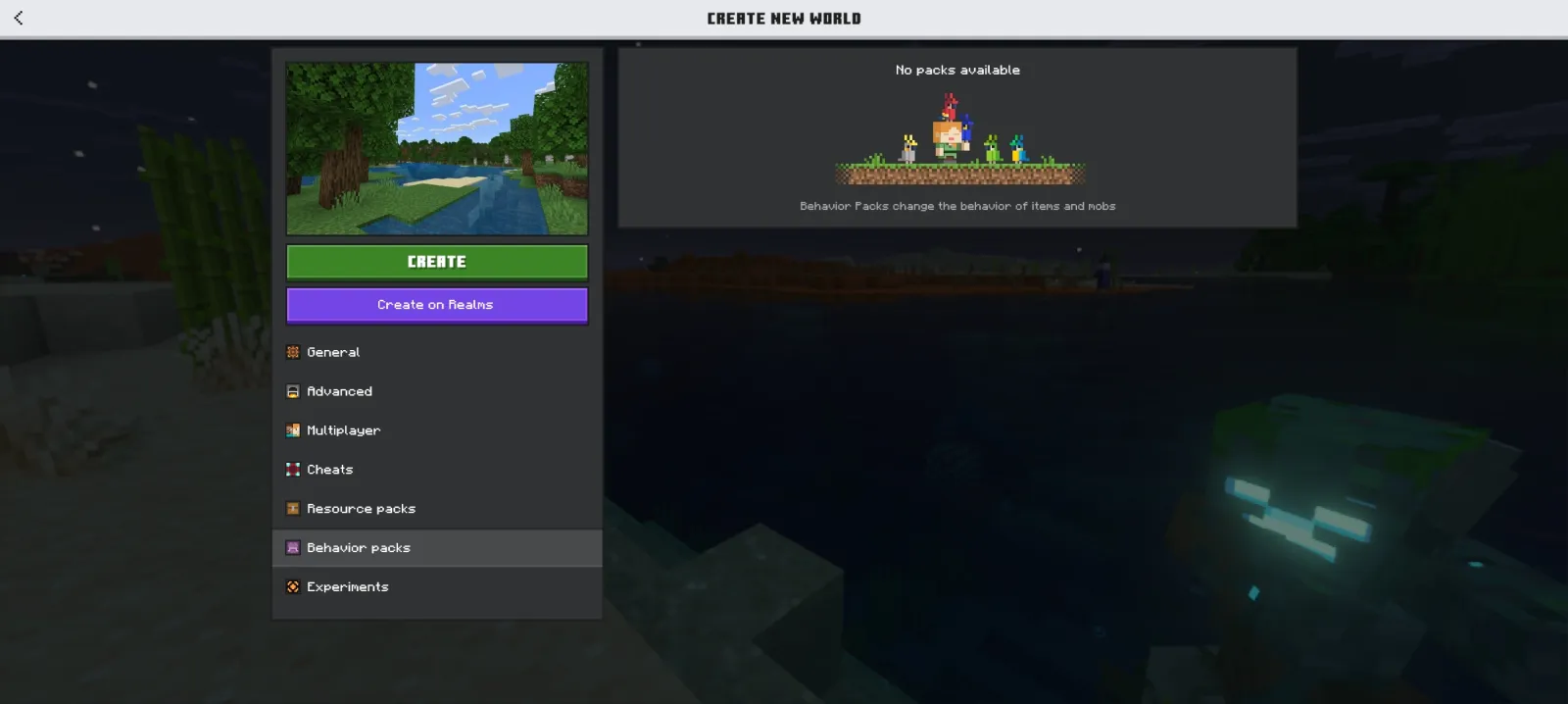
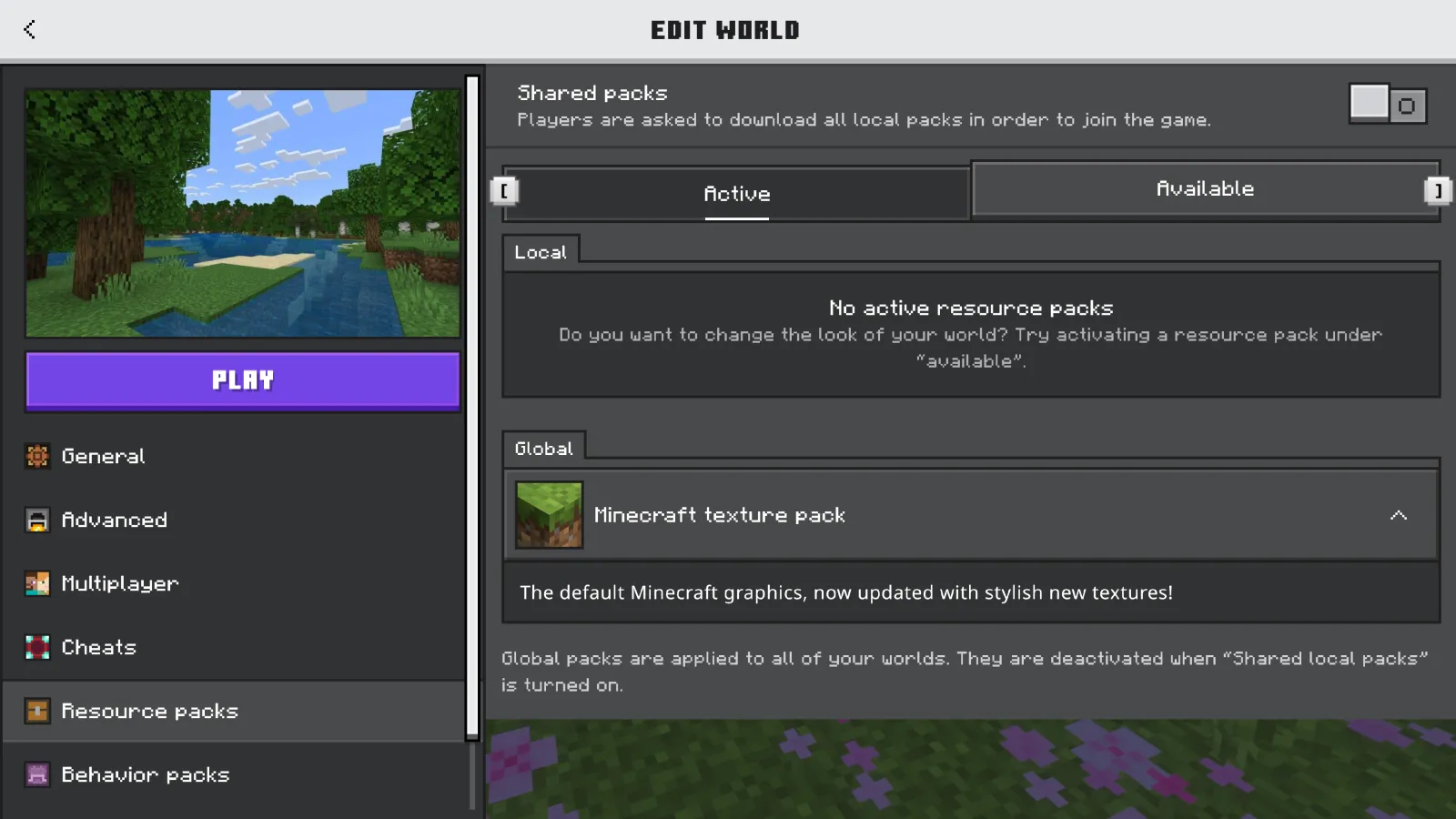
Windows 10/11 (the easiest): Download a.mcpack file. Double-click it. Minecraft opens automatically, imports it, and you're done. Go to Settings > Global Resources > Resource Packs, and activate it. Seriously that simple.
Android and iOS: Download the.mcpack file through your browser or file manager. Open it, and Minecraft handles the import. Same process.
Nintendo Switch and Xbox: You're limited to the in-game Marketplace. There's no sideloading texture packs directly onto these platforms like you can on PC or mobile. Microsoft and Nintendo have slowly rolled out more free Marketplace packs, which helps.
PS5: A native PS5 version of Minecraft is in development as of 2026. When it launches, texture pack support might improve, but for now PS4 compatibility means limited access compared to other platforms.
If the standard import doesn't work, the manual method usually does. Locate your resource packs folder (on Windows, check AppData/Roaming/.minecraft/resourcepacks or your local game install folder). Drop the extracted.mcpack files there and restart the game.
Top Free Bedrock Texture Packs in 2026
I've tested a lot of these myself on my SMP server, so I'm not just listing popular ones - I'm recommending ones I actually use.
Compliance 32x is the standard-bearer for "detailed but faithful" packs. It upgrades textures while keeping them recognizable. Stone looks like real stone. Dirt looks dirty. Wood looks wooden. Nothing's exaggerated, nothing's cartoony. It's the pack I recommend to people who want their world to look better without feeling "modded."
Steuerzimmer is my personal go-to for building projects that need atmosphere. It leans into warm, slightly stylized aesthetics. Grass is less uniform. Wood has grain. It's the pack I use when I'm constructing a cozy cottage or a fantasy tavern and I want it to feel lived-in.
Umsoea goes the opposite direction. It's minimalist, almost flat-design. Word of warning though: it's polarizing. Show it to someone who's used to vanilla Minecraft and they might find it too abstract.
Mythic strips down the UI clutter and polishes everything. Tools look sharper. The inventory is less cluttered. It's surprisingly impactful.
Dark Oak focuses entirely on darker, earthier tones. Perfect for underground building or anything that needs serious vibes.
Where to Download Texture Packs
Planet Minecraft (planetminecraft.com) is still the hub. It has community voting, screenshots, detailed descriptions, and download counts. You'll find creators' Discord servers linked there too, which is where they often post updates first.
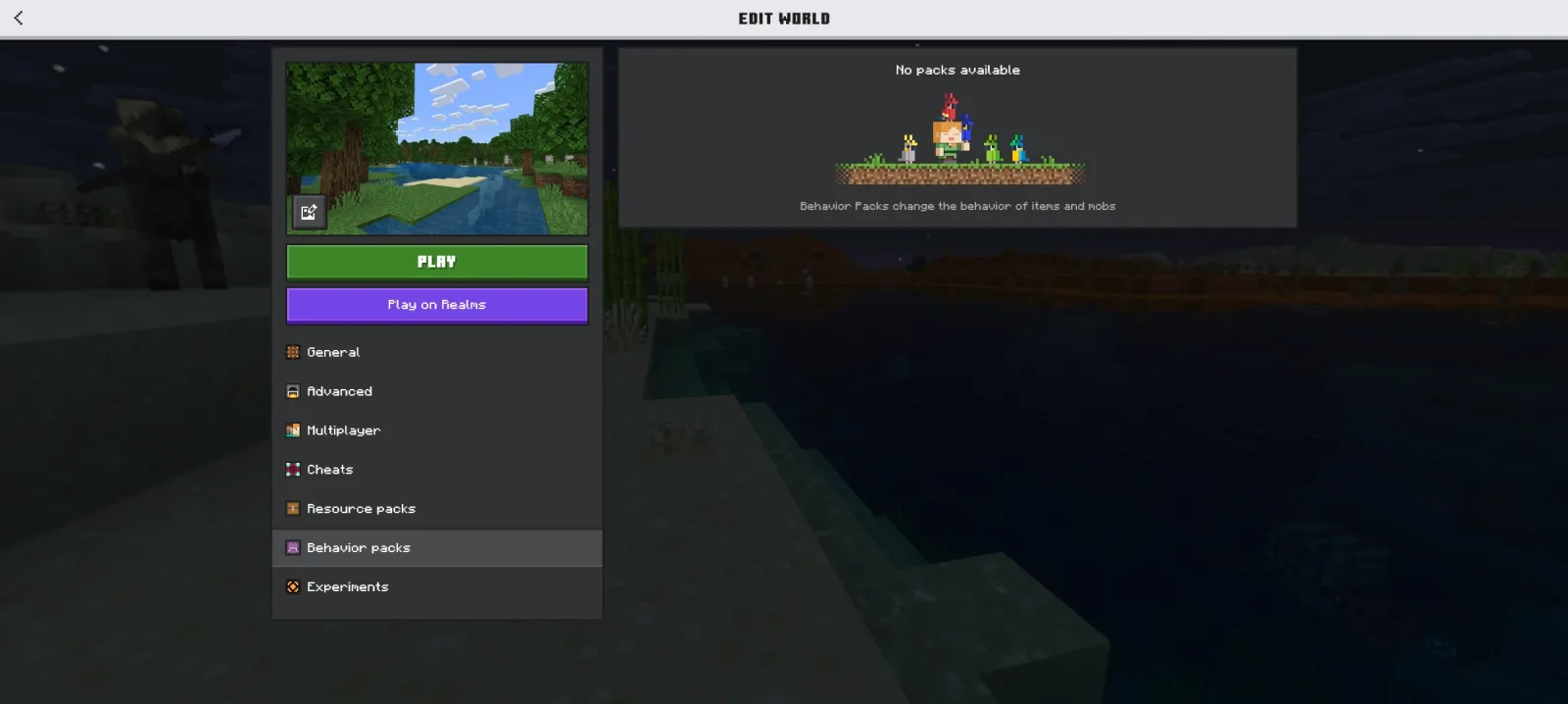
Minecraft Marketplace (inside the game) has a curated selection. Some are free, some cost a few dollars. Quality's usually solid since Microsoft tests them before listing.
GitHub is where latest creators post development builds. If you want the latest version of a pack before it hits Planet Minecraft, check the creator's GitHub.
Creator websites and Discord servers are worth joining directly. A lot of texture pack creators have communities where they ask for feedback and announce updates first.
Performance: Making Texture Packs Work on Your Device
This is where Bedrock's diversity becomes a challenge. Your phone isn't your PC isn't your Xbox. Resolution matters.
Mobile devices should stick with 64x64 or 128x128 textures. I tested a 512x512 pack on my tablet and watched the FPS tank immediately. Tablets have less memory than PCs. Constrain yourself to 128x128 max on mobile unless your phone is brand-new flagship hardware.
Consoles (Switch, Xbox) can handle 256x256 comfortably. Push past that and you'll see load stuttering and render lag. PCs vary wildly depending on your specs, but 512x512 is usually safe. 1024x1024 packs exist but aren't really necessary - diminishing returns.
Memory bandwidth is the real limiter on Bedrock. The engine's optimized for mobile, so it's more sensitive to texture memory bloat than Java Edition. Combine that with the fact that phones and tablets have less RAM than PCs, and you get frame drops quicker. If you install a texture pack and your game feels laggy, the pack's almost always the culprit.
Custom and Community Packs
Beyond the big names, there are thousands of smaller, community-made packs. Some focus on specific aesthetics (sci-fi, cottagecore, medieval, cyberpunk). Others are niche - texture packs for just mobs, or just UI elements, or just decorative blocks.
You can layer packs, by the way. Load one as your base and another on top for specific elements. Real talk, this lets you mix-and-match aesthetics without overloading your system.
Custom packs are where Bedrock texture pack culture gets interesting. Players create packs for specific servers and communities. If you're playing on one of the popular servers listed on the Minecraft server list, make sure to check the Minecraft Votifier Tester to ensure smooth multiplayer connectivity before installing custom packs. The server owner might have a custom pack that matches their world's theme. It's way better than vanilla when you're collaborating with other players.
One Last Thing
You don't need a texture pack to enjoy Minecraft. Vanilla's still beautiful. But if you've played thousands of hours and want a fresh aesthetic without learning shader coding or command blocks, texture packs are genuinely the path of least resistance.
Start with something safe like Compliance, spend an hour in your world, and see if it clicks. If not, try something else. The cost is zero. One potential is massive.

Lead writer at minecraft.how. Long-time Minecraft player running a small SMP server, testing every build, mod, and seed before writing about it.