Minecraft Wither Hoodie Skins and Style Guide for 2026

A minecraft wither hoodie usually means a custom skin, not an official in-game item. In 2026, the best ones mix dark hoodie shading, subtle Wither details, and clean compatibility on Java or Bedrock, instead of looking like someone pasted three skulls onto a sweatshirt and called it art.
That's the short answer. The longer answer is more useful, because "wither hoodie" can mean three different things depending on where you found it: a downloadable skin, a skin base you want to edit, or a full outfit concept for your own character.
And those aren't the same problem.
What a minecraft wither hoodie is
There still isn't a vanilla Minecraft item called a Wither Hoodie. No secret crafting recipe, no hidden cosmetic slot, no boss drop that turns Steve into a goth teenager. What players usually mean is a custom hoodie skin themed around the Wither, often with black, charcoal, bone-white, and soul-sand style accents.
The better versions don't overdo it. They hint at the Wither through color, face design, sleeve details, or a back emblem. The weaker ones try to cram the whole boss model into a player skin and end up looking noisy. I've tested a bunch of these on Hypixel lobbies and a couple of smaller EU servers, and the skins that read best from a distance are always the simpler ones.
So if you're searching for a minecraft wither hoodie, you're really looking for one of these:
- A ready-to-use skin with a dark hoodie and Wither-inspired details
- A skin base you can tweak in Skindex or Minecraft's dressing tools
- An outfit idea for a matching username, cape, or themed survival build
That distinction matters, especially on Bedrock. Actually, that's not quite right for Bedrock, because some platforms make imported custom skins easier than others. More on that in a minute.
Best minecraft wither hoodie skin styles right now
The most popular look in 2026 is still the black hoodie with white or grey highlights. It works because the Wither already has a strong silhouette, and hoodie skins benefit from contrast around the hood, sleeves, and shoes. Too much pure black and your character turns into a walking rectangle. Minecraft has enough of those already.
If you want examples to riff on, I'd start with a few existing hoodie-style community skins and compare what each one does well. The Hoodie02 Minecraft Skin is a useful reference for classic hoodie structure. A witherleo Minecraft Skin leans harder into the Wither identity. If you want something that feels more character-driven, the WitherBro737 Minecraft Skin gives you another angle on the theme.
Then there are softer variants that keep the hoodie shape but change the mood. The olivehoodies Minecraft Skin shows how muted tones can still look clean, and the hoodie1337 Minecraft Skin is handy if you want a simpler hoodie base before adding your own Wither details.
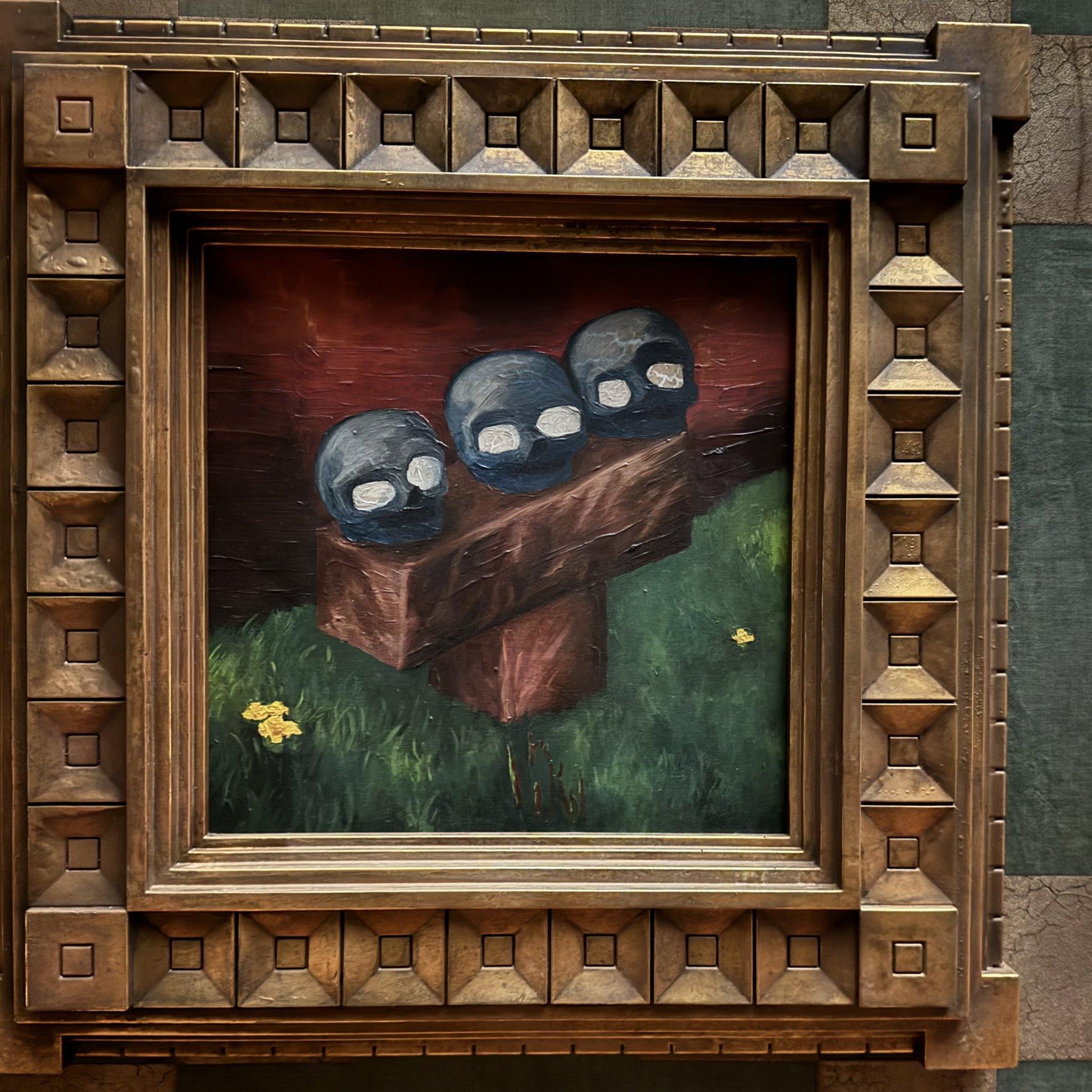
My pick here's the version that keeps the Wither influence subtle. Small bone-white drawstrings, shadowed eyes, maybe a three-head motif on the back. That's enough. You don't need to look like you lost a fight with a sticker pack.
What makes a good wither hoodie skin
A strong wither hoodie skin usually gets four things right:
- Readable contrast, so the hood, torso, and legs don't blur together
- Controlled palette, usually black, grey, white, and one accent color
- Back detail, because hoodies look flat without it
- Face restraint, since overdesigned eyes can make the skin look dated fast
If you're browsing skin libraries, zoom out before you download anything. Close-up shading can look clever in an editor and terrible in-game. That's not me being snobby, it's just how Minecraft skins work.
How to use a wither hoodie skin on Java and Bedrock
Java Edition is still the easy one. Download the skin file, upload it through your Minecraft profile, and you're done. Bedrock is more fragmented, because mobile, Windows, and console flows aren't identical.
For Java, the process is simple:
- Download the PNG skin you want
- Open your Minecraft profile page
- Upload the file under your skin settings
- Launch the game and check it in a bright area, not a cave
For Bedrock on Windows or mobile, imported custom skins usually work through the in-game dressing room. On consoles, things get messier, and some players still run into restrictions depending on platform policies and account setup.
That console situation has been shifting. The Loadout reported in June 2024 that Mojang had started testing a native PS5 version, which matters because console support and UI flow have been awkward for skin management for a while. If you're on PlayStation in the EU, check what your current version actually allows before you spend half an hour hunting for an import button that may or may not be there. Been there. Not my proudest evening.
One more practical tip: always preview the skin in both daylight and Nether lighting. Wither-themed skins often look great in neutral light and weirdly flat in red-toned environments.
Building your own minecraft wither hoodie look
Making your own version is usually better than downloading the first thing with "wither" in the name. Not because originality is sacred or anything dramatic like that. It just helps you avoid wearing the exact same skin as twelve other players in a SkyWars queue.
I like starting with the hoodie first, then layering in the Wither theme. If you begin from the boss idea, the skin tends to get too literal too fast.
Here's a good order to work in:
- Create a plain hoodie base with clean folds and sleeve separation
- Pick a Wither palette, usually black, ash grey, off-white, and maybe muted purple or soul-blue
- Add one focal detail, like a hood emblem, chest mark, or back graphic
- Shade the face lightly so the hood frames it instead of swallowing it
- Test the skin while moving, because side views expose bad arm shading instantly
The best custom designs I see on EU survival servers usually borrow from the Wither without copying the mob directly. Think cracked soul-sand cuffs, skeletal trim, or a stitched three-skull symbol. Small details. Cleaner result.
And if you want the skin to feel more current, pair it with post-1.20 visual habits: softer gradients, less checkerboard noise, and fewer hyper-bright accents. Old-school edgy skins had their moment. Some of them should stay there.
Color ideas that work
Not every dark palette feels like a Wither hoodie. These combinations tend to work best:
- Black, dark grey, bone white, charcoal
- Black, ash grey, muted soul-blue, pale white
- Deep grey, off-black, faded purple, light silver
Avoid fully saturated neon unless you're deliberately doing a parody skin. Which, to be fair, can be funny for about ten minutes.
Version notes for 2026, and what they change
Skin design doesn't usually depend on content updates, but player attention absolutely does. PCGamesN reported in early March 2026 that Minecraft 1.26.1, the "Tiny Takeover" drop, was expected in March based on Mojang's newer quarterly cadence. That means more players poking around the game again, more fresh screenshots, and more interest in profile style stuff like skins.
So yes, timing matters a bit. If you're choosing or publishing a minecraft wither hoodie in 2026, you're doing it in a period when players are actively refreshing their look around new drops and server resets.
For actual compatibility, the core rule hasn't changed much:
- Java custom skins are straightforward
- Bedrock supports custom skins differently by device
- Marketplace cosmetics still don't replace normal imported skin files one-to-one
- Some older skin templates look rough on newer expectations for shading quality
That's the boring answer, but it's the useful one.
Should you pick a minecraft wither hoodie?
If you want a skin that feels dark, recognizable, and easy to personalize, yes. It's one of the safest theme choices around because the Wither aesthetic translates well into Minecraft's blocky skin format. Creeper hoodies can look fun, zombie hoodies can look messy, and Enderman hoodies often turn into a pair of glowing eyes on laundry. The Wither sits in the sweet spot.
I'd only skip it if you want a brighter, more playful look, or if your server already has a dozen black-hoodie players standing around spawn trying to outbrood each other. In that case, even a small twist helps, maybe olive sleeves, silver trim, or a cleaner anime-style face.
For most players, the best option right now is simple: start from a hoodie skin you already like, borrow the strongest Wither cues, and keep the design readable from ten blocks away. That's what makes the skin feel intentional instead of accidental.
And if you're still deciding, compare a few bases, test them under different lighting, and don't overdecorate. Minecraft rewards clarity. Usually. Then again, it also lets us build gigantic dirt cubes, so the standards are flexible.