Flying-Squid: Building a Custom Minecraft Server in JavaScript
flying-squid (PrismarineJS/flying-squid)
Create Minecraft servers with a powerful, stable, and high level JavaScript API.
Want to run your own Minecraft server but don't know Java? Flying-squid might be exactly what you're looking for. It's a JavaScript-based framework that lets you spin up a fully functional Minecraft server with a clean, modern API instead of wrestling with Java configuration files or paying for hosting.
What This Project Does
Flying-squid isn't a pre-built server you download and run. It's a library. You write JavaScript code to define how your server behaves, what the world looks like, and how players interact with it. Think of it like Minecraft modding, but in a language many web developers already know.
The framework handles the boring parts: network protocol, player authentication, chunk loading, entity synchronization. You focus on the interesting stuff - custom game mechanics, unique world generation, server rules. It supports Minecraft versions 1.8 through 1.21, so you can target modern clients or older versions depending on your player base.
Why You'd Want This
Most custom Minecraft servers either use Bukkit/Spigot (Java) or they don't exist. Flying-squid opens up a third option for people who want something different.
Maybe you're building a game for a school project and you want full control without learning Java plugins. Maybe you're experimenting with procedural generation and you want to iterate quickly without restarting a Java server every five minutes. Maybe you run a small community and want a codebase you can actually understand and modify without diving into enterprise Java patterns.
The real win is simplicity. A basic flying-squid server is genuinely small. You get digging, placing, movement, player visibility, and world loading out of the box. Add plugins like the IRC bridge (flying-squid-irc) to link your server to Discord or other chat platforms, or use flying-squid-schematic to load pre-built structures on command.
Getting It Running
Installation takes about thirty seconds if you already have Node.js installed:
npm install
node app.js
Or globally:
sudo npm install -g flying-squid
flying-squid
If you prefer Docker (and honestly, who doesn't these days), you can pull the pre-built image:
docker run -p 25565:25565 prismarinejs/flying-squidThat's it. You've got a running server on port 25565. Clients can connect to localhost:25565 and start digging immediately.
Before running anything, check the config file at config/settings.json and change the world generator or server name if you want. Real talk, the defaults work fine for testing, but you'll probably want to customize things.
What Works Well
World generation is surprisingly solid. The default diamond-square algorithm creates decent terrain, but you can swap in alternatives. If you want Minecraft-like caves and proper biomes, the community has built node-voxel-worldgen (a Rust-based generator) and diamond-square alternatives. Superflat worlds are built in if you want flat creative building.
Block placement and breaking work fine. When a player digs, other players see it immediately. Digging animations sync. Inventory management works. It's all the core stuff that makes Minecraft feel like Minecraft.
Multi-world support is there if you need it. Run multiple worlds and separate players across them, which is useful for survival/creative splits or different game modes. Anvil format loading means you can actually import real Minecraft world files, which is ridiculously convenient for seeding a server with existing content.
Plugin system is where things get interesting. The community's built IRC bridges, schematic loaders, and various game mode tools. You can build custom commands and extend the server without forking the main codebase.
Gotchas and Real Limitations
First: this isn't production-ready for a public server with hundreds of players. Flying-squid is great for learning, for small communities (under 50 concurrent), and for experimental games. Scale beyond that and you'll hit performance walls. The original Minecraft server in Java has decades of optimization; flying-squid is young.
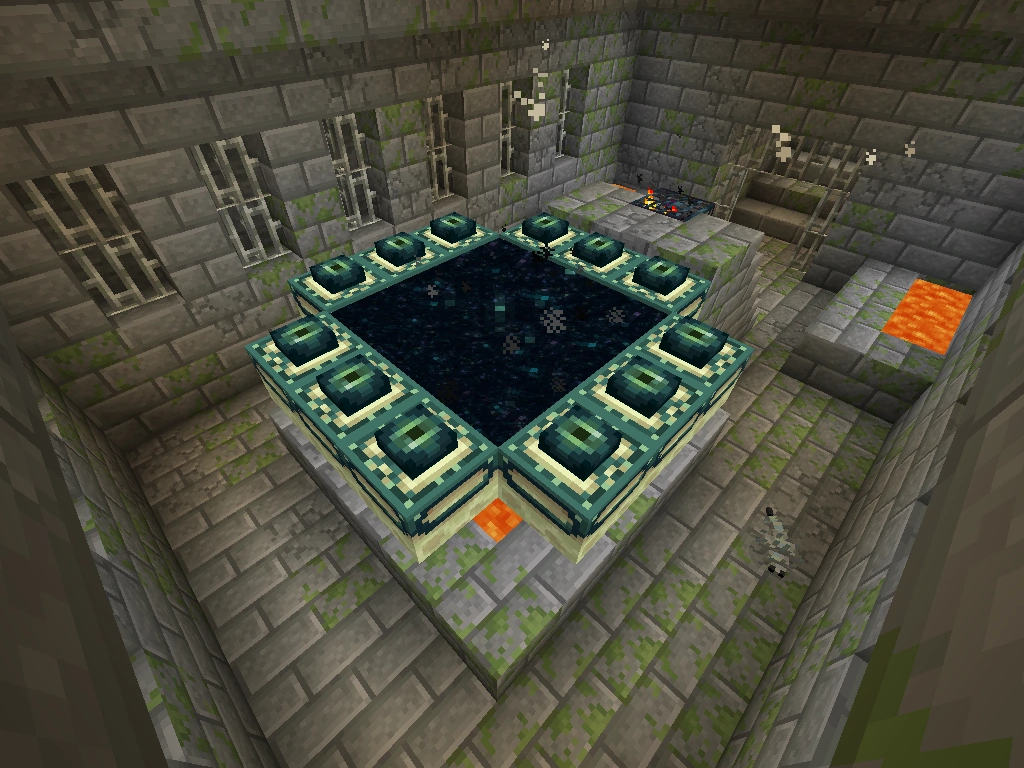
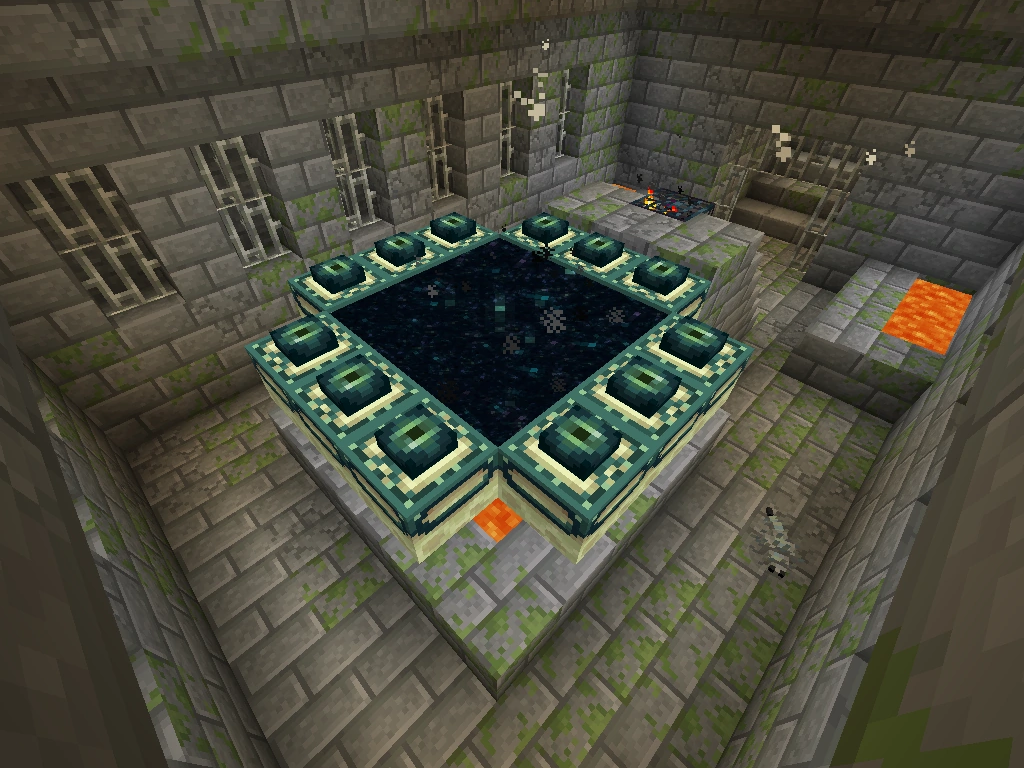
Second: not every Minecraft feature exists. Nether, End, redstone, hoppers, command blocks, the full spectrum of mechanics from 1.21 variants - they're not all here. You get the fundamentals. That's actually fine if you're building something custom anyway, but don't expect a 1:1 feature parity with Vanilla.
Third: debugging JavaScript connection issues is rougher than it should be. Protocol mismatches between client and server can produce cryptic errors. Actually, that only works on 1.20+ - earlier versions need different configuration. This is typical "young project" territory: the documentation isn't always crystal clear about which features work on which versions.
Fourth: the ecosystem is smaller than Bukkit. If you need a plugin for something specific, there's maybe a 50/50 chance it exists. You might write it yourself. That's not necessarily bad (rolling your own game logic is kind of the point), but it's different from the massive Bukkit plugin marketplace.
Comparing Your Options
If you want a traditional Minecraft server, Spigot/Paper are the obvious choice. They're mature, stable, and have infinite plugins. But you're writing Java.
Fabric is newer, lighter, and more moddable if you're comfortable with Minecraft modding itself. Excellent for survival servers with QoL enhancements.
Flying-squid is for when you want to build something from scratch in JavaScript. Different audience, different goals. It shines for experimental game modes, educational servers (teaching kids how servers work), or building something that isn't quite Vanilla Minecraft.
If you're running a public server and need DNS pointing to your server, you can use minecraft.how's free DNS tool to set it up without paying for a domain. And if you want to customize your server's MOTD (the message players see when they hover over your server), the MOTD Creator is a quick way to design one without copy-pasting color codes.
Worth It Or Not
Flying-squid is solid software for what it's. The code is clean, the plugin system works, and the core gameplay is stable. You won't hit showstopper bugs on versions 1.20 and above. The README is pretty honest about what's included and what isn't.
It's not trying to replace Spigot. It's trying to let JavaScript developers and educators build custom Minecraft experiences without touching Java. If that's your use case, it delivers. If you need a general-purpose server for your survival world, you've got better options.
PrismarineJS/flying-squid - MIT, ★600 Visit PrismarineJS/flying-squid on GitHub ↗
Lead writer at minecraft.how. Long-time Minecraft player running a small SMP server, testing every build, mod, and seed before writing about it.