How Minecraft-Javascript-Edition Teaches Procedural Generation
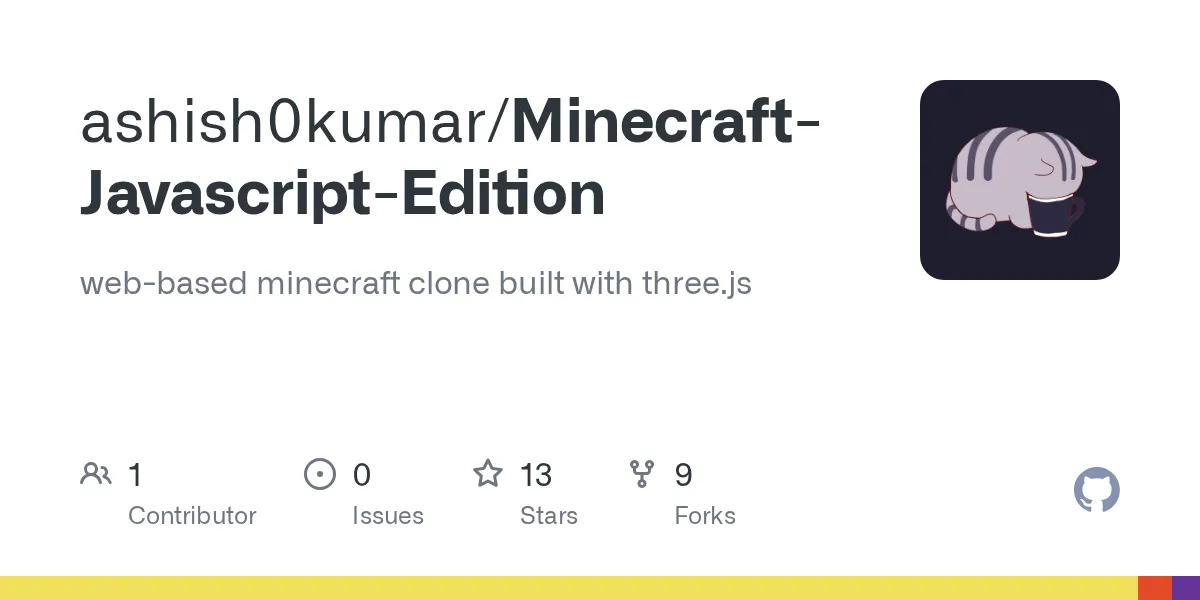
"web-based minecraft clone built with three.js"
ashish0kumar/Minecraft-Javascript-Edition · github.com
Ever wondered how Minecraft actually generates its worlds? This JavaScript clone runs entirely in your browser and teaches procedural generation, block physics, and terrain manipulation through hands-on experimentation. No mods, no launcher, no setup hassle.
What This Project Is
Minecraft-Javascript-Edition is a web-based game built with three.js (a popular JavaScript 3D library) that recreates core Minecraft mechanics inside your browser. It's not a full game, and it doesn't aim to be. With just 13 GitHub stars, it's a relatively lean project, but that's exactly what makes it interesting for developers and players curious about game architecture.
The maintainer, Ashish Kumar, released this under the MIT license, so the code is open to inspect, modify, and learn from.
Why This Matters for Builders and Learners
If you've ever played Minecraft 26.2 and thought, "I wonder how they algorithm handles infinite worlds," this project scratches that itch. The procedural generation system is entirely visible in the browser, meaning you can watch, tweak, and break it without consequences. You're not just playing the game - you're understanding the engine that powers it.
For game developers learning three.js, this is a reference implementation showing how to handle terrain chunking, block picking, and camera controls in 3D web spaces. Builders curious about how biomes and resources spawn will see it working in real time.
It's also just plain fun to tinker with.
Getting It Running Locally
The project lives on GitHub and runs on your machine via a development server. Here's what you need:
git clone https://github.com/ashish0kumar/Minecraft-Javascript-Edition.git
cd Minecraft-Javascript-Edition
Once cloned, install dependencies using npm (you'll need Node.js installed):
npm installThen start the development server:
npm run devOpen your browser to http://localhost:5173 and you're in.
There's also a live demo hosted on Netlify if you just want to poke around without installing anything, but running it locally lets you modify the terrain generation algorithm and see changes instantly.
The Mechanics That Make It Work
The toolbar lets you switch between different block types and a pickaxe tool. Honestly, place blocks with right-click, break them with the pickaxe. It sounds basic, but the underlying procedural system is what gets interesting.
Procedural generation means the world creates itself algorithmically rather than being handcrafted. The project generates terrain infinitely as you explore, chunking the world so your browser doesn't have to load everything at once - the same strategy Minecraft Java Edition uses, actually. Explore far enough and you'll stumble into coal and iron deposits scattered across the landscape, just like the real game.
You can terraform freely, save your world state, and reload it later. The save/load system persists your changes locally in your browser, so your terraforming experiments aren't lost when you refresh.
If you're into pixel art or detailed terraforming, the minecraft.how text generator can help you design text-based structures to recreate in your clone world. It's a neat way to bridge the gap between planning and building.
Limitations and Browser Reality
This isn't a replacement for Minecraft. It's missing multiplayer, the Nether, the End dimension, mobs, crafting, and about a thousand other things that make Minecraft Minecraft.
Performance depends entirely on your hardware and browser. Older machines or browsers might choke if you generate a massive world. The draw distance isn't infinite - you'll see the terrain pop in and out at the chunk boundaries, which is fine for educational purposes but noticeable if you're used to Minecraft's rendering.
This is a single-player browser project. If you want to test multiplayer server mechanics or see how real Minecraft servers handle connections, check out our server status checker to explore what's running in the actual game.
Also, this won't run on mobile effectively. Keyboard controls and a 3D perspective work best on desktop.
How It Compares to Similar Projects
A few other Minecraft-inspired projects exist in the JavaScript ecosystem. Babylon.js and Cesium.js both offer 3D terrain generation libraries, though they're broader tools without the Minecraft mechanics baked in. PlayCanvas has community-made Minecraft-like games, but they tend to be less focused on procedural generation as a learning tool.
Rust-based game engines like Bevy have similar educational clones, and the Minecraft modding community has countless technical deep-dives into world generation algorithms. What separates this project is the low barrier to entry - it's a browser tab, not a download, and the source code is readable without hunting through decompiled bytecode.
If you want a more feature-complete experience, official Minecraft remains the standard. If you want to understand how the magic happens under the hood, this JavaScript edition is where you start.

Lead writer at minecraft.how. Long-time Minecraft player running a small SMP server, testing every build, mod, and seed before writing about it.