Minecraft.How
加载中...
跳至内容

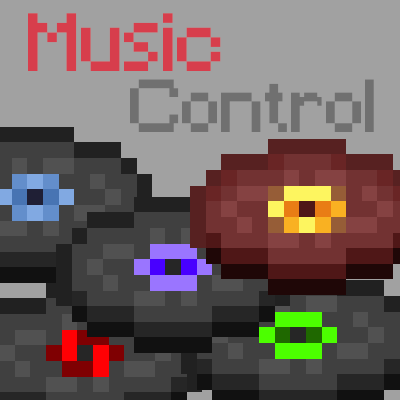
Music Control

作者 Pardys

A Fabric client-side mod that lets you skip tracks, adjust volume, and fully remap which music plays in each biome or dimension.

我们的介绍

这个项目能做什么

What it does Music Control puts a music player in your hands. You can skip the current track, go back to the previous one, pause, or change the volume with a few key presses. A configurable GUI panel lets you pick any music or sound event in the game and play it immediately. You can also decide exactly which tracks are allowed for each biome, dimension, or custom sound event, including music added by resource packs or other mods. ## Who it's for Players who want more say over the soundtrack without installing a server-side mod. But it works entirely on the client, so you can drop it into any Fabric profile and join any server. Modpack makers can include it freely under the MIT license. ## Main features - Skip, previous, pause, and volume keybinds (defaults: arrow keys, right shift, up/down). - Display the currently playing track name (right ctrl by default). - Loop toggle for the current track. - Music panel (M key) to browse and play any track or sound event. - History tracking so the same track doesn't repeat until the pool is exhausted. - Four playback modes: vanilla (biome/dimension events), disc only, all music, or per-namespace categories for modded tracks. - Full remapping: assign specific tracks to specific sound events or biomes. ## Compatibility Requires Fabric loader. Supported Minecraft versions: 1.21, 1.21.1, 1.21.3, 1.21.4, 1.21.5, 1.21.6, 1.21.7, 1.21.8, 1.21.9. Client-side only; the author states no server installation is needed and no Forge port is planned. Licensed MIT.

反应

登录后即可做出反应。

兼容性

版本与加载器

已记录 8 个版本

图库

Music Control icon

我们使用 Cookie 来改善您的体验。继续使用本网站即表示您同意我们使用 Cookie。 阅读我们的隐私政策